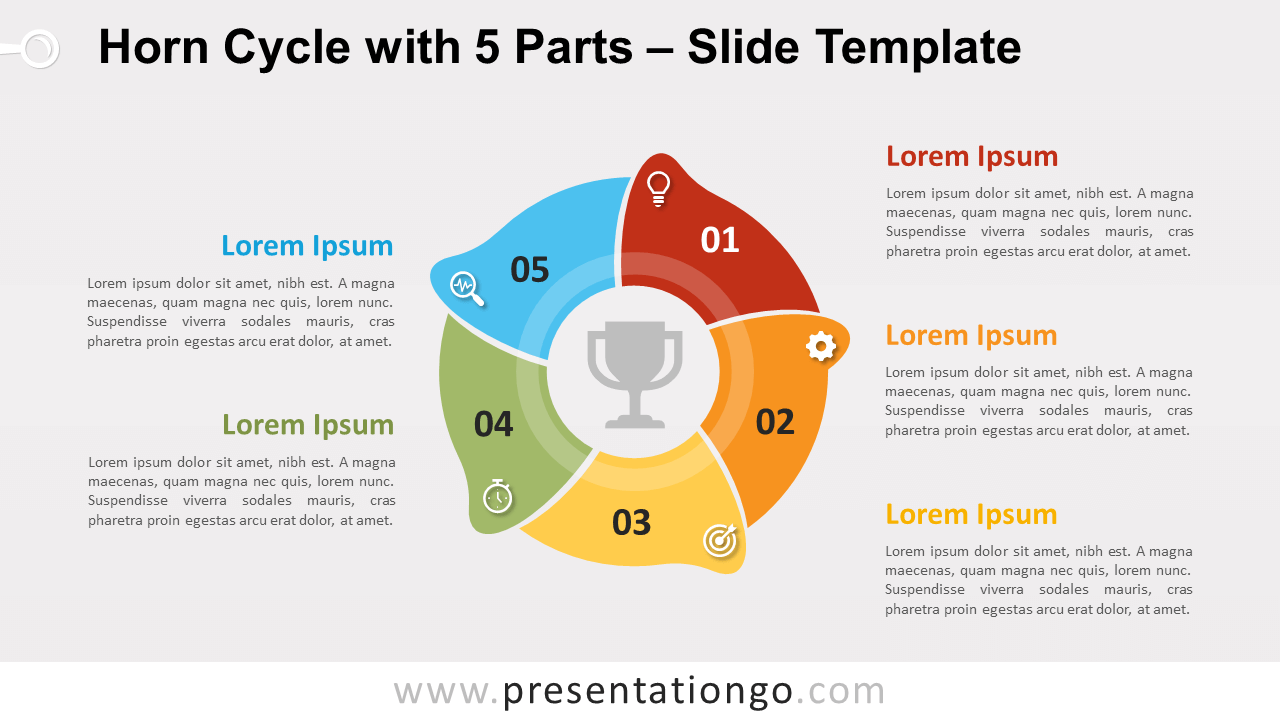
Free horn cycle with 5 parts for PowerPoint and Google Slides. A circular process diagram designed with five horn-shaped elements. Editable graphics with icons and text placeholders.
Horn Cycle with 5 Parts
We are pleased to introduce our new short series of cycle diagrams with horn shapes. These new circular process diagrams will make noise… from your attendance! Indeed, you will certainly hear some WOW! or NICE! when you will present your information.
The five horn shapes are interlocked to create a diagram with a circular flow. You can use it as a cycle, to represent a continuing sequence of 5 stages, tasks, or events. It will suit be great as well as a radial. Indeed, it will perfectly show the relationship between the 5 elements that explain the main central idea.
Shapes are 100% editable: colors and sizes can be easily changed.
Includes 2 slide option designs: Standard (4:3) and Widescreen (16:9).
Widescreen (16:9) size preview:
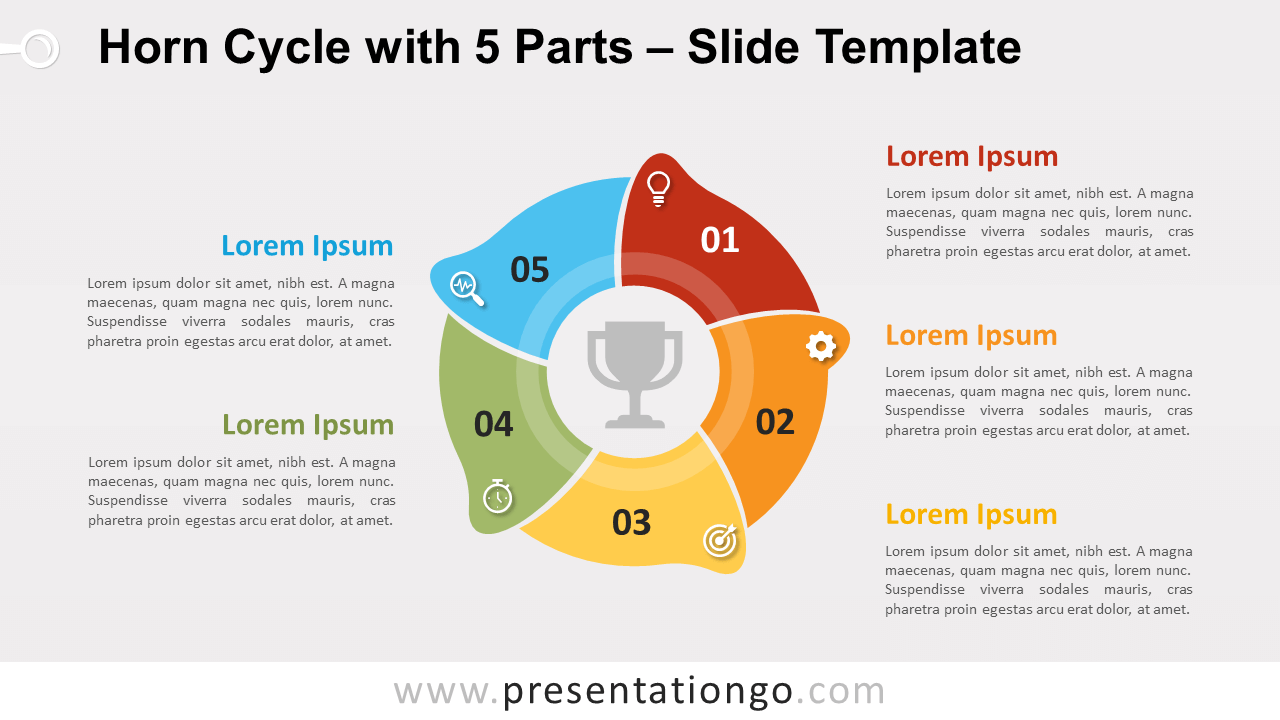


This ‘Horn Cycle with 5 Parts for PowerPoint and Google Slides’ features:
- 2 unique slides
- Light and Dark layout
- Ready to use template with icons and text placeholders
- Completely editable shapes
- Uses a selection of editable PowerPoint icons
- Standard (4:3) and Widescreen (16:9) aspect ratios
- PPTX file and for Google Slides
Free fonts used:
- Helvetica (System Font)
- Calibri (System Font)