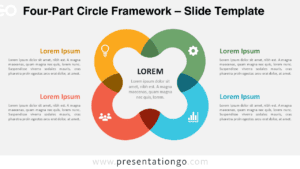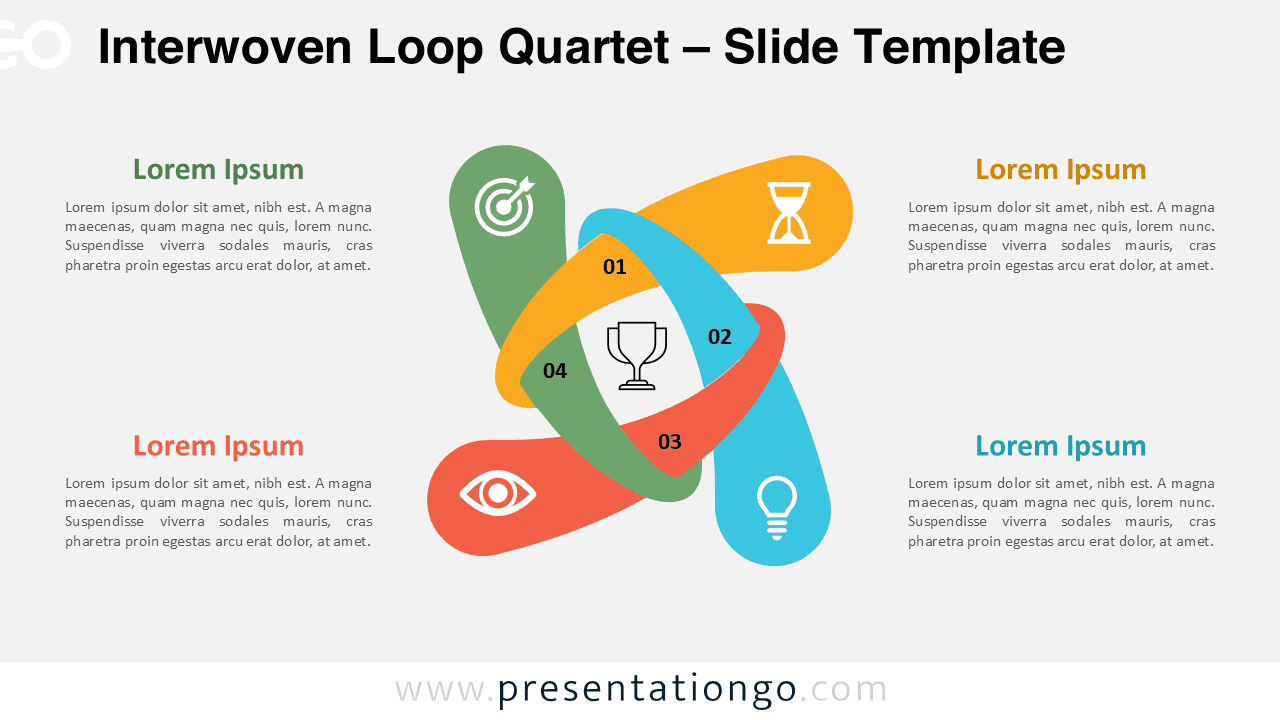
The Interwoven Loop Quartet presents a four-step diagram designed for PowerPoint and Google Slides to illustrate interconnected processes or components.
Presenting Four Interdependent Stages with a Central Goal
This diagram consists of four ribbon-like loops that weave together at the center, creating a dynamic knot effect. Each loop is numbered and extends outward to connect with icons and text blocks placed in the corners of the slide. The central trophy icon emphasizes collective achievement, while the symmetrical cross-like layout reinforces balance and integration. Its interwoven design provides both clarity and harmony, ensuring that all elements appear cohesive and unified.
Circular diagrams are often used in presentations to show cycles, processes, or concepts where continuity and interdependence matter. This design works especially well for business strategies built on four core pillars, project phases converging to a single outcome, or team collaborations where every role contributes equally. For example, a project manager could present the four stages of a product launch, each leading toward the final successful delivery, while a consultant might use the diagram to highlight four essential performance drivers that ensure organizational growth.
This template includes two unique slides pre-filled with numbers, icons, and text placeholders for clarity and ease of editing. Every element is fully customizable, from colors to icon selection, making it adaptable to specific branding or communication needs. The set comes in both light and dark themes and is available in Standard (4:3) and Widescreen (16:9) formats. It is compatible with both PowerPoint PPTX and Google Slides, giving presenters flexibility in their preferred platform.
Download this four-step diagram to showcase interconnected processes or components in your next presentation.
Widescreen (16:9) size preview:
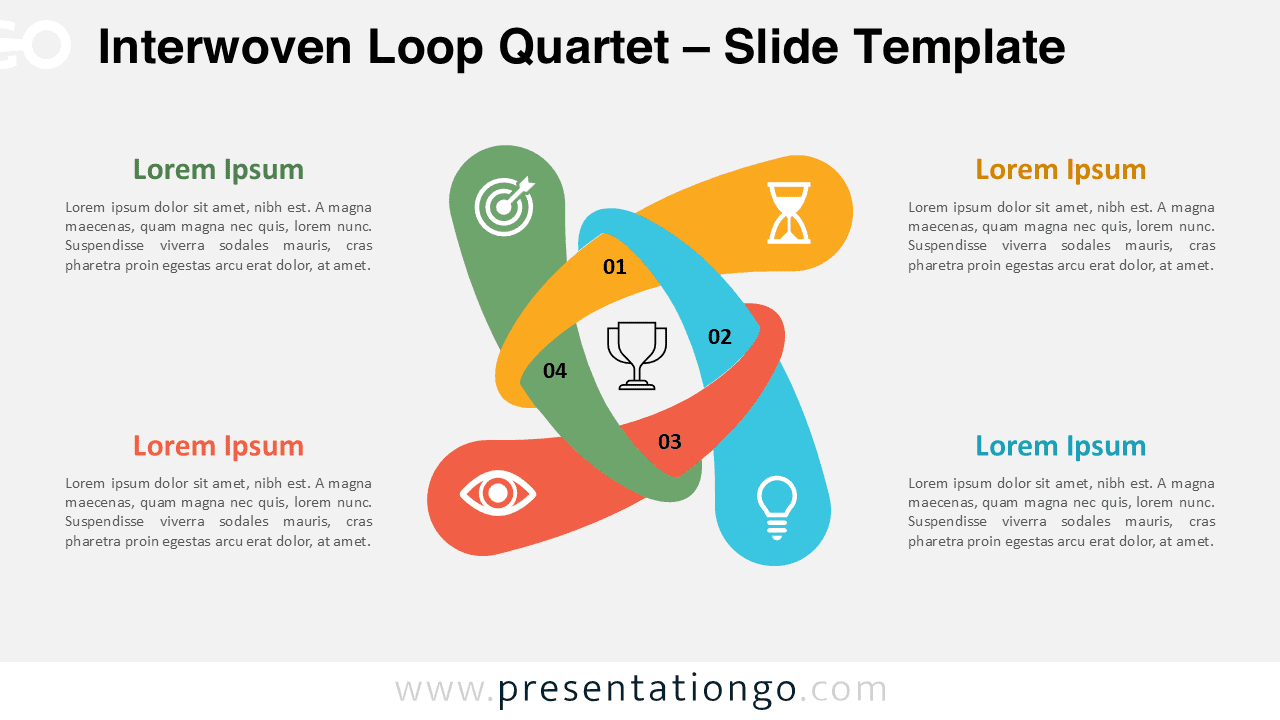
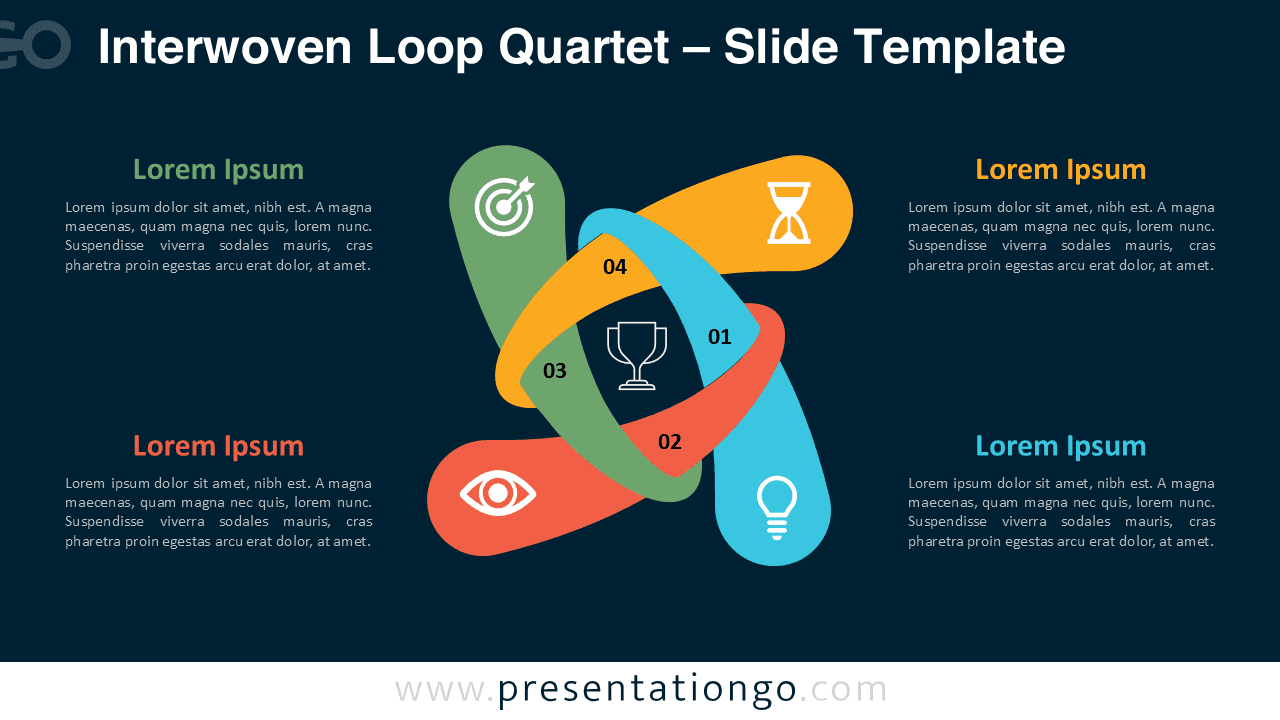


This template offers:
- 2 unique slides
- Options for both light and dark themes
- Pre-populated with numbers, icons, and text placeholders
- Fully customizable shapes for complete control
- Available in both Standard (4:3) and Widescreen (16:9) ratios
- Offered in both PowerPoint PPTX and Google Slides formats