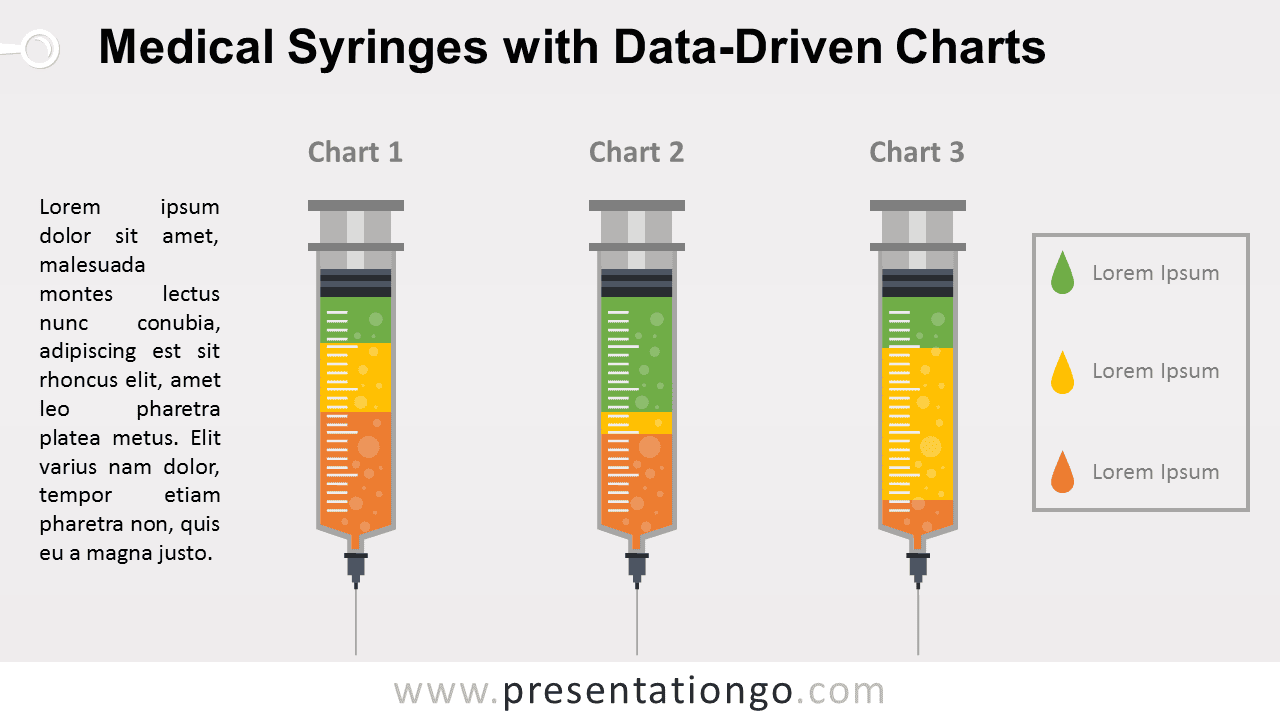
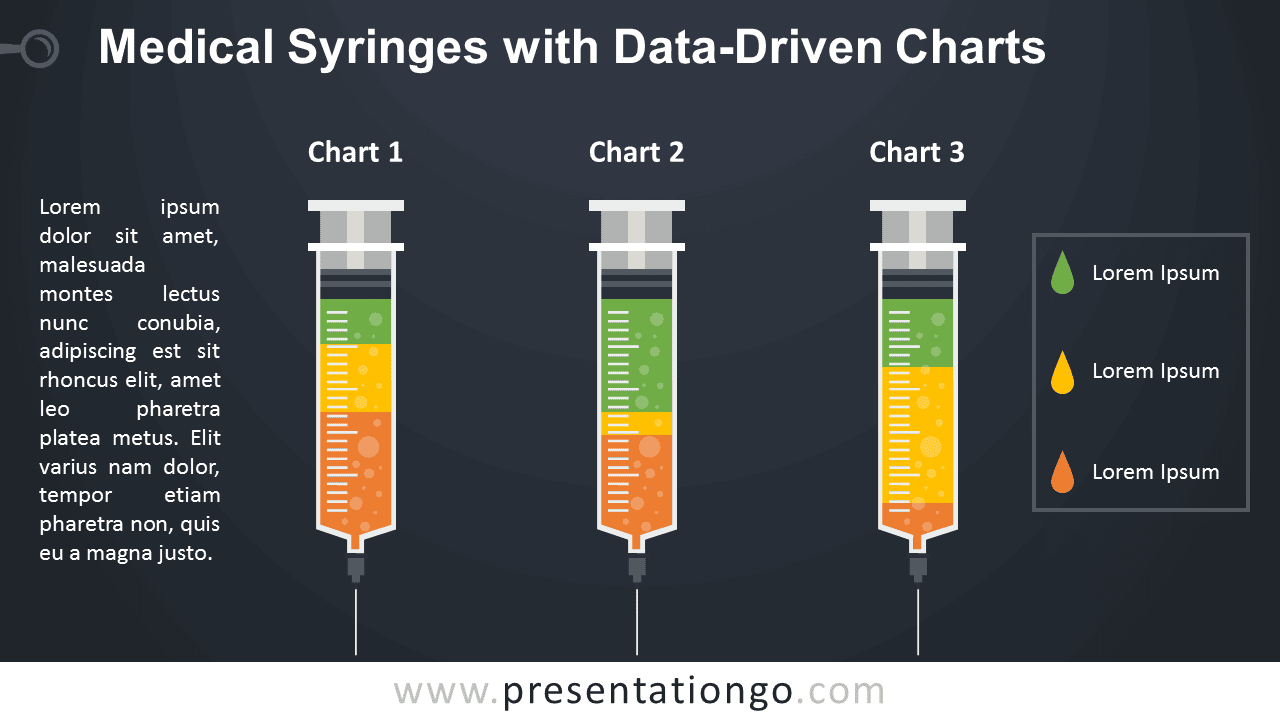
The Medical Syringes Chart for PowerPoint turns three data sets into syringe-shaped chart visuals. Each syringe has its own chart title, while the legend identifies the data series. The layout is suited to healthcare statistics, clinical research, treatment comparisons, medical reports, and other presentations that need three related data views.
Diagram Preview


Features and Customization Options
- Compatible with Microsoft PowerPoint
- Includes 2 editable slides with matching layouts
- Built-in data driven PowerPoint chart
- Change data series and format directly in PowerPoint
- Editable text, shapes, colors, and sizes
- Includes both light and dark background versions
Design and Structure
The Medical Syringes Chart uses three vertical syringe visuals placed side by side for direct comparison. Each syringe displays segmented chart data inside the barrel, with a title above and measurement-style marks along the side. A legend on the right identifies the data series, while the text area on the left provides space for context, findings, or supporting notes.
The built-in data driven PowerPoint chart lets you change the data series and format the chart without rebuilding the visual. You can update the underlying values, revise the chart labels, adjust formatting, and replace the surrounding text to match your medical or healthcare topic.
Practical Applications
- Compare healthcare metrics across three groups
- Present clinical research findings
- Visualize treatment or dosage data
- Compare medical test results
- Summarize patient or study statistics
- Present pharmaceutical or laboratory data
Summary
The Medical Syringes Chart combines three syringe-shaped visuals with editable PowerPoint chart data for medical and healthcare presentations. Its data-driven structure supports comparisons, research findings, clinical metrics, and other quantitative information.