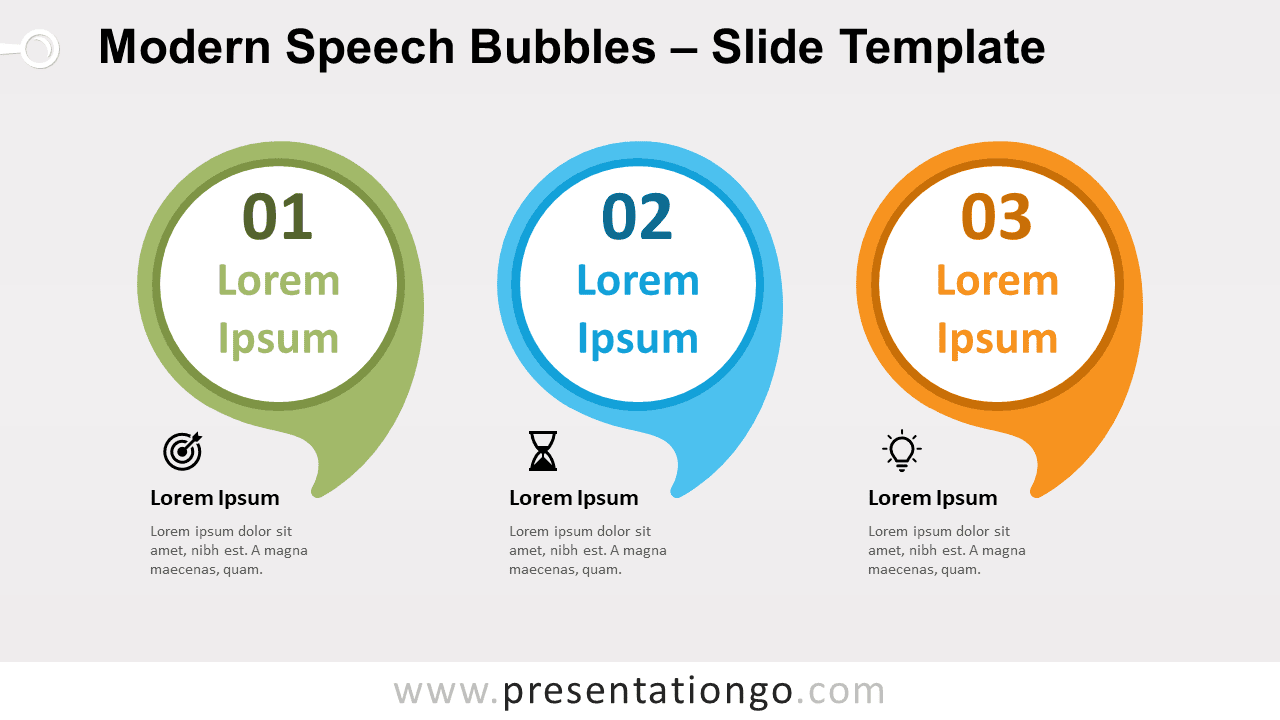
Free modern speech bubbles for PowerPoint and Google Slides. A set of three horizontally-aligned eye-catching rounded speech bubbles. Great to showcase quotes or to compare ideas. Editable graphics with numbers, icons, and text placeholders.
Modern Speech Bubbles
Speak up! Don’t refrain from sharing your ideas! You can actually do it in a visually attractive manner thanks to this free Modern Speech Bubbles slide template!
This eye-catching design displays three rounded speech bubbles aligned horizontally. They each have their own color and you can write a number and a title inside each one. In addition, you will find text placeholders beneath each speech balloon to describe your ideas, thoughts, or insights in detail. Finally, there are also spaces to include icons in case you want to represent graphically each one of your 3 options.
This infographic has more than one purpose. You can indeed use it to quote people’s words, to compare three ideas, or make a list of three elements. Use your freedom of speech and trust this free Modern Speech Bubbles template!
Shapes are 100% editable: colors and sizes can be easily changed.
Includes 2 slide option designs: Standard (4:3) and Widescreen (16:9).
Widescreen (16:9) size preview:


This ‘Modern Speech Bubbles for PowerPoint and Google Slides’ features:
- 2 unique slides
- Light and Dark layout
- Ready to use template with numbers, icons and text placeholders
- Completely editable shapes
- Uses a selection of editable PowerPoint icons
- Standard (4:3) and Widescreen (16:9) aspect ratios
- PPTX file and for Google Slides
Free fonts used:
- Helvetica (System Font)
- Calibri (System Font)