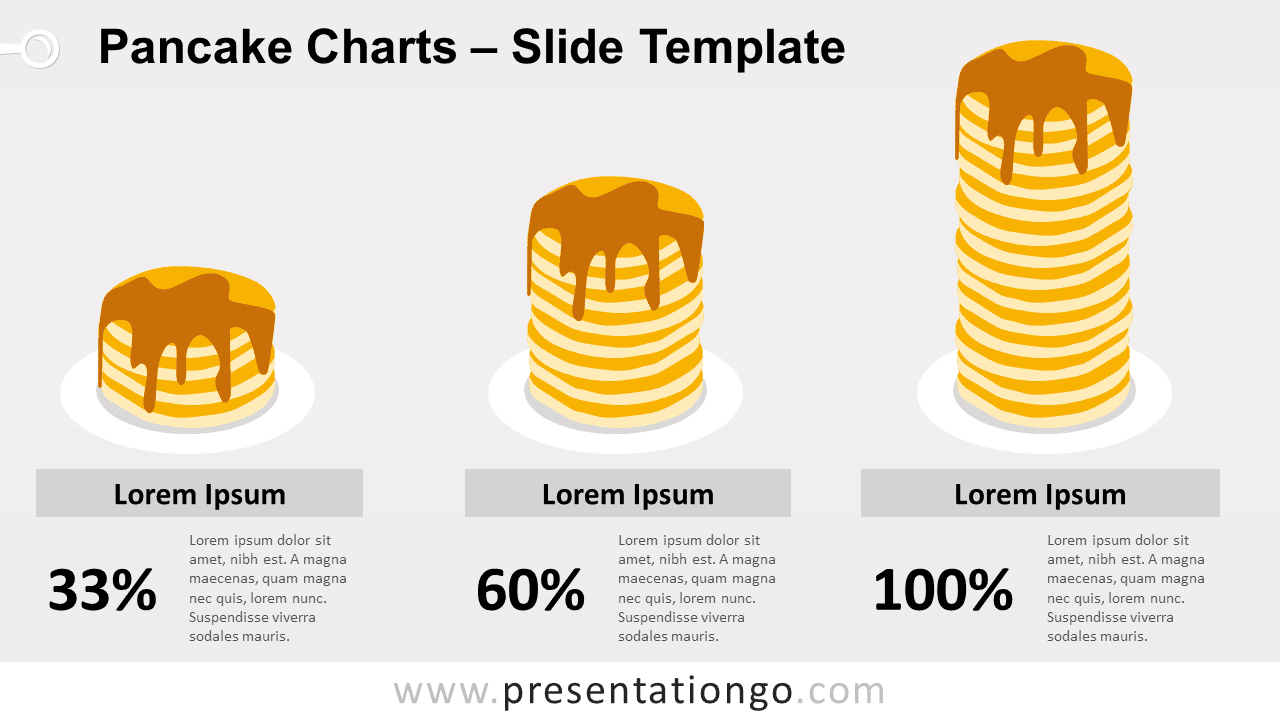
Free pancake charts for PowerPoint and Google Slides. This adjustable pile of pancakes is a fun alternative to show quantitative data. Non-data-driven yet editable graphics.
Pancake Charts
This infographic chart is a fun way to show percent data. Additionally, it is a non-data-driven chart alternative, meaning that you can’t link it to real data.
Just pile up your pancakes and adjust the height with as many pancakes as needed according to your quantitative information.
This graphic can be used for any purpose, but it will suit more specifically illustrations about food in general.
Shapes are 100% editable: colors and sizes can be easily changed.
Includes 2 slide option designs: Standard (4:3) and Widescreen (16:9).
Widescreen (16:9) size preview:

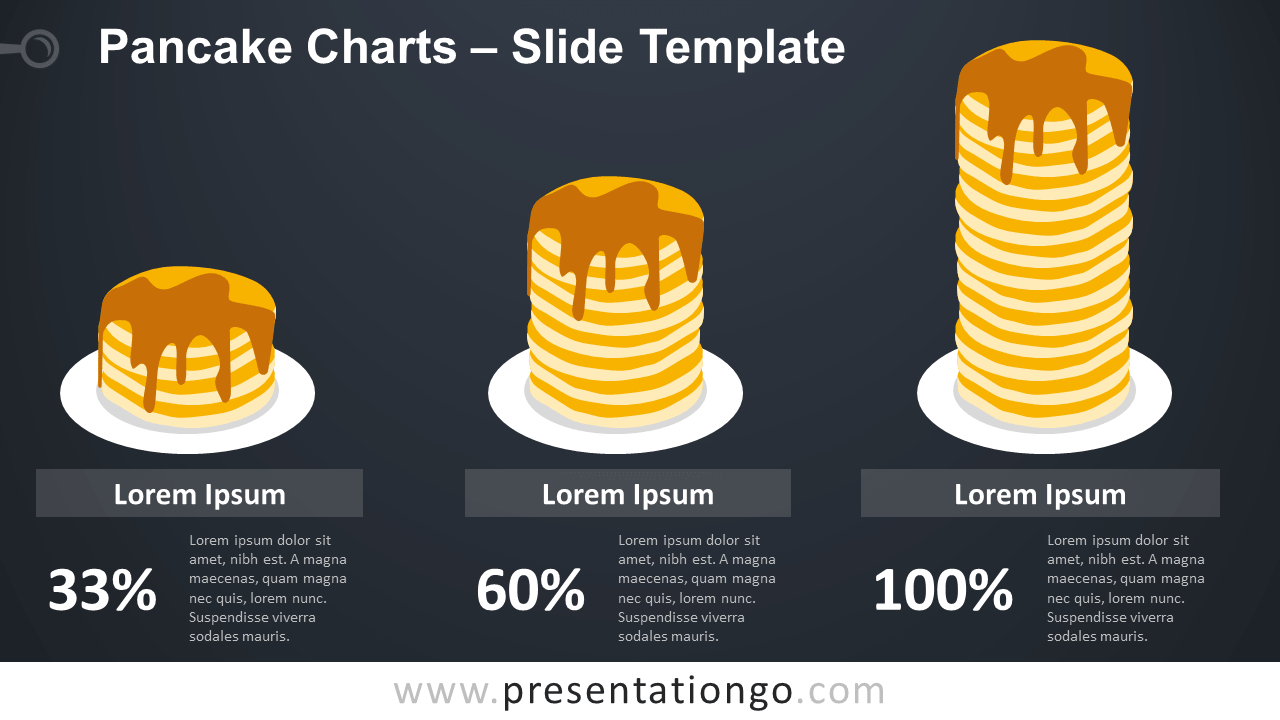


This ‘Pancake Charts for PowerPoint and Google Slides’ features:
- 2 unique slides
- Light and Dark layout
- Ready to use template with numbers and text placeholders
- Completely editable shapes
- Standard (4:3) and Widescreen (16:9) aspect ratios
- PPTX file and for Google Slides
Free fonts used:
- Helvetica (System Font)
- Calibri (System Font)