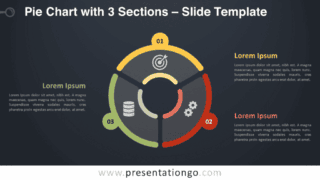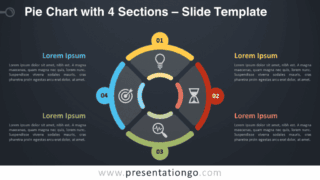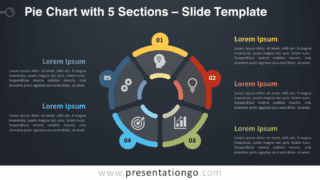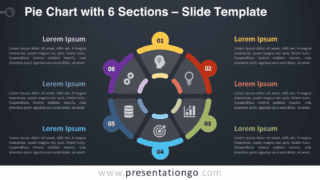
Free pie chart with 7 sections for PowerPoint and Google Slides. A beautiful steering wheel look-alike circular diagram with seven parts. Editable graphics with icons and text placeholders.
Pie Chart with 7 Sections
Capturing your audience’s attention will be as easy as pie! You just have to show them clear and colorful graphics such as this free ‘Pie Chart with 7 Sections’ template!
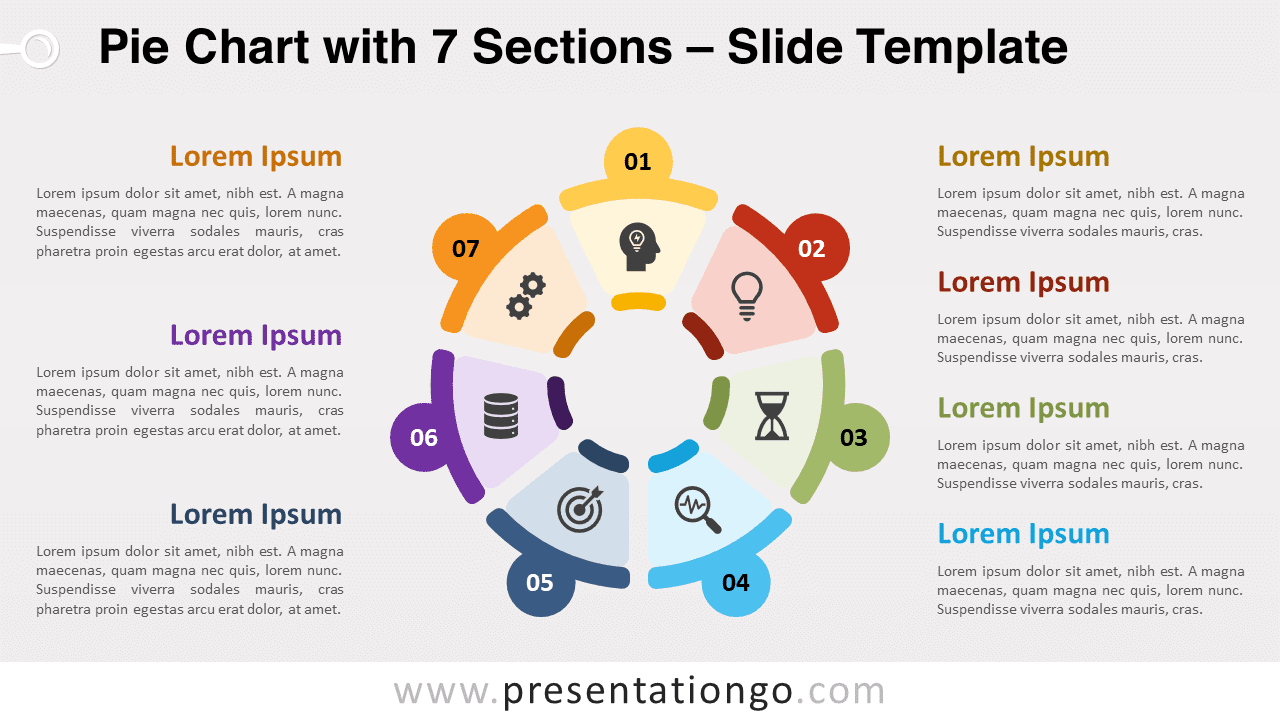
This fantastic infographic shows a circular shape in the center of the slide. It is divided into 7 parts that look like the pieces of a cake or a pie. Or a pie chart with 7 equal portions. This sequence of stages represents your 7 options to illustrate your steps, events, or ideas. Besides, you can insert an icon inside each section. You also have the possibility to leave or remove a number for each one of your stages. Finally, you will find one text placeholder for every step or idea.
This free Pie Chart with 7 Sections template is a great tool to share your circular processes. You can also use it to display 7 ideas that are interconnected.
Shapes are 100% editable: colors and sizes can be easily changed.
Includes 2 slide option designs: Standard (4:3) and Widescreen (16:9).
Widescreen (16:9) size preview:

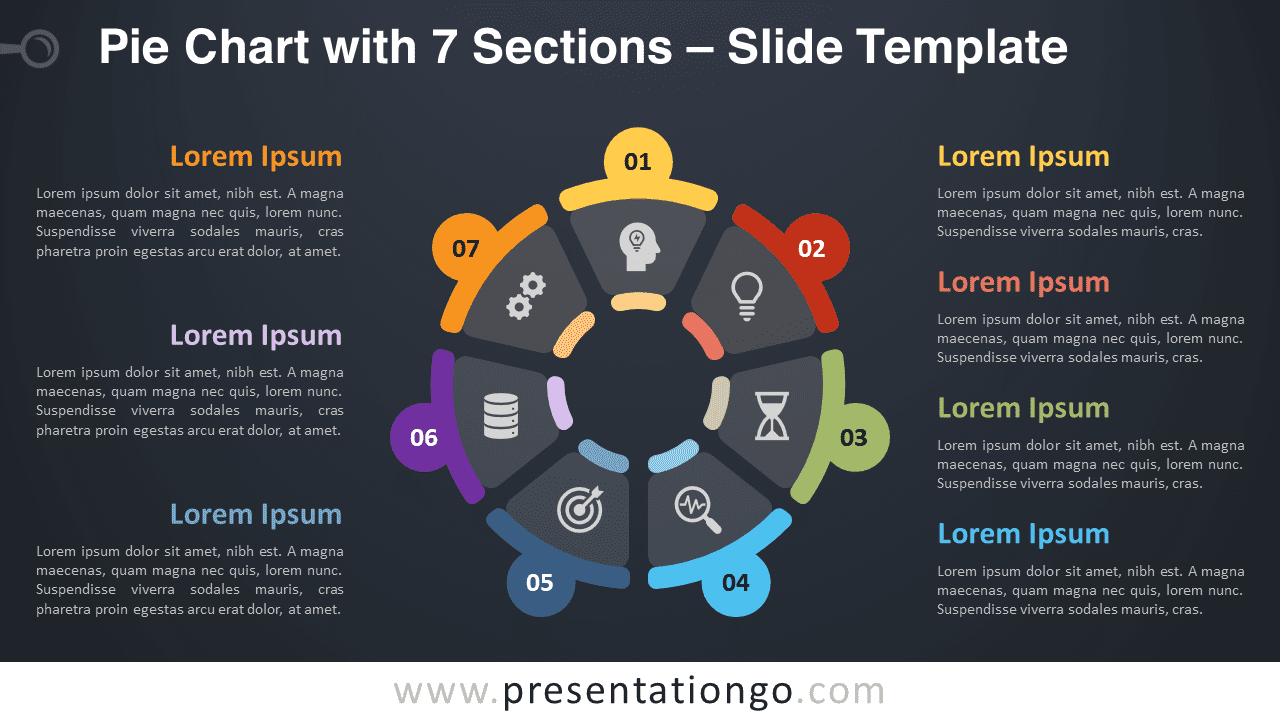
This ‘Pie Chart with 7 Sections’ template features:
- 2 unique slides
- Light and Dark layout
- Ready to use template with icons and text placeholders
- Completely editable shapes
- Uses a selection of editable PowerPoint icons
- Standard (4:3) and Widescreen (16:9) aspect ratios
- PPTX file (PowerPoint) and for Google Slides
Free fonts used:
- Helvetica (System Font)
- Calibri (System Font)
Te complete Pie Chart template collection: