• Blog

Rhombus Process Diagram for PowerPoint

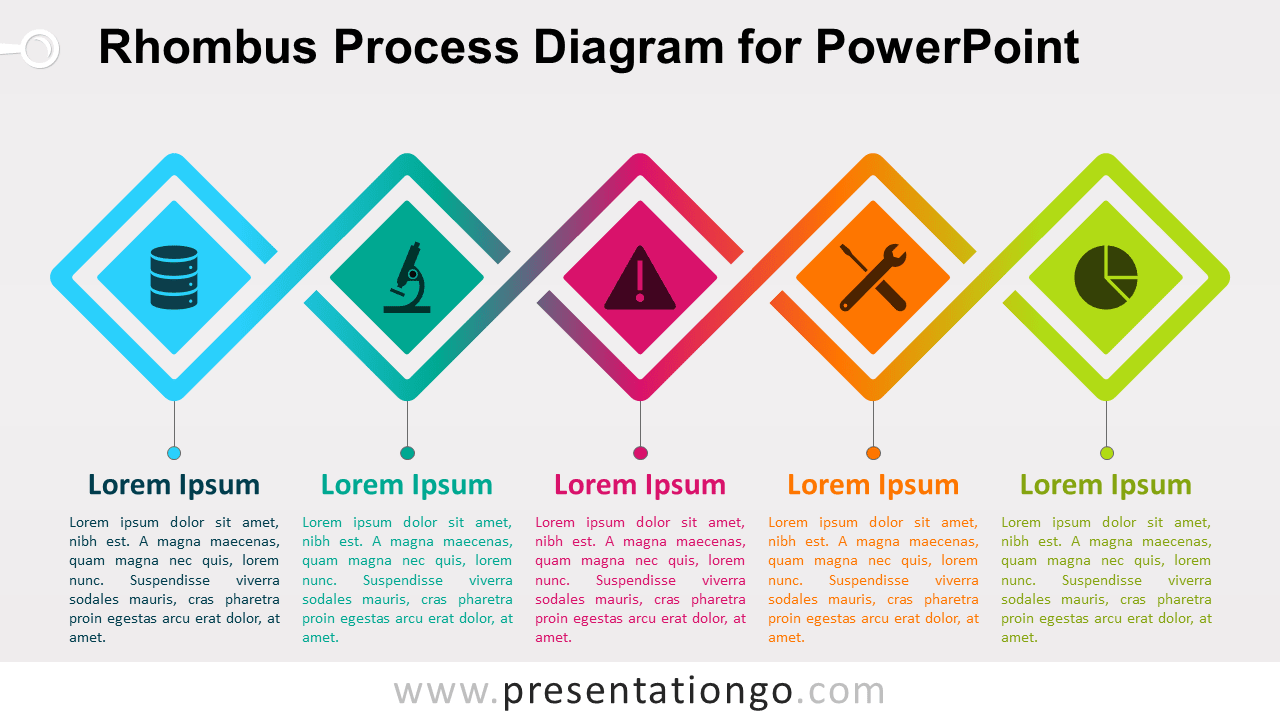
Free rhombus process diagram for PowerPoint. 5-step horizontal process diagram with 5 interconnected rhombus outlines.

PPTX

4:316:9

Free Rhombus Process for PowerPoint

Free rhombus process diagram for PowerPoint. 5-step horizontal process diagram with 5 interconnected rhombus outlines. Editable graphics with text and icon placeholders.

Rhombus Process Diagram

Use this process diagram in your presentations to show:

  • 5 groups/elements of information
  • a progression or 5 sequential steps in a task, process, or workflow
  • a timeline
  • 5 ideas or concepts

Shapes are 100% editable: colors and sizes can be easily changed.

Includes 2 slide option designs: Standard (4:3) and Widescreen (16:9).

Widescreen (16:9) size preview:
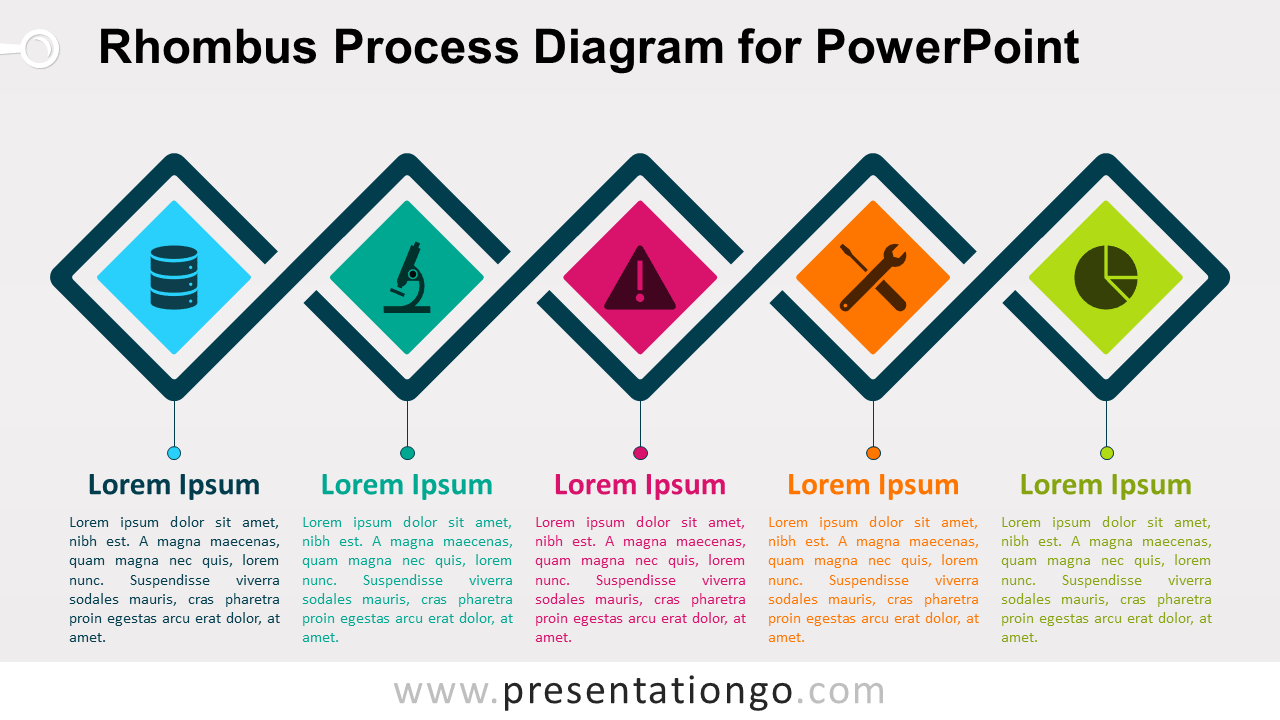
This ‘Rhombus Process Diagram for PowerPoint’ features:

  • 3 unique slides
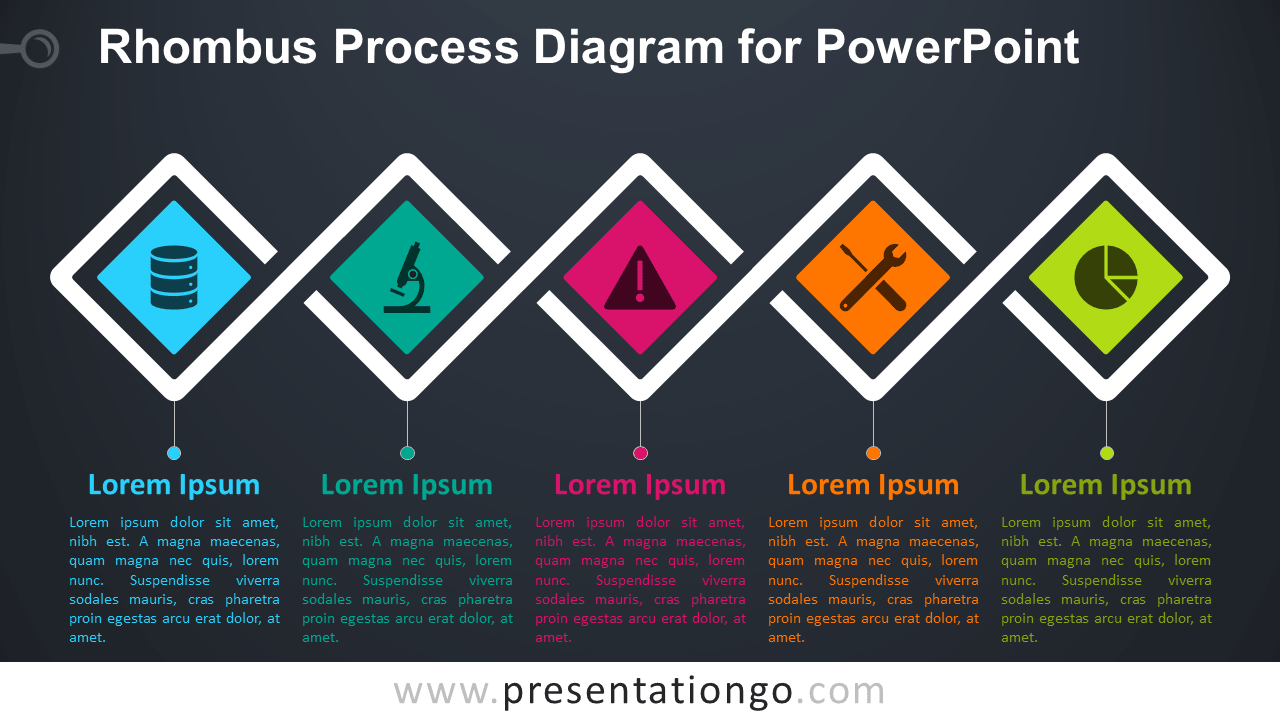
  • Light and Dark layout
  • Ready to use template with text and icon placeholders
  • Completely editable shapes
  • Uses a selection of editable PowerPoint icons
  • Standard (4:3) and Widescreen (16:9) aspect ratios
  • PPTX file

Free fonts used:

  • Helvetica (System Font)
  • Calibri (System Font)
100% Free
  • No sign-up required
  • Unlimited downloads
  • Always free

Requires attribution — Terms · license without credit

PowerPoint
4:3 · PPTX · 135 KB
PowerPoint
16:9 · PPTX · 132 KB
Aspect ratio available: 4:3, 16:9

Terms of use

Free to use, with one condition

This template is free for personal, educational, and commercial work — as long as you credit PresentationGO.

Tap any item below for the full details ↓

Keep the "Design by PresentationGO" credit on your title or closing slide, or add a visible link to presentationgo.com if you remove it.

Use it freely for school, personal projects, and non-commercial presentations.

Use it in client work, pitches, and internal business presentations.

You can't resell the template itself or republish it on another template site, edited or not.