
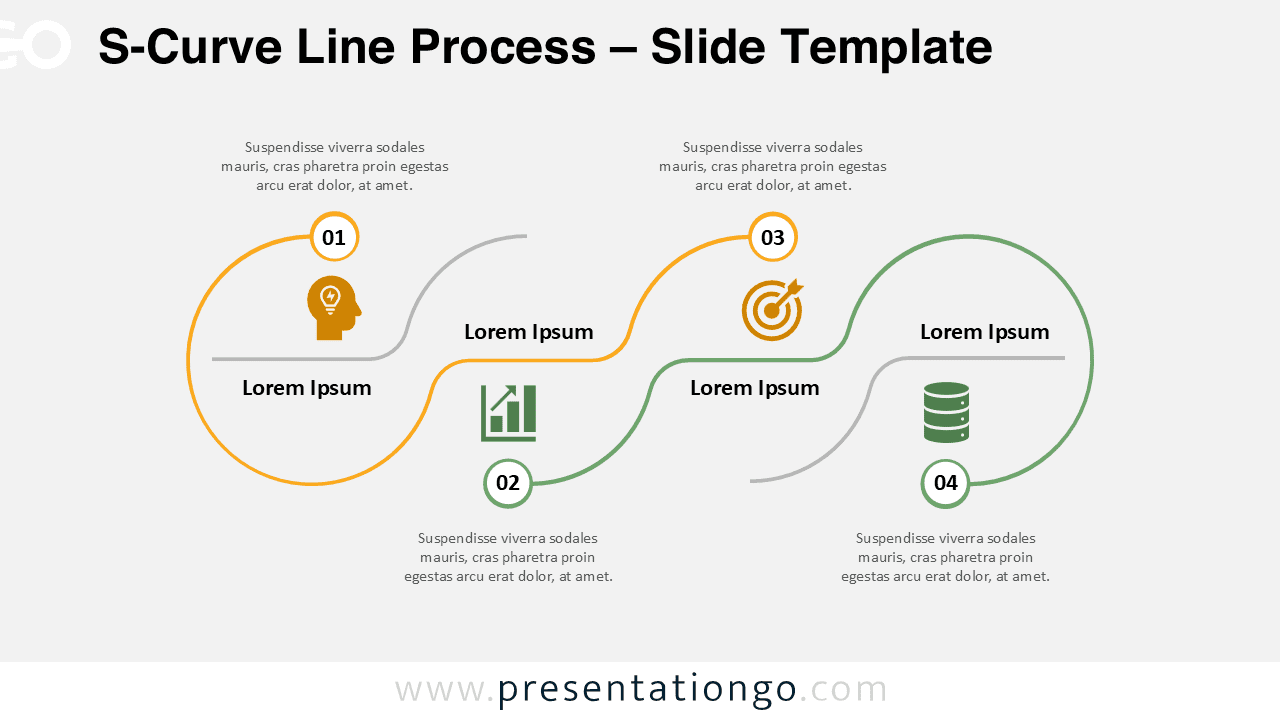
The S-Curve Line Process displays a four-step horizontal workflow through alternating wave-like segments designed for PowerPoint and Google Slides.
A Four-Phase Process Mapped Through a Wavy Timeline
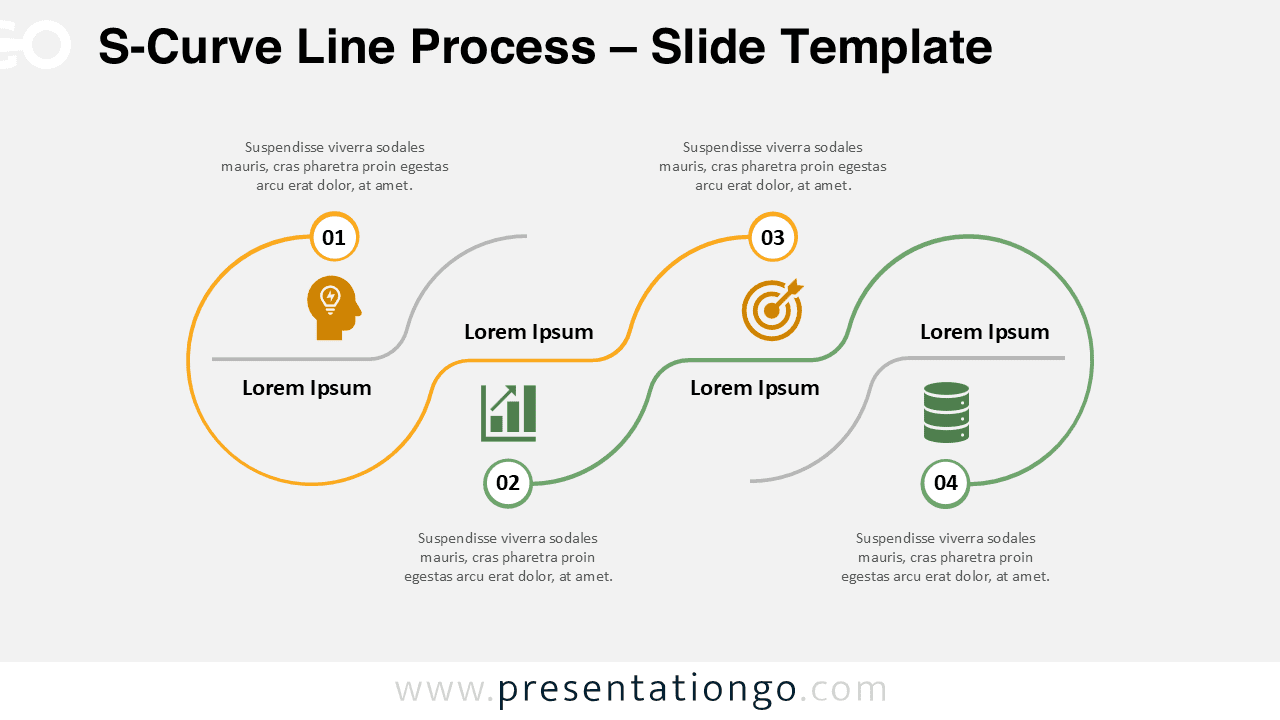
This template showcases a dynamic horizontal layout featuring four numbered segments connected by flowing curves that alternate between upper and lower positions. Each step includes a circular number badge, a large loop containing customizable icons and text placeholders, plus supporting descriptive text positioned strategically above or below each segment. The sinusoidal pattern creates visual rhythm while maintaining clear progression from left to right. Color-coded segments distinguish each phase, while the combination of curved connectors and straight horizontal lines ensures both visual continuity and clear differentiation between stages.
Horizontal process diagrams effectively communicate sequential workflows by guiding viewers naturally through each stage while maintaining logical order and visual appeal. This specific diagram excels in presentations requiring clear step-by-step communication, particularly for business development phases, strategic planning stages, marketing funnels, or instructional sequences. The alternating wave pattern prevents monotony while preserving readability, making it ideal for project timelines, innovation pipelines, learning paths, or data transformation processes where visual engagement enhances understanding and retention.
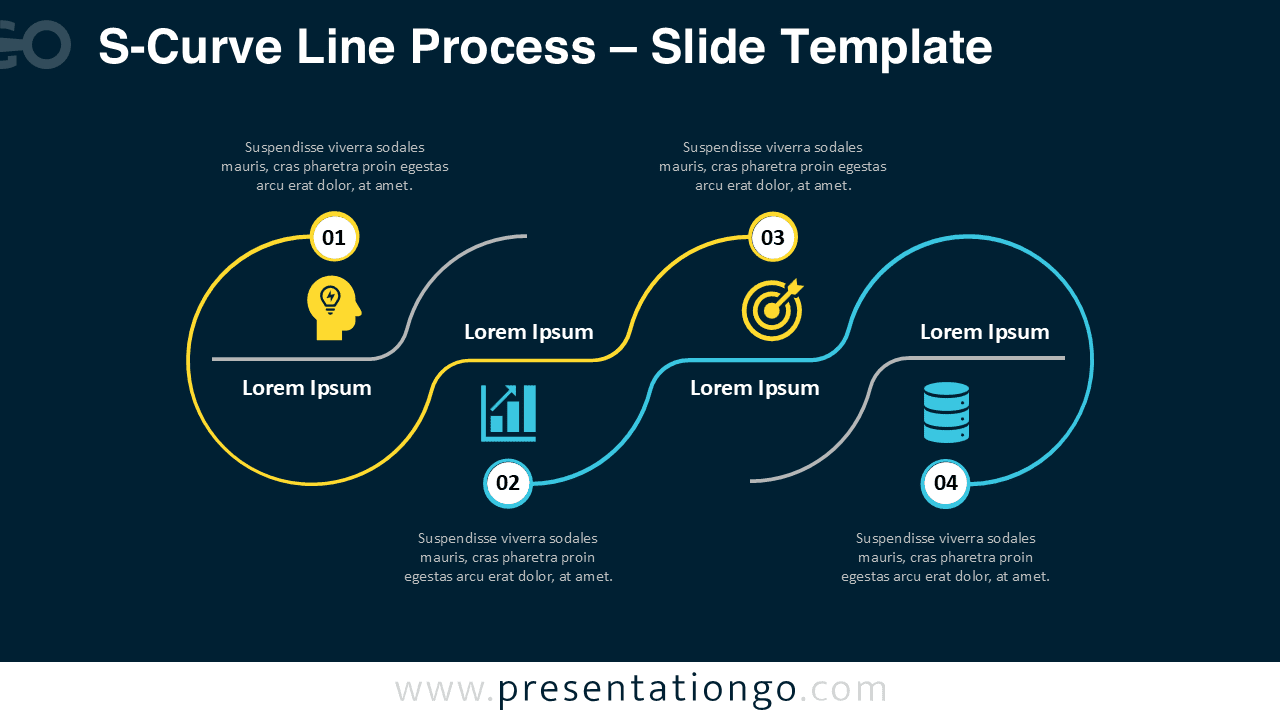
The template includes 2 unique slides pre-populated with numbers, icons, and text placeholders ready for immediate customization. All shapes are fully customizable, allowing presenters to modify colors, replace icons from the Office library, and adjust text content according to their specific needs. Both light and dark theme options accommodate different presentation styles and venue requirements. The template supports Standard 4:3 and Widescreen 16:9 formats, ensuring compatibility across various display configurations. Complete compatibility with both PowerPoint PPTX and Google Slides provides flexibility for different software preferences and collaborative environments.
Download this four-step process template to transform complex workflows into engaging visual narratives that guide audiences through each critical phase.
Widescreen (16:9) size preview:


This template offers:
- 2 unique slides
- Options for both light and dark themes
- Pre-populated with numbers, icons, and text placeholders
- Fully customizable shapes for complete control
- Available in both Standard (4:3) and Widescreen (16:9) ratios
- Offered in both PowerPoint PPTX and Google Slides formats






