Free sinuous process for PowerPoint and Google Slides. Process diagram with an up and down wavy (sine wave) flow. Editable graphics with icons and text placeholders.
Sinuous Process
Wait… what? Another process diagram? Yes, indeed… please don’t get bored, as there are many more beautiful other process diagrams to come!
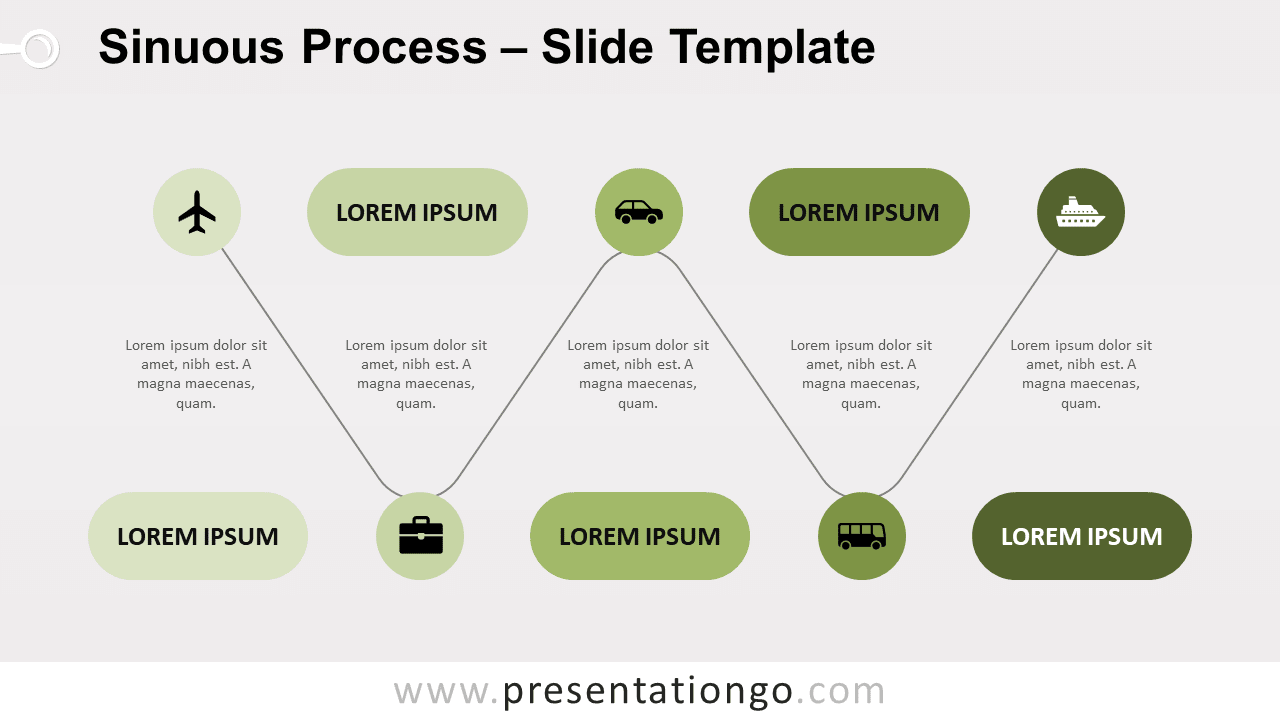
What did we need to design this nice process? Not many things actually: rounded corner text boxes, circle shapes, and a wavy line. That’s it!
More specifically, this process diagrams uses a sine wave line. On the crest and trough (i.e., on the top and the bottom point of the wave), you will find a circle shape that embeds an icon. You can also use this shape to insert a number. And finally, on the opposite vertical side of the circle, insert a title in a rounded text box.
We chose this time to color this diagram with shades of green. Feel free to customize it with your own colors.
You can use this sinuous diagram to show 5 groups of information or sequential steps in a task, process, or workflow. It will also emphasize the interaction or relationships among the groups of information. It will work best with small amounts of text.
Shapes are 100% editable: colors and sizes can be easily changed.
Includes 2 slide option designs: Standard (4:3) and Widescreen (16:9).
Widescreen (16:9) size preview:


This ‘Sinuous Process for PowerPoint and Google Slides’ features:
- 2 unique slides
- Light and Dark layout
- Ready to use template with icons and text placeholders
- Completely editable shapes
- Uses a selection of editable PowerPoint icons
- Standard (4:3) and Widescreen (16:9) aspect ratios
- PPTX file and for Google Slides
Free fonts used:
- Helvetica (System Font)
- Calibri (System Font)