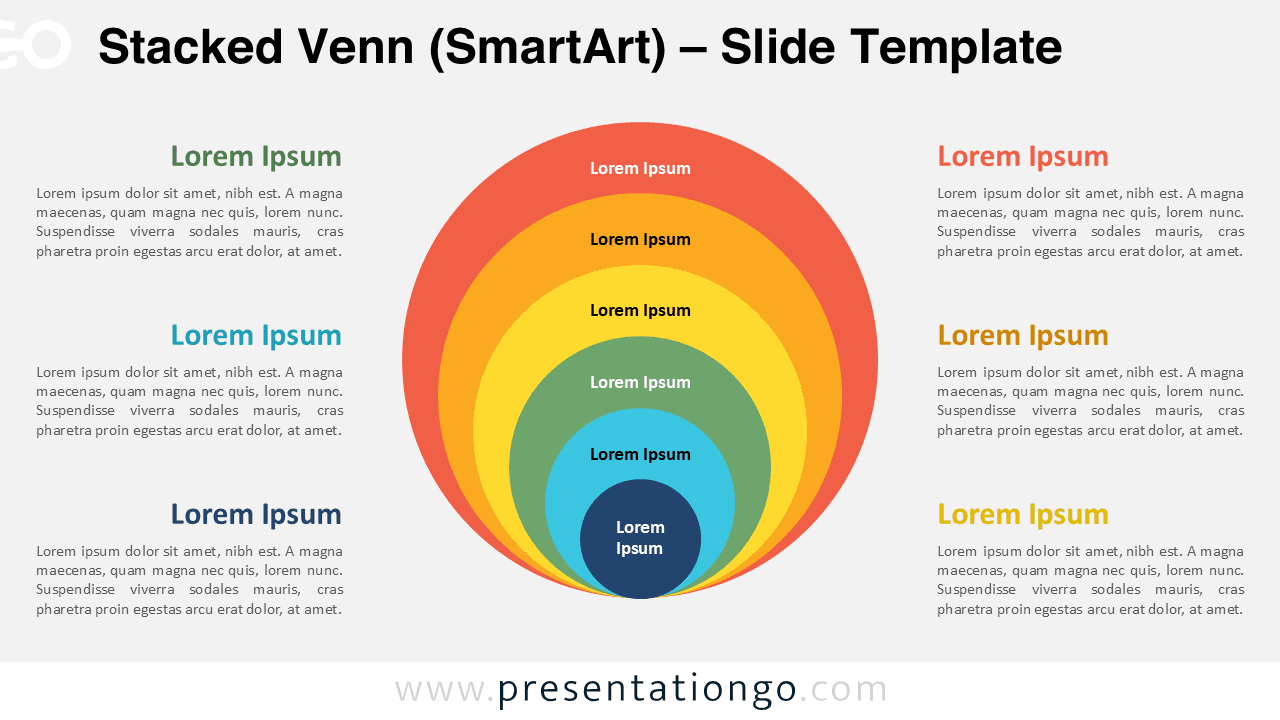
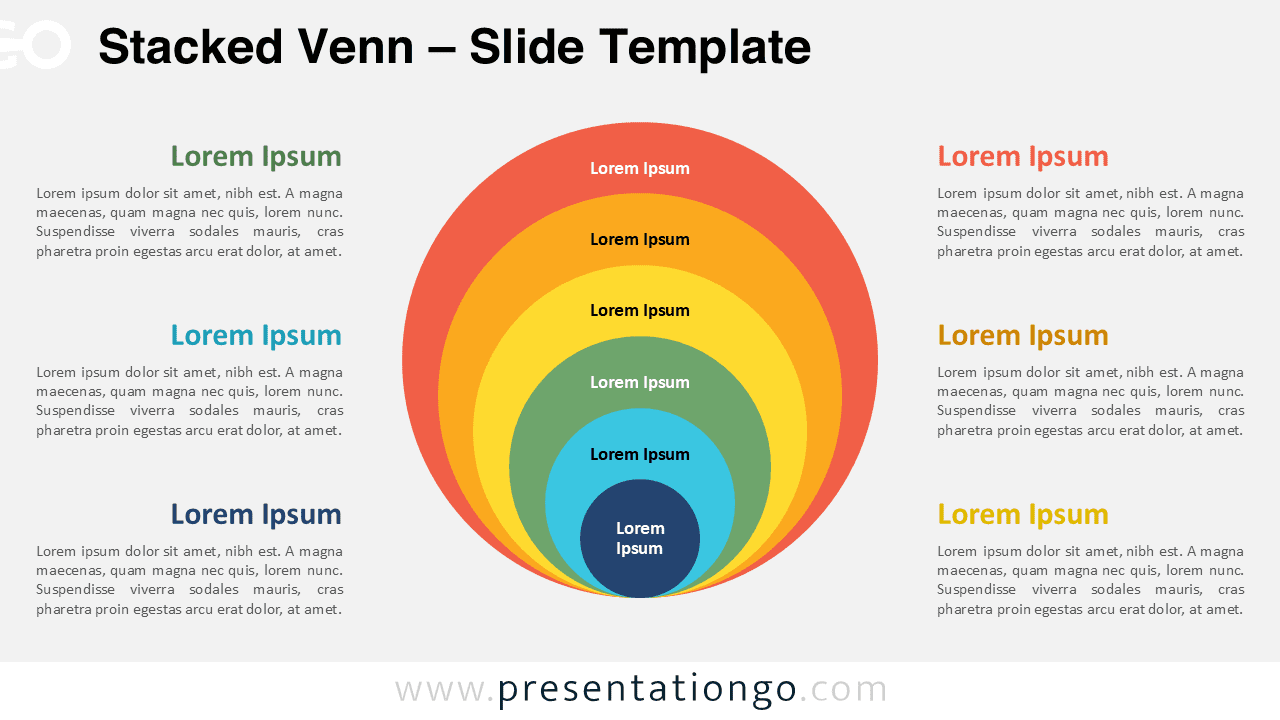
The Stacked Venn diagram features concentric circles that illustrate hierarchical relationships and layered concepts, designed for PowerPoint and Google Slides.
Present Layered Relationships with Concentric Design
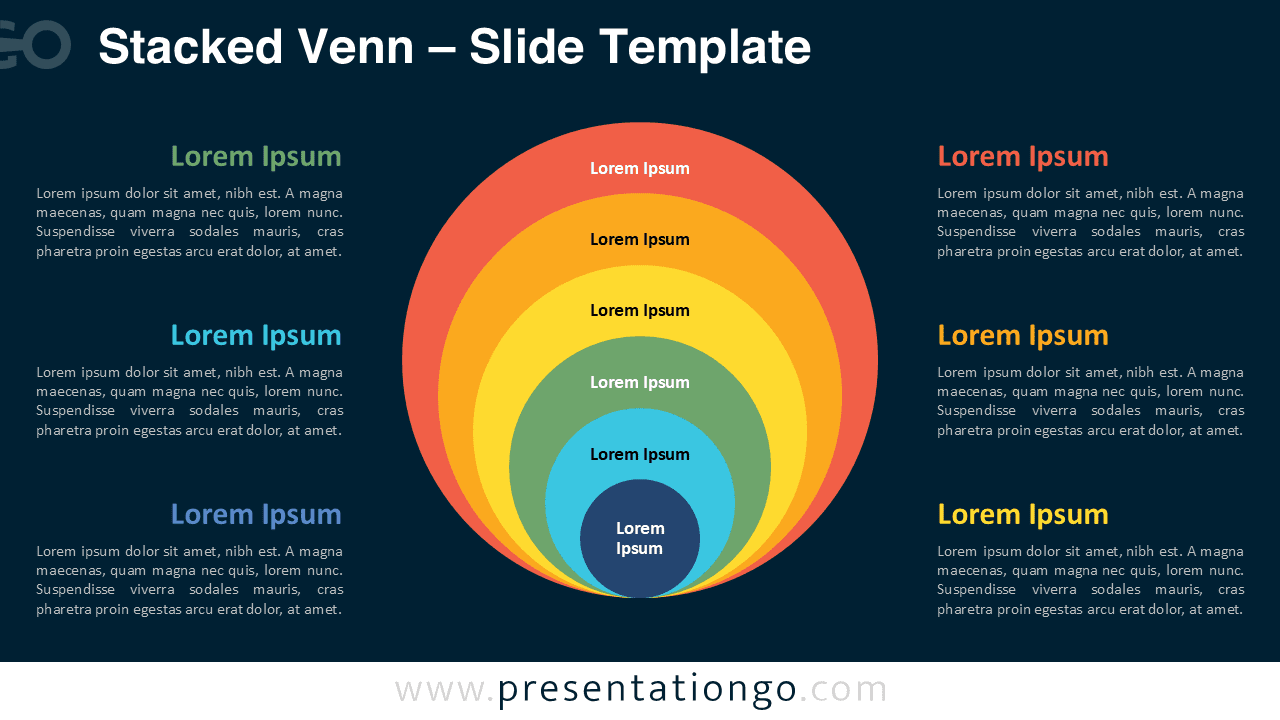
This template presents multiple concentric circles arranged from the innermost core to the outermost ring, each distinguished by unique colors and containing placeholder text labels. The perfectly centered alignment creates symmetrical balance while the progressive size increase establishes clear visual depth. Supporting text blocks are strategically positioned on both sides of the diagram, each featuring colored headers that directly correspond to specific circle layers. This color-coding system creates immediate visual connections between the central diagram and explanatory content. Furthermore, the clean spacing and proportional sizing ensure optimal readability across different screen sizes and presentation formats.
SmartArt graphics enable presenters to create professional diagrams with built-in formatting and automatic alignment features that maintain consistency throughout presentations.
Venn diagrams traditionally illustrate relationships between different sets or concepts, helping audiences understand overlaps, intersections, and hierarchical connections.
This specific nested design excels at presenting core competencies surrounded by supporting elements, organizational structures from leadership to departments, security protocols with multiple protection layers, or product development stages from concept to market launch. Business strategists can showcase market positioning with competitors in outer rings and core advantages at the center. Additionally, educational presenters find this format perfect for explaining psychological theories, historical periods, or scientific classifications where concepts build upon foundational principles.
This comprehensive package includes three unique slides featuring one version with SmartArt functionality for automatic formatting and one fully editable version for custom modifications. All slides come pre-populated with text placeholders that guide content placement while allowing complete customization of shapes, colors, and sizing. Both light and dark theme options accommodate different presentation styles and corporate branding requirements. The template supports Standard 4:3 and Widescreen 16:9 formats, ensuring compatibility across various projection systems and display preferences. Complete compatibility with both PowerPoint PPTX files and Google Slides provides flexibility for collaborative work environments and cloud-based presentations.
Download this multi-layer concentric diagram to transform complex hierarchical concepts into clear visual presentations.
Widescreen (16:9) size preview:


This template offers:
- 3 unique slides
- Options for both light and dark themes
- Pre-populated with icons and text placeholders
- Fully customizable shapes for complete control
- Available in both Standard (4:3) and Widescreen (16:9) ratios
- Offered in both PowerPoint PPTX and Google Slides formats