The Venn Hexagonal Framework helps you present three connected ideas in a clear and structured way. It combines a Venn-inspired layout with geometric sections that overlap visually. This approach works well when your message needs both separation and connection.
Diagram Preview
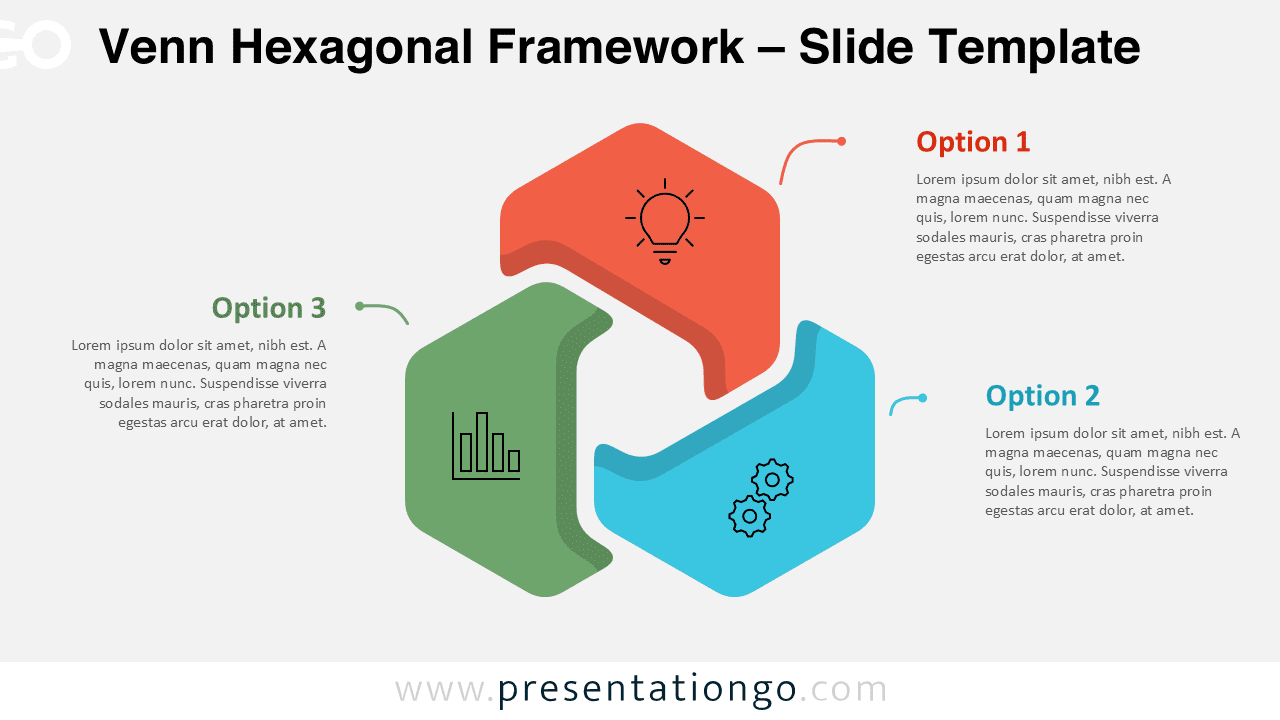
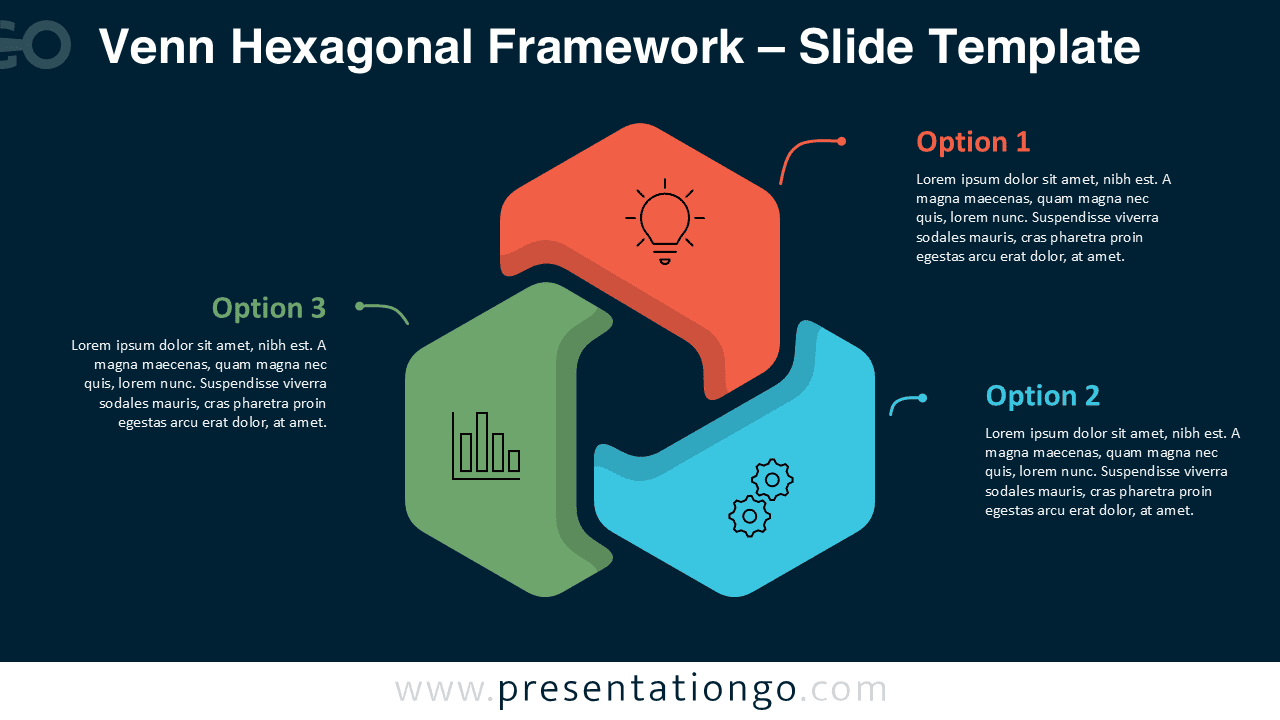


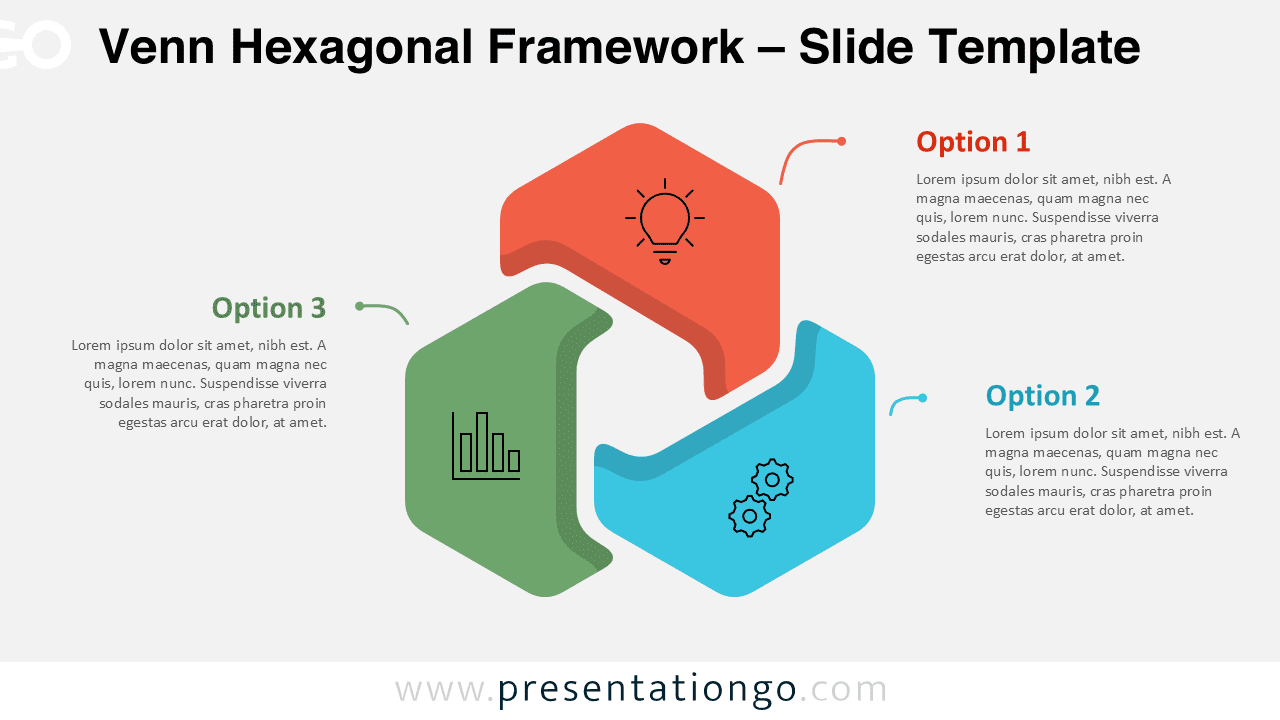
This diagram includes three linked sections arranged around a central shared space. Each section supports one main option, idea, phase, or category. The surrounding text areas help you explain each point with short descriptions.
Diagram Features and Customization Options
- Includes three editable sections for options, concepts, steps, or categories.
- Works in PowerPoint and Google Slides with editable shapes and text.
- Uses connector lines to link each text area with its related section.
- Includes editable icon placeholders from the Office icon library.
- Lets you modify, replace, resize, or reposition the Office icons easily.
- Supports quick edits for labels, descriptions, layout, and spacing.
- Provides a ready-made structure for comparison and relationship mapping.
Design and Structure
The layout uses three interlocking hexagonal forms to show how separate ideas can connect. Each section includes a simple icon area and a nearby text block. The design keeps the center open, which helps the viewer understand the shared relationship between all three parts.
The framework offers a strong visual balance for business and educational content. You can use each section as a step, option, department, product feature, or strategic pillar. The surrounding notes give enough space for concise explanations without overwhelming the slide.
Practical Applications
- Compare three strategic options during planning meetings.
- Show links between business units, services, or initiatives.
- Explain three phases of a workflow or decision process.
- Present product features that support one shared value.
- Map overlapping responsibilities across teams or departments.
- Structure training content around three related concepts.
Summary
The Venn Hexagonal Framework gives you a flexible diagram for three-part relationship mapping. Its editable sections, text areas, connectors, and Office icon placeholders make customization simple. Use it to explain options, processes, shared goals, or connected ideas in PowerPoint and Google Slides.