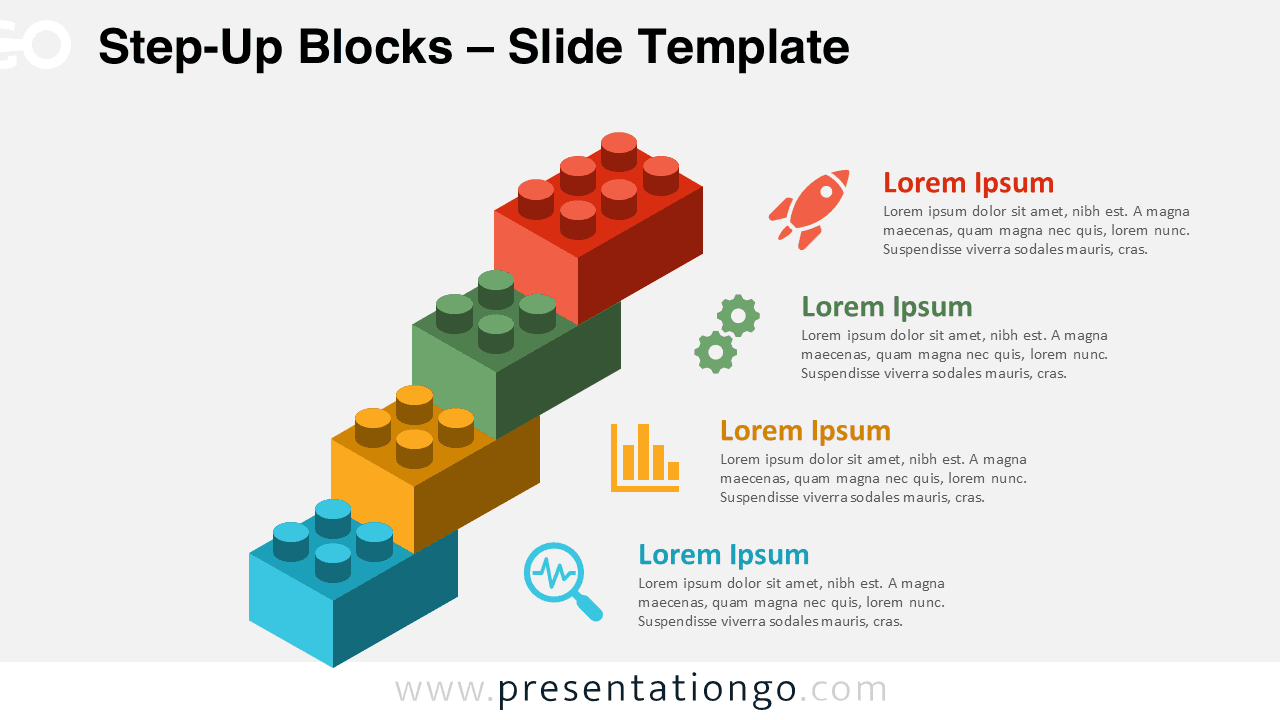
The Step-Up Blocks diagram presents a sequential 4-step process using interlocking building brick shapes in an upward progression, designed for both PowerPoint and Google Slides presentations.
Diagram Growth Using a 4-Part Staircase Design
This diagram features an interlocking block layout designed to represent four distinct stages arranged diagonally. Each level uses block shapes reminiscent of toy bricks, forming a visible staircase that communicates upward momentum. The steps are color-coded for clarity and differentiation, with each one aligned to a text area including a bold heading, a short description, and a unique icon. This visual setup supports intuitive storytelling, reinforcing the significance of each step while emphasizing progress. The consistent geometry and iconography deliver clear structure without overwhelming the viewer.
Step-up diagrams are commonly used to show growth, phased processes, or developmental paths. This specific diagram works well for illustrating project milestones, learning modules, strategic plans, or business development phases. For example, an educator might use it to present curriculum progression, while a business analyst could showcase quarterly goals. Its stair-like format supports a clear visual hierarchy, making it ideal for audiences that benefit from structured, linear progression.
The template includes two ready-to-use slides, each pre-filled with sample icons and placeholder text. It’s offered in both 4:3 and 16:9 formats and supports light and dark backgrounds. Every shape is customizable—adjust colors, replace icons, or rewrite content to suit specific needs. It’s fully compatible with PowerPoint (.PPTX) and Google Slides.
Download this 4-step template with editable blocks and apply it to your next sequential or milestone-focused presentation.
Widescreen (16:9) size preview:


This template offers:
- 2 unique slides
- Options for both light and dark themes
- Pre-populated with icons and text placeholders
- Fully customizable shapes for complete control
- Available in both Standard (4:3) and Widescreen (16:9) ratios
- Offered in both PowerPoint PPTX and Google Slides formats