
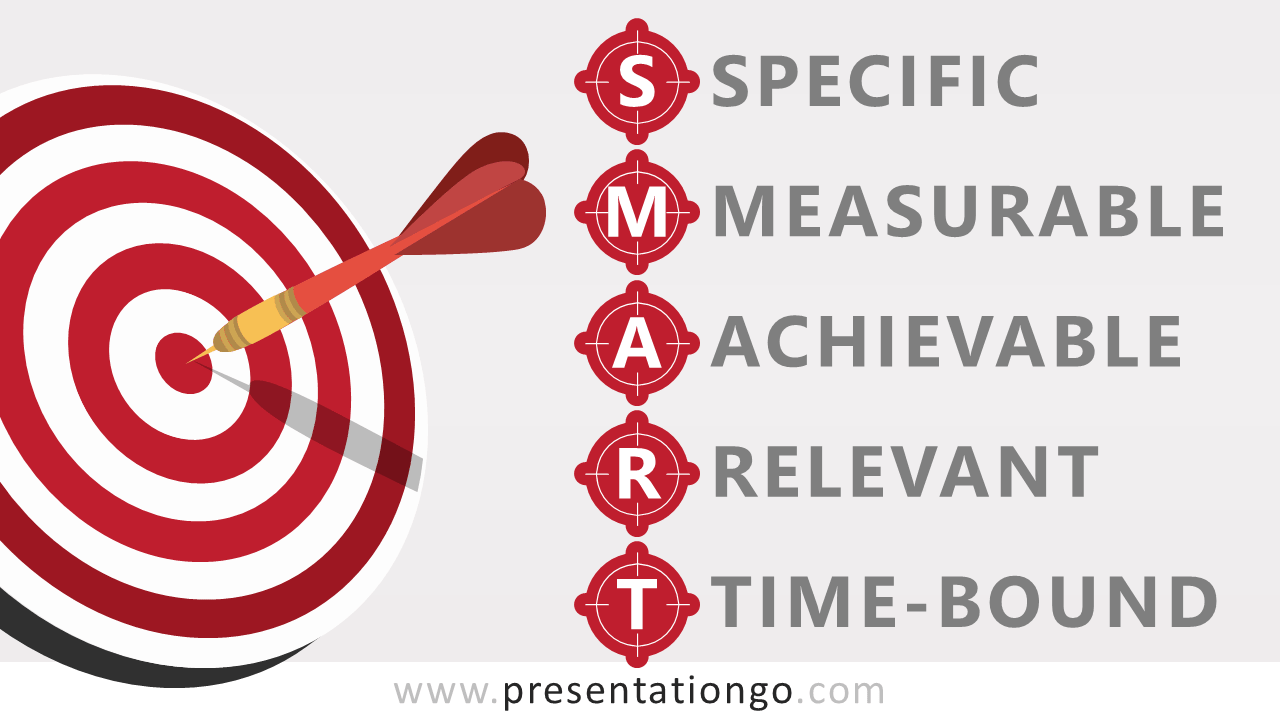
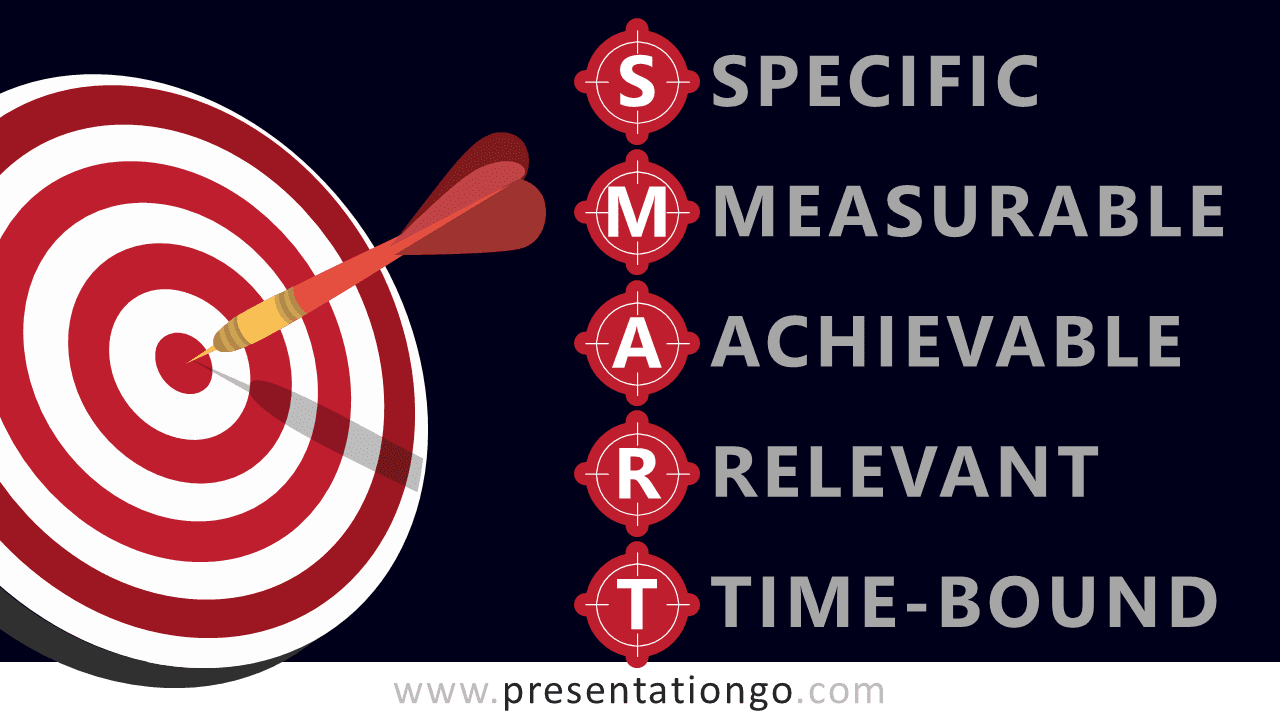
Free SMART goals and target for PowerPoint and Google Slides. Red dart shape hitting bullseye target and with the SMART acronym used for setting business objectives. Editable shapes with text.
SMART Goals and Target
SMART is a mnemonic acronym, used to guide the development of measurable goals and objectives. Typically accepted criteria are as follows (source: Wikipedia):
- S for Specific: strategic
- M for Measurable
- A for Achievable: agreed, attainable, action-oriented, ambitious, aligned with corporate goals
- R for Relevant: realistic, resourced, reasonable, realistic and resourced, results-based
- T for Time-bound (or “timely”): time-based, time limited, time/cost limited, timely, time-sensitive, timeframe
Shapes are 100% editable: colors and sizes can be easily changed.
Includes 2 slide option designs: Standard (4:3) and Widescreen (16:9).
Widescreen (16:9) size preview:


This ‘SMART Goals and Target for PowerPoint and Google Slides’ features:
- 2 unique slides
- Light and Dark layout
- Ready to use template with numbers and text placeholders
- Completely editable shapes
- Standard (4:3) and Widescreen (16:9) aspect ratios
- PPTX file and for Google Slides
Free fonts used:
- Helvetica (System Font)
- Calibri (System Font)



