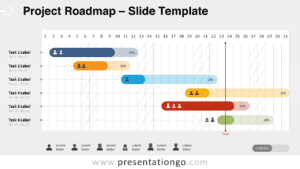
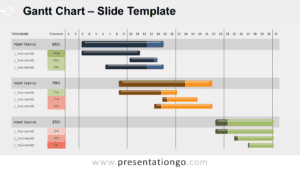
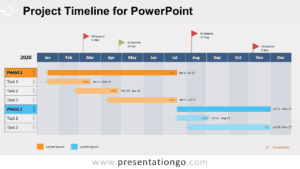
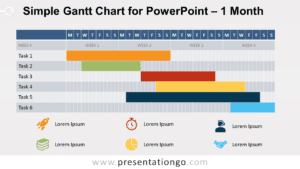
Free task or event planning template for PowerPoint and Google Slides. Easy-to-use table to manage and illustrate your tasks or event schedule. Editable graphics.
Task / Event Planning
Use this task/event planning template in your presentations for managing your work, tracking your project’s progress or events at a glance, and communicating on a current project timeline, completion, and deadline.
Each task (WHAT – in rows) is detailed by (columns): the person in charge (WHO), the status of completion (3 levels – completed, started but not completed, not started), and the deadline (WHEN).
Shapes are 100% editable: colors and sizes can be easily changed.
This template uses the PowerPoint table function: colors, style and font size can be easily changed and customized.
Includes 2 slide option designs: Standard (4:3) and Widescreen (16:9).
Widescreen (16:9) size preview:
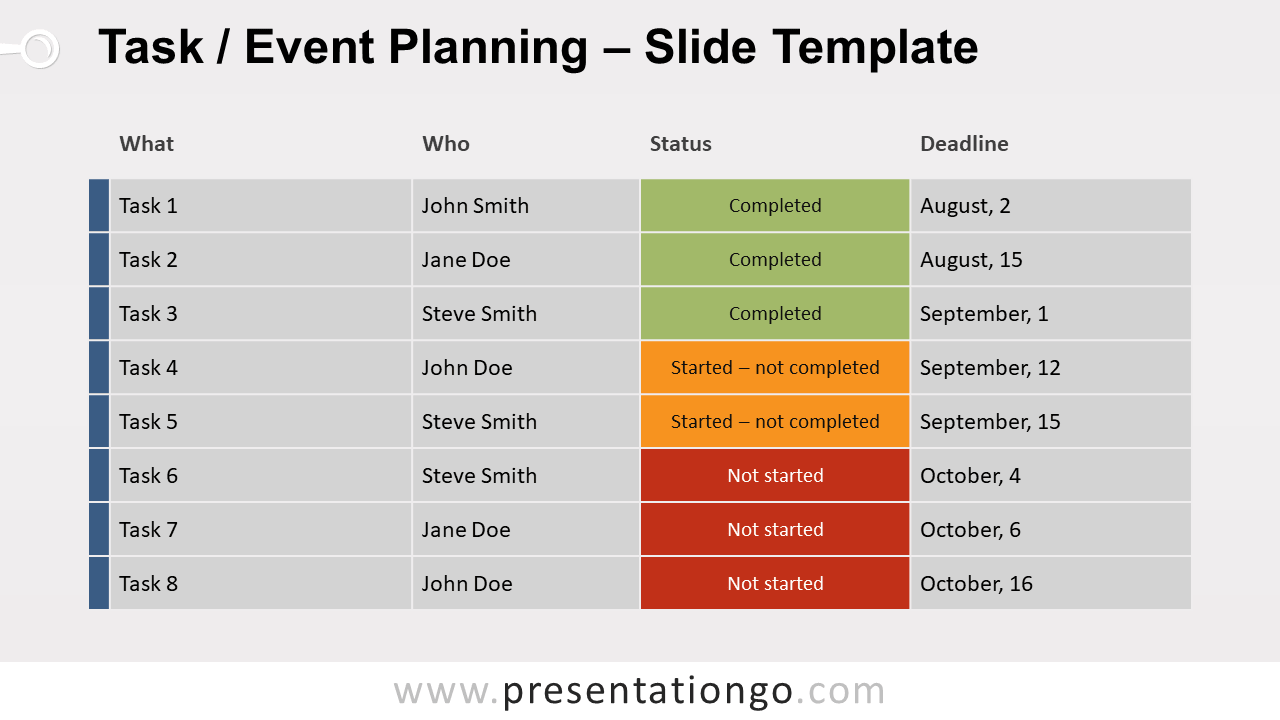
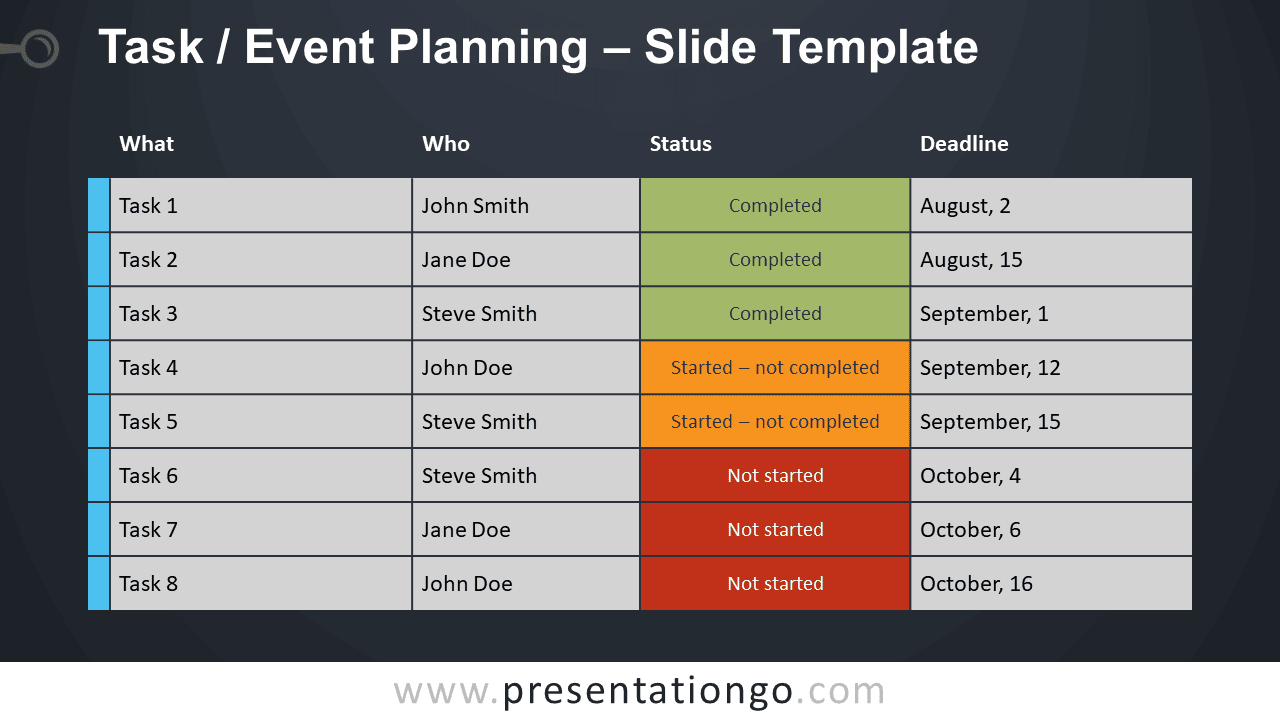


This ‘Task / Event Planning for PowerPoint and Google Slides’ features:
- 2 unique slides
- Light and Dark layout
- Ready to use template
- Completely editable shapes – uses Table
- Standard (4:3) and Widescreen (16:9) aspect ratios
- PPTX file and for Google Slides
Free fonts used:
- Helvetica (System Font)
- Calibri (System Font)