
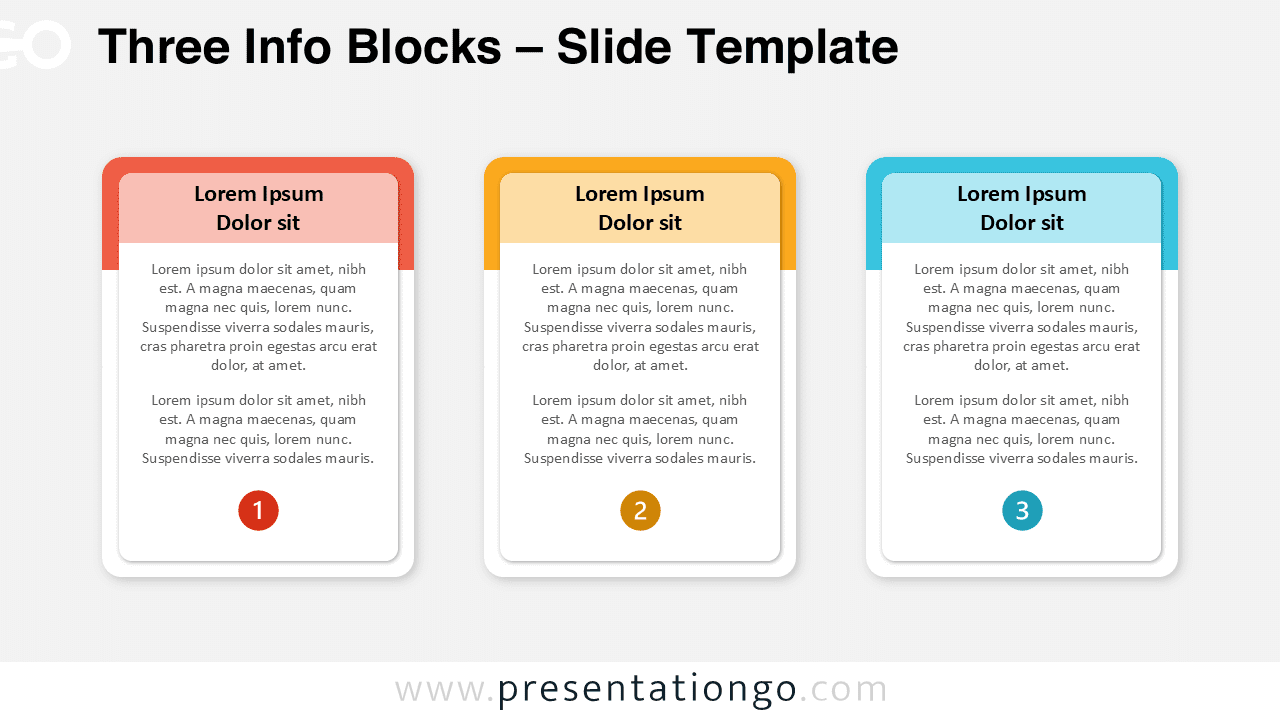
The Three Info Blocks diagram is a clean and modern layout to display three related ideas, features, or steps. It is available for PowerPoint and Google Slides, offering both light and dark background versions.
Diagram Preview
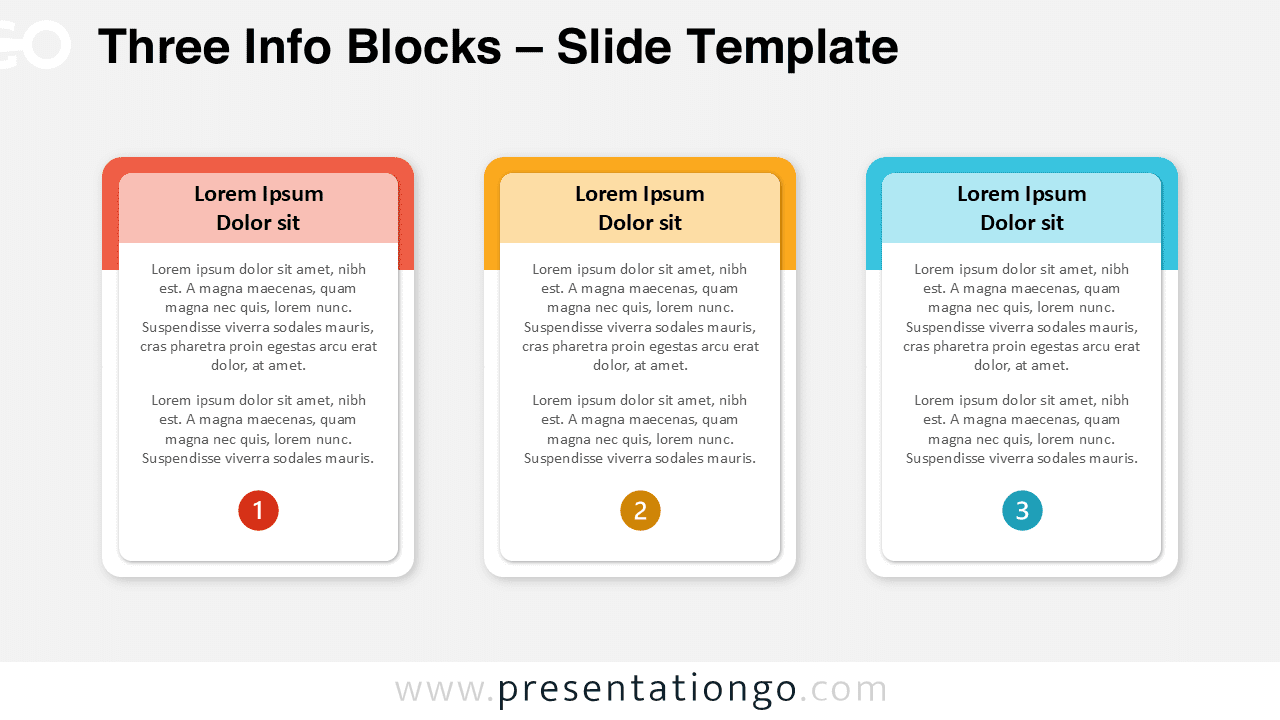
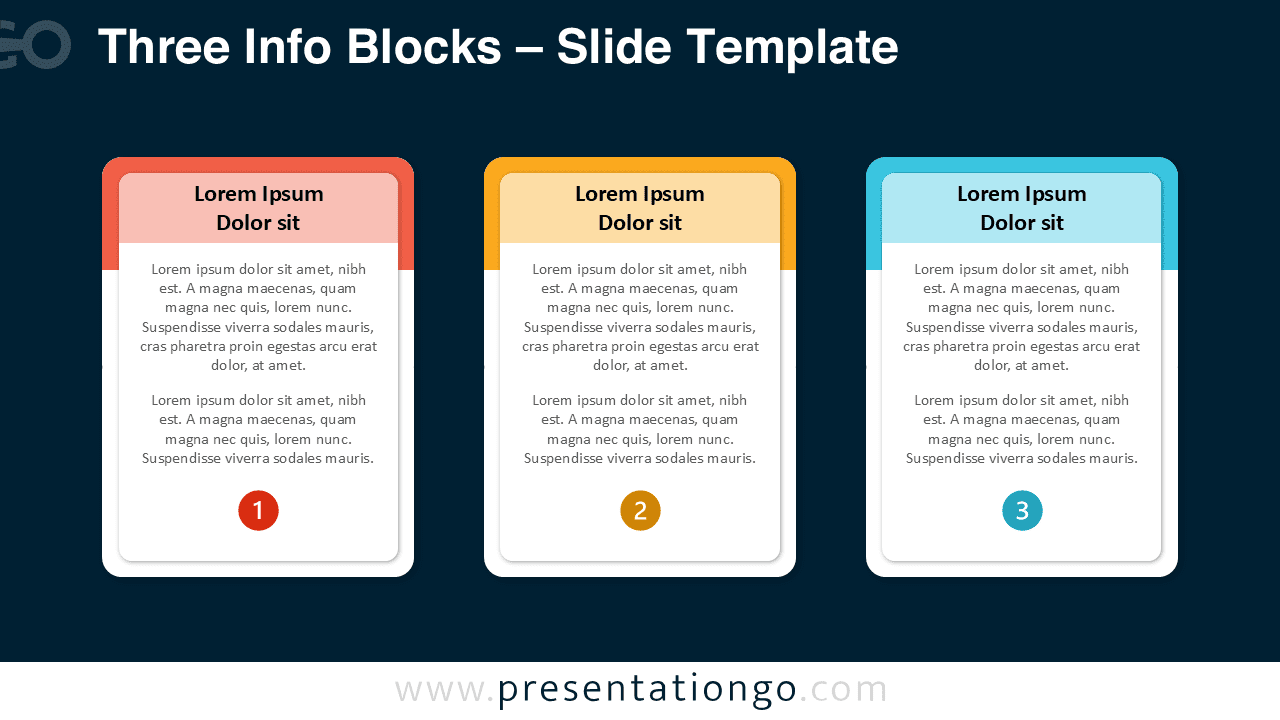


Diagram Features and Customization Options
- Includes 2 slides with 1 unique design
- Available in both light and dark backgrounds
- Rounded rectangular cards with header and number elements
- Fully editable shapes and colors
- Optimized for PowerPoint and Google Slides formats
Design and Layout Overview
This infographic features three vertical cards aligned in a horizontal grid. Each block has a colored top bar, text placeholder, and circular number at the bottom. The layout combines balance, clarity, and modern aesthetics through rounded edges and smooth shadows. Its dual background options make it suitable for all presentation themes.
Practical Applications
- Display three core features, steps, or services
- Compare three related options or ideas
- Showcase a simple process or product overview
- Present team members or grouped data points
How to Edit
- Open the file in PowerPoint or Google Slides.
- Replace the placeholder text with your own content.
- Change header colors or numbers to fit your branding.
- Switch between light and dark backgrounds as needed.
Summary
A clean and balanced diagram with three rounded cards, perfect for visualizing concise information. Ideal for comparisons, features, or process overviews in PowerPoint and Google Slides.
Frequently Asked Questions (FAQ)
Absolutely. Replace the numbered circles with icons for a more visual presentation.
Select the numbered shape, right-click, and choose “Change Shape” or “Replace” in PowerPoint, or use Insert → Icons in Google Slides to add a new symbol.



