Present your three key ideas with clarity and impact. The Triad Triangle Diagram highlights a balanced set of pillars, steps, or options using three interlocking triangles. This clean layout works in both PowerPoint and Google Slides. Use it to showcase strategy pillars, a 3-step process, or three product features. The diagram includes editable icon placeholders to match your story. Choose the light or dark background to fit your theme and brand.
Template Preview
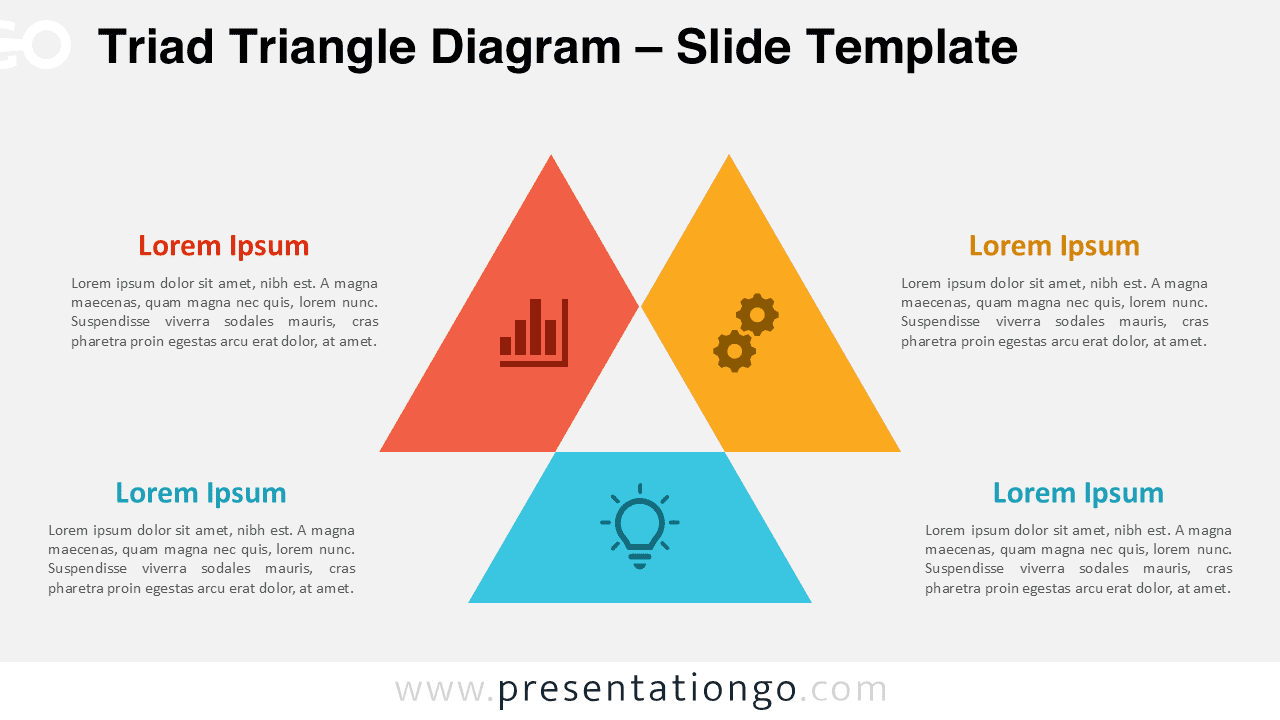
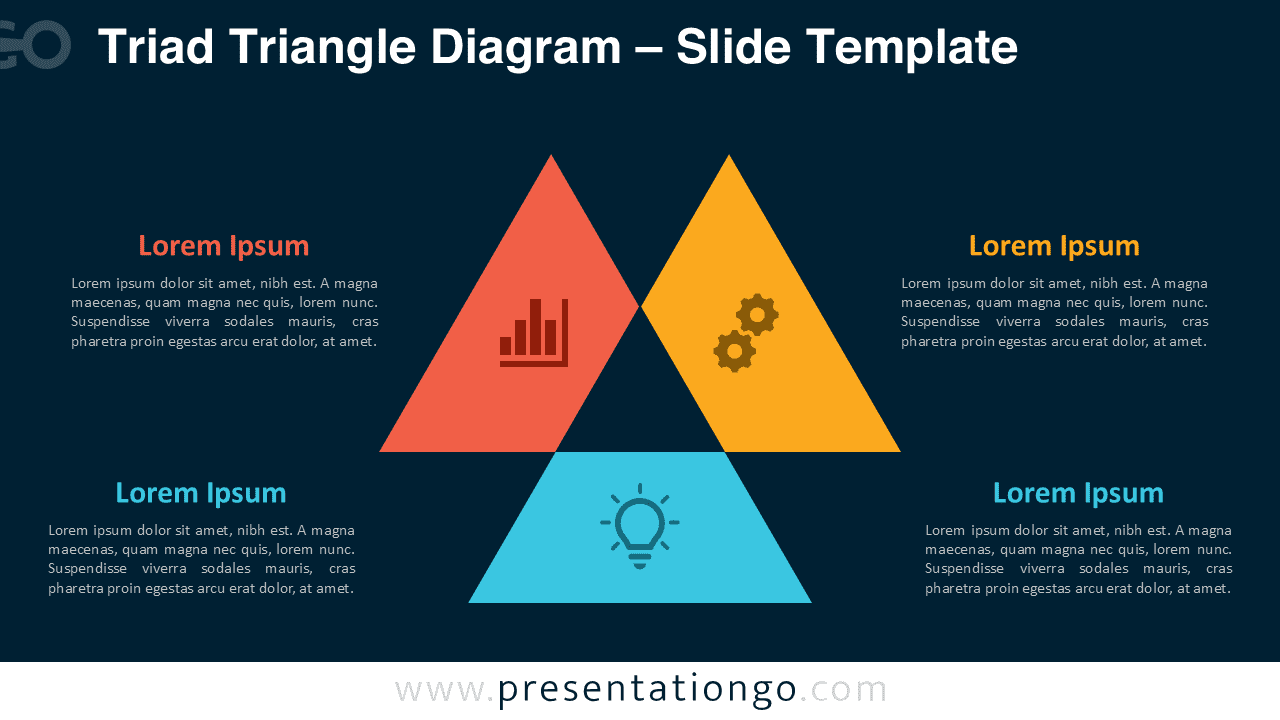
Explore both visual styles below. The file contains a light version and a dark version for maximum flexibility.


Features & Customization
- Three interlocking triangles for a neat triad layout.
- Two backgrounds: light and dark for contrast control.
- Editable icon placeholders for fast customization.
- Clear text areas arranged around the graphic.
- Compatible with PowerPoint and Google Slides.
- 100% editable shapes, colors, and typography.
- Vector elements that scale cleanly on any screen.
Design Overview
The composition centers three solid triangles in coral, amber, and cyan. The shapes overlap slightly to suggest connection and balance. Each triangle hosts a flat icon placeholder. The surrounding text blocks create a natural reading flow across the slide. The light version uses a soft gray canvas for a bright, modern feel. The dark version uses a deep blue background that makes the colors pop. The palette stays vivid yet restrained for professional presentations. Typography is simple and geometric for strong legibility on projectors and screens.
Practical Applications
- Show three strategy pillars with short benefits.
- Outline a 3-step workflow from idea to result.
- Compare three product tiers or service options.
- Summarize KPIs, operations, and innovation tracks.
- Use the dark style for keynote stages and video calls.
- Use the light style for printouts and handouts.
Summary
The Triad Triangle Diagram delivers a crisp, versatile visual for three-part stories. It balances color, space, and hierarchy for quick understanding. Edit icons, swap colors, and choose light or dark to match your brand. Use it in PowerPoint or Google Slides to present a triad with confidence.
Frequently Asked Questions (FAQ)
Yes. The icons are editable placeholders. You can recolor, resize, or replace them with your own set.
In PowerPoint: select the icon → right-click → Change Graphic or use Insert » Icons/SVG to replace. In Google Slides: select the icon → Replace image or Insert » Icons/SVG, then recolor via Format options.