
The Triple Offset Frame Diagram is a free PowerPoint and Google Slides resource for presenting three related ideas in a structured layout. It features three rounded content cards, each surrounded by distinctive offset corner frames. Use this editable diagram to organize key messages, compare alternatives, or explain complementary concepts without overcrowding your presentation.
Diagram Preview
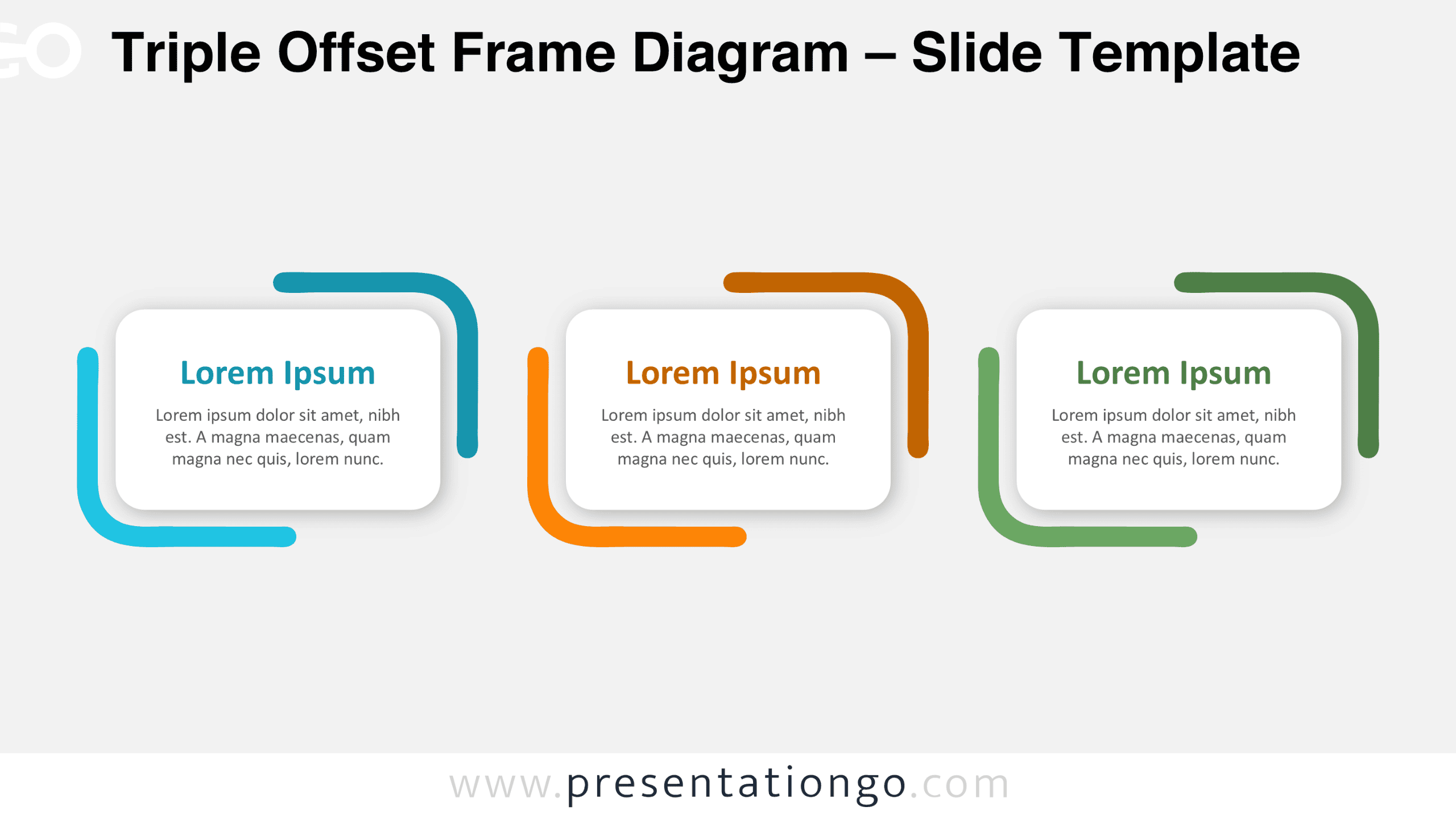
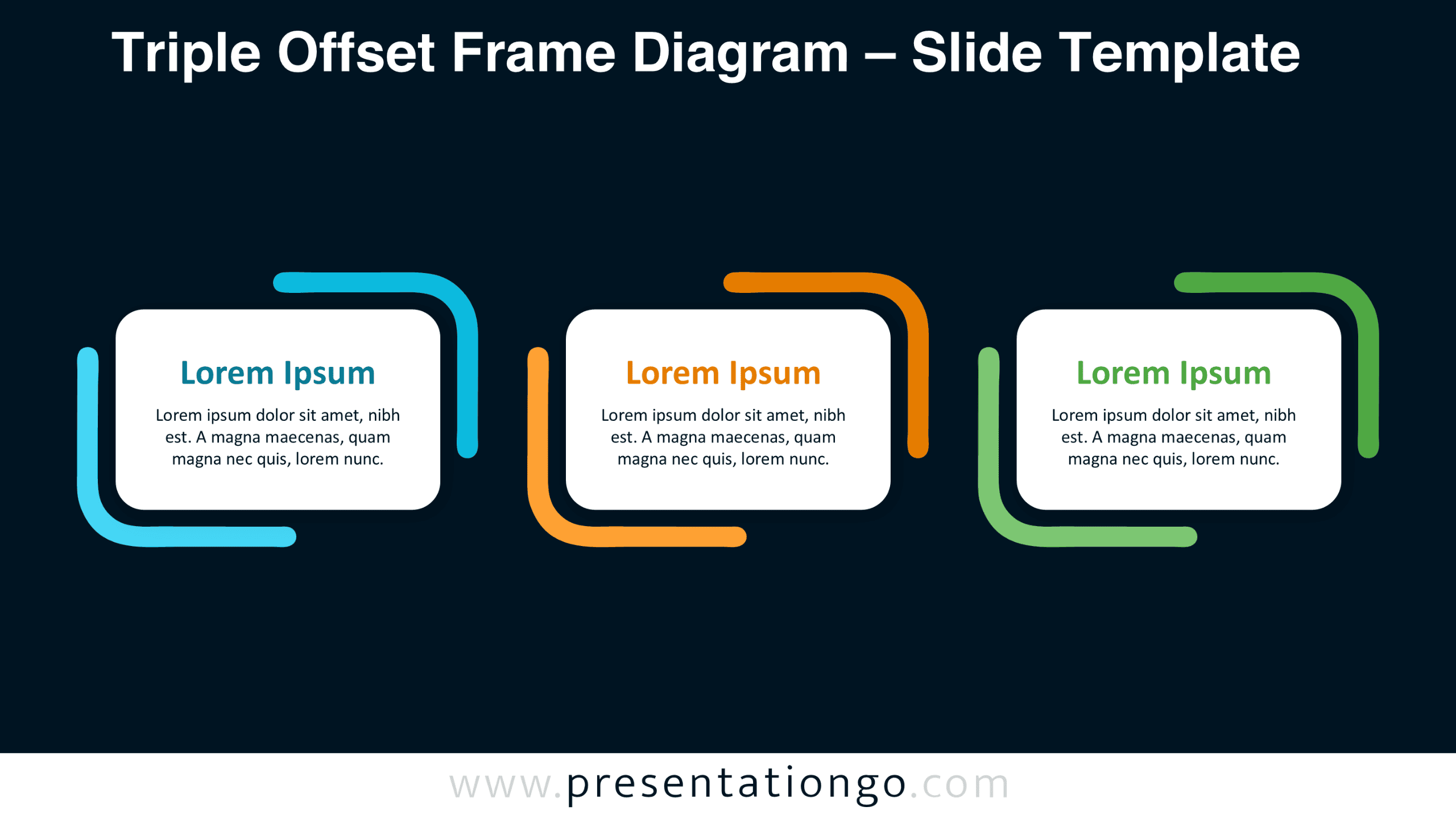
Explore the Triple Offset Frame Diagram in the preview below. Both slide versions maintain the same three-panel arrangement, allowing you to select the format that works best with your presentation.
Features and Customization Options
- Compatible with Microsoft PowerPoint and Google Slides
- 16:9 widescreen presentation format
- Three editable content cards with offset corner frames
- Editable text, shapes, and sizes
- Adjustable rounded frames and individual content panels
- Includes both light and dark background versions
Design and Structure
The diagram arranges three equally sized rectangular cards along a horizontal axis, creating a consistent reading pattern from left to right. Each card features generously rounded corners and a compact text area. A prominent heading sits above a short supporting paragraph, establishing a straightforward information hierarchy. Balanced spacing separates the three cards while keeping them visually connected as a single composition.
The defining feature is the pair of offset frames surrounding each card. One frame extends around the upper-right corner, while its counterpart wraps around the lower-left corner. Their open ends create a bracket-like appearance without forming complete borders. The frames sit slightly outside the cards, adding depth and geometric interest. This arrangement emphasizes each content area independently while preserving symmetry across the overall layout. The absence of connecting arrows also allows the three panels to represent equally important concepts rather than a required sequence.
Practical Applications
- Product comparisons: Present three subscription plans with their main benefits and distinguishing features.
- Strategic priorities: Outline three business objectives and summarize the actions supporting each one.
- Service portfolios: Introduce three service categories with short explanations of their scope.
- Project planning: Highlight three workstreams and describe their respective deliverables.
- Educational presentations: Define three related theories, methods, or learning concepts.
- Marketing presentations: Explain three customer segments and their primary needs.
Summary
The Triple Offset Frame Diagram combines structured content areas with an unusual open-corner framing technique. Its three independent panels work particularly well when information deserves equal emphasis. With editable shapes and text, plus two presentation versions, this free PowerPoint and Google Slides diagram offers a reusable way to communicate concise, organized content.



