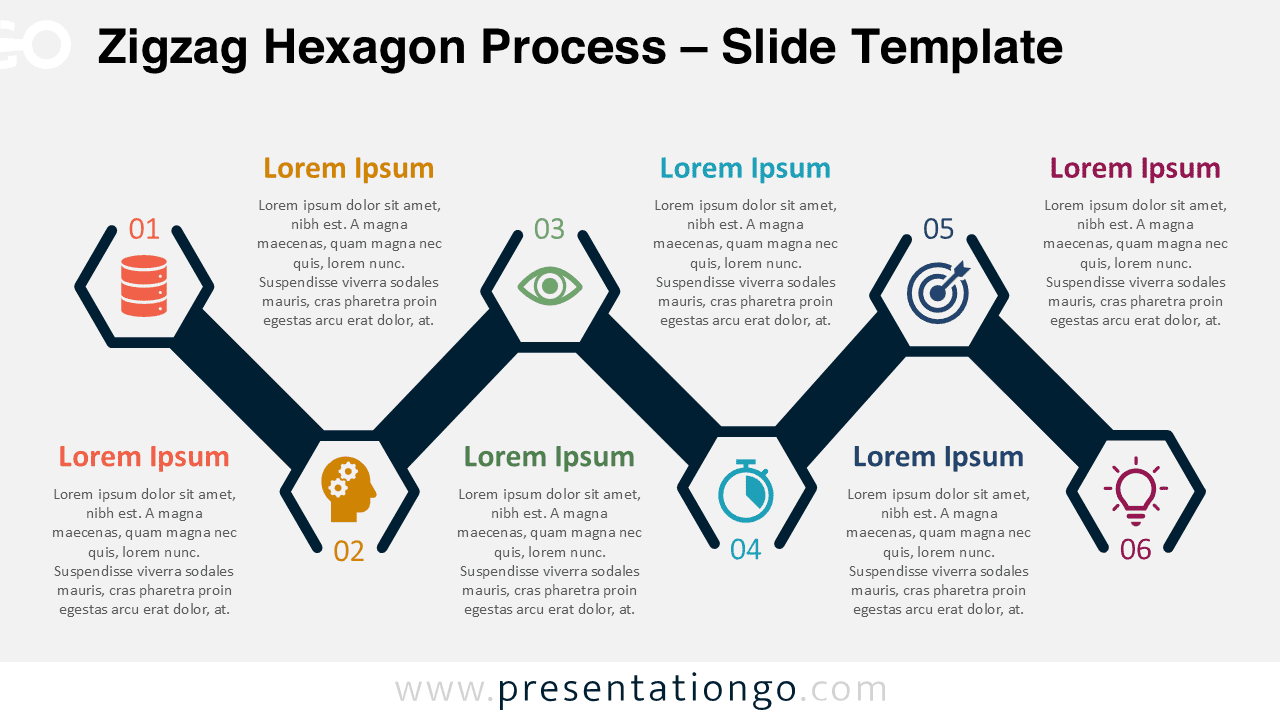
The Zigzag Hexagon Process is a six-step alternating diagram that presents sequential information in an organized horizontal flow, designed specifically for PowerPoint and Google Slides presentations.
Alternating Hexagon Design for Clear Process Visualization
This template features a bold zigzag horizontal line connecting six hexagonal shapes arranged in an alternating up-and-down pattern. Each hexagon contains a distinct icon and number, accompanied by adjacent text areas for titles and descriptions. The systematic arrangement of elements creates a clear visual pathway, guiding viewers naturally through each step of the process. The alternating positions of the hexagons add visual interest while maintaining the logical flow of information, making complex sequences easier to understand at a glance.
Process diagrams with zigzag patterns excel at demonstrating progression and relationship between steps in business presentations. This particular template proves invaluable when illustrating phased implementation plans, strategic workflows, or milestone-based projects. Marketing teams might use it to map customer journeys, project managers to outline development phases, or educators to break down complex learning objectives. The hexagonal shape provides a refreshing alternative to traditional rectangles while maintaining professional appeal and clarity during board presentations or training sessions.
This template includes 2 unique slides with pre-populated numbers, icons and text placeholders throughout the design. The hexagons and connecting zigzag line are fully customizable to match your brand identity or presentation theme. Both light and dark theme options are provided for different presentation environments. The template is available in Standard (4:3) and Widescreen (16:9) formats to accommodate various display requirements. Compatible with both PowerPoint PPTX and Google Slides, this template works seamlessly across popular presentation platforms.
Download this six-step zigzag hexagon process diagram to transform complex sequential information into clear, visually organized slides for your next presentation.
Widescreen (16:9) size preview:


This template offers:
- 2 unique slides
- Options for both light and dark themes
- Pre-populated with numbers, icons, and text placeholders
- Fully customizable shapes for complete control
- Available in both Standard (4:3) and Widescreen (16:9) ratios
- Offered in both PowerPoint PPTX and Google Slides formats