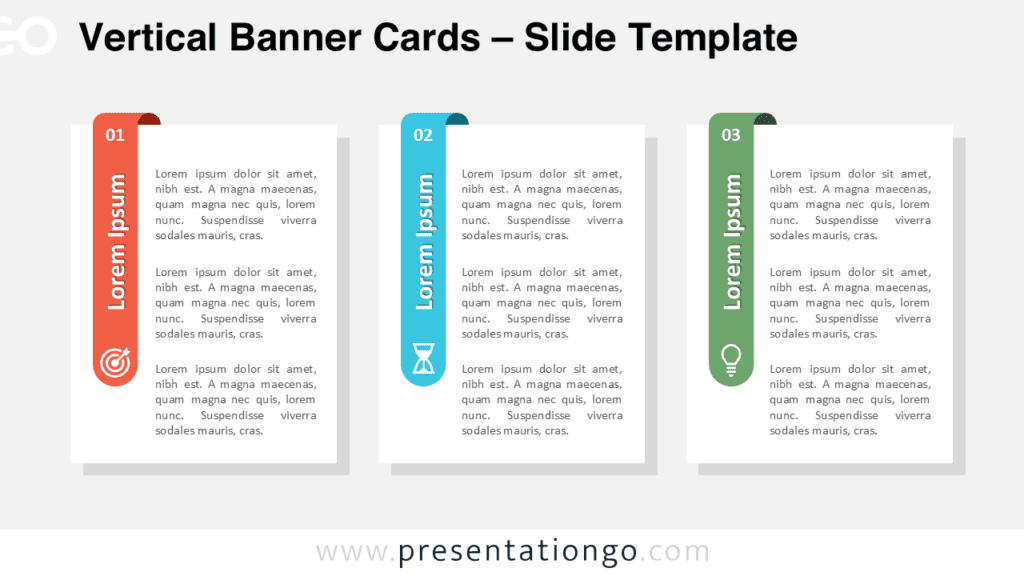
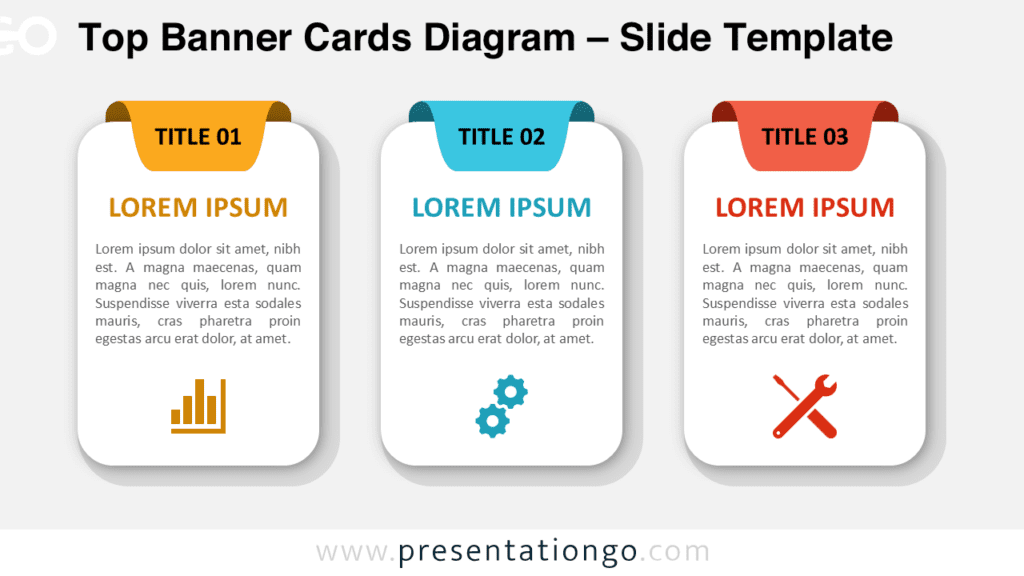
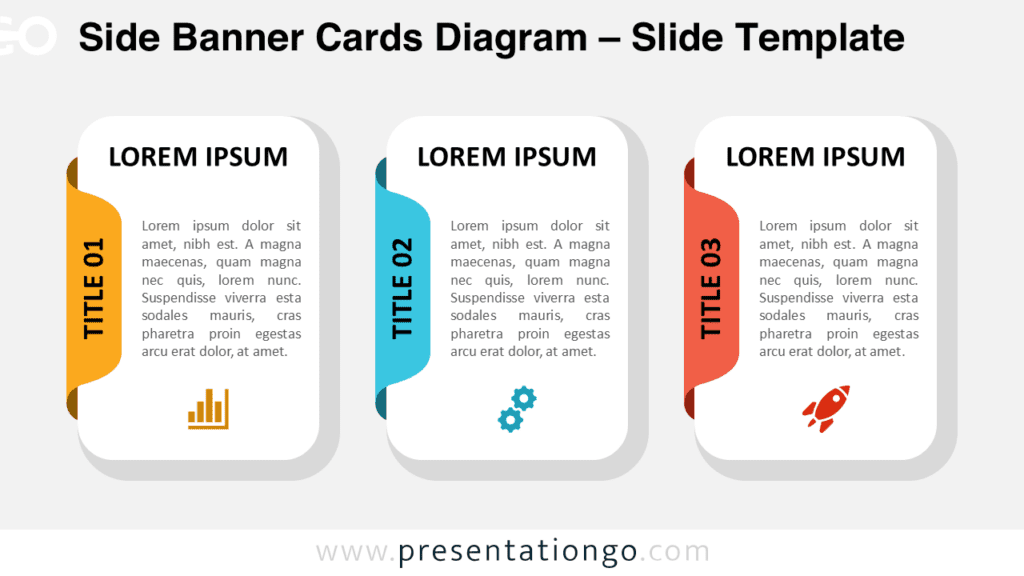
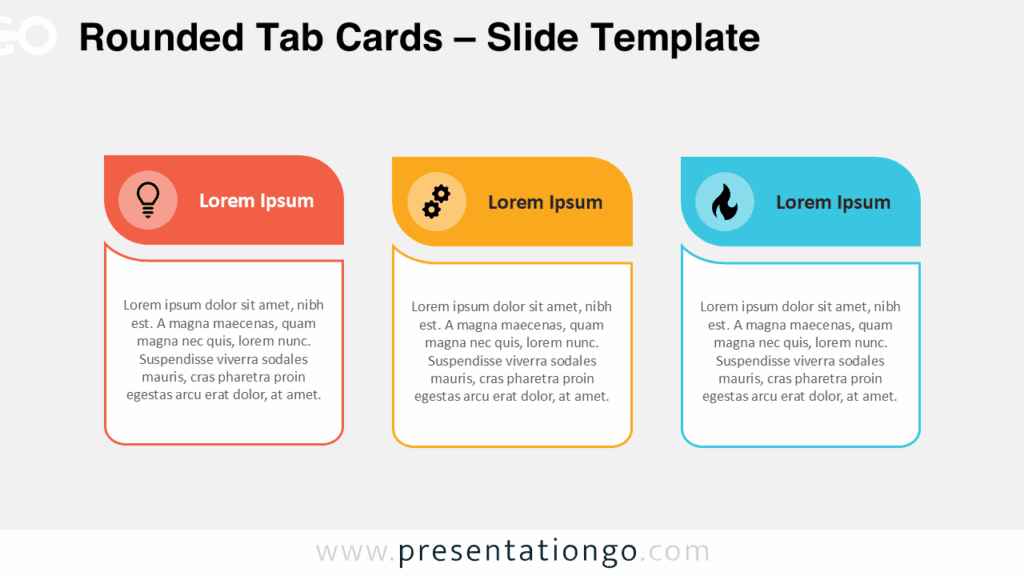
The Triple Tilted Cards diagram is a modern and colorful three-part layout designed for both PowerPoint and Google Slides. It provides a clean and energetic way to present information using rounded cards, angled label headers, and icon placeholders. This design helps you highlight ideas, features, or steps with strong visual appeal and clear organization.
Diagram Preview
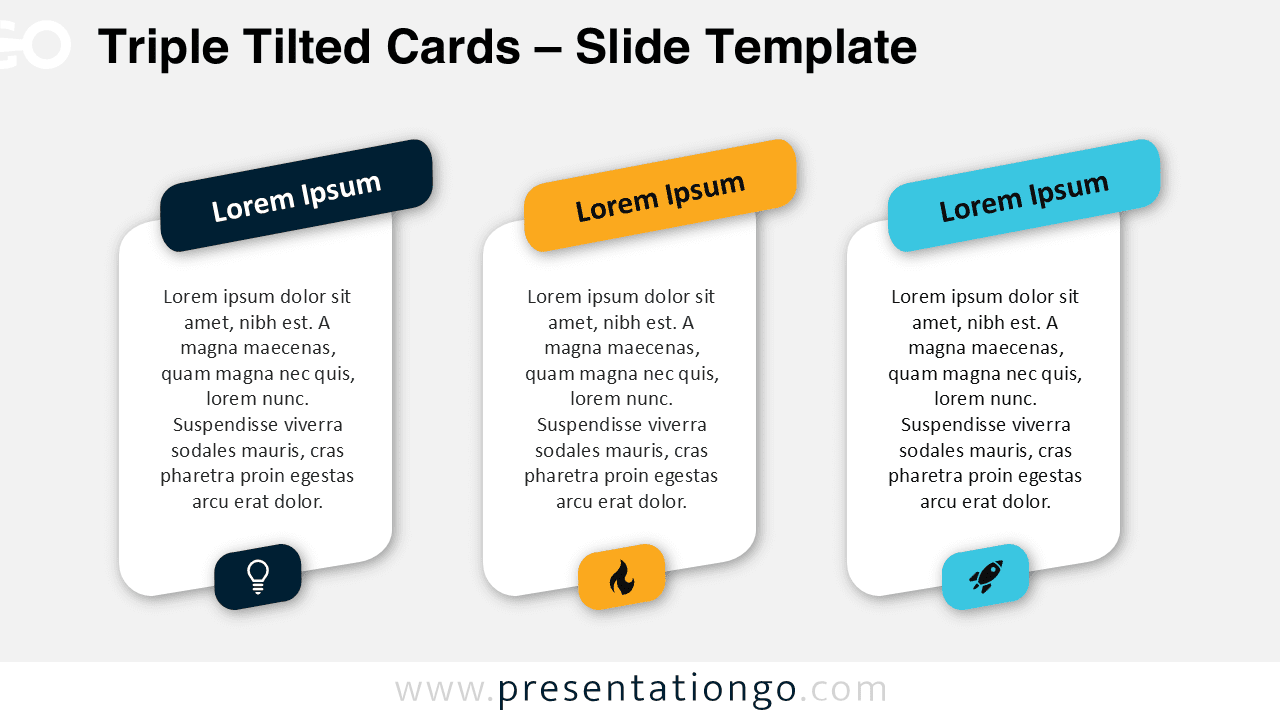
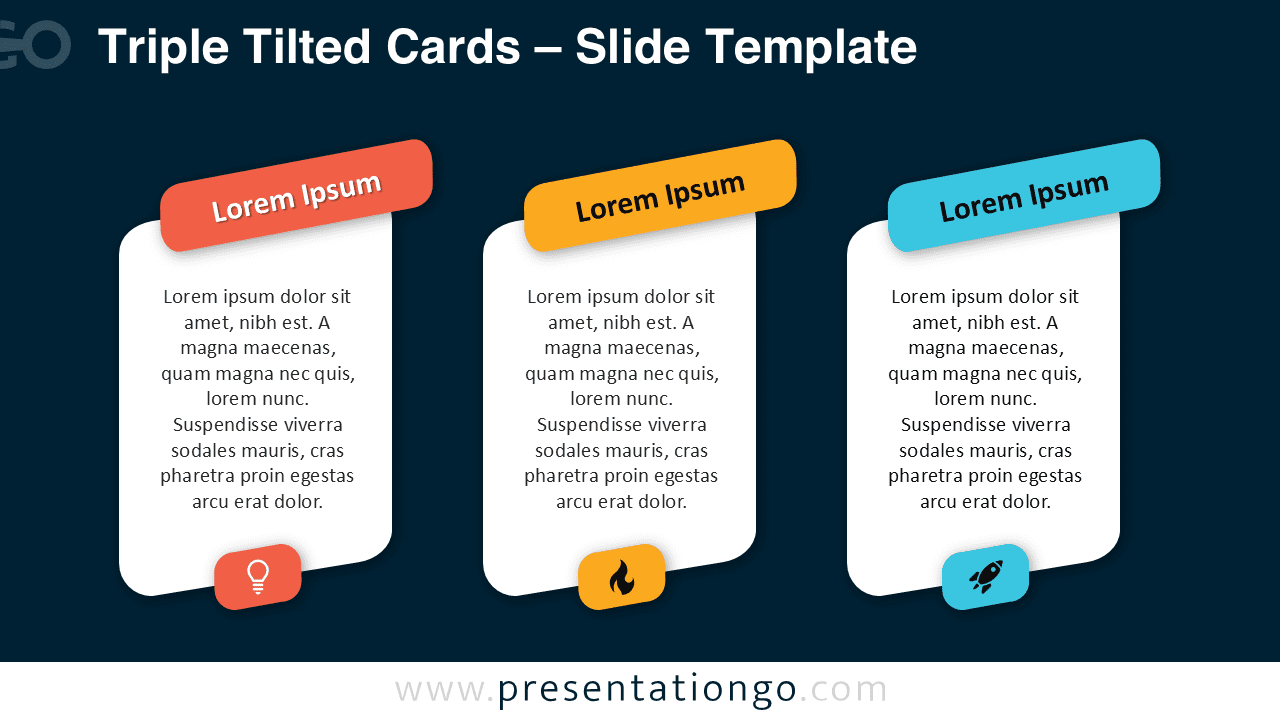
Diagram Features and Customization Options
- Three rounded vertical cards with soft shadow effects
- Angled color headers that make each section stand out
- Editable text blocks for descriptions or key points
- Includes editable icon placeholders for visual reinforcement
- Fully editable shapes, colors, and typography
- Compatible with PowerPoint and Google Slides
- Standard 16:9 slide layout for modern screens
Design and Structure
This diagram uses a distinctive card-based layout with clean lines and rounded corners to create a friendly and professional appearance. Each card includes a tilted header block that adds energy and motion to the design. The contrasting colors in the labels help users segment information visually, while the icons at the bottom of each card create memorable associations for each section. The structure works well in both light and dark backgrounds, making it suitable for versatile presentation styles.
Because all elements are fully editable, you can adjust the colors to match your brand identity or presentation theme. The icons can be replaced or recolored, and the text areas provide enough room to describe each step, category, or feature in detail.
Practical Applications
- Presenting three product features or benefits
- Explaining steps in a process or workflow
- Showing comparisons or category breakdowns
- Highlighting business pillars or key focus areas
- Educational summaries of three core ideas
Summary
The Triple Tilted Cards diagram is a simple yet effective visual tool for organizing three pieces of information in a clean and modern format. Its use of angled labels, icons, and rounded cards helps draw attention to your content while maintaining readability. Whether you are presenting processes, features, or comparisons, this diagram brings clarity and visual impact to your PowerPoint or Google Slides projects.