The 3-Step Perspective Multi-Lane Diagram is a clean and modern visual tool designed for PowerPoint and Google Slides. It helps you present three parallel concepts, teams, or workflow steps in a structured and visually engaging format. The perspective layout gives the diagram depth and clarity, making it ideal for presentations that need to depict simultaneous actions or roles working toward a shared direction.
Diagram Preview
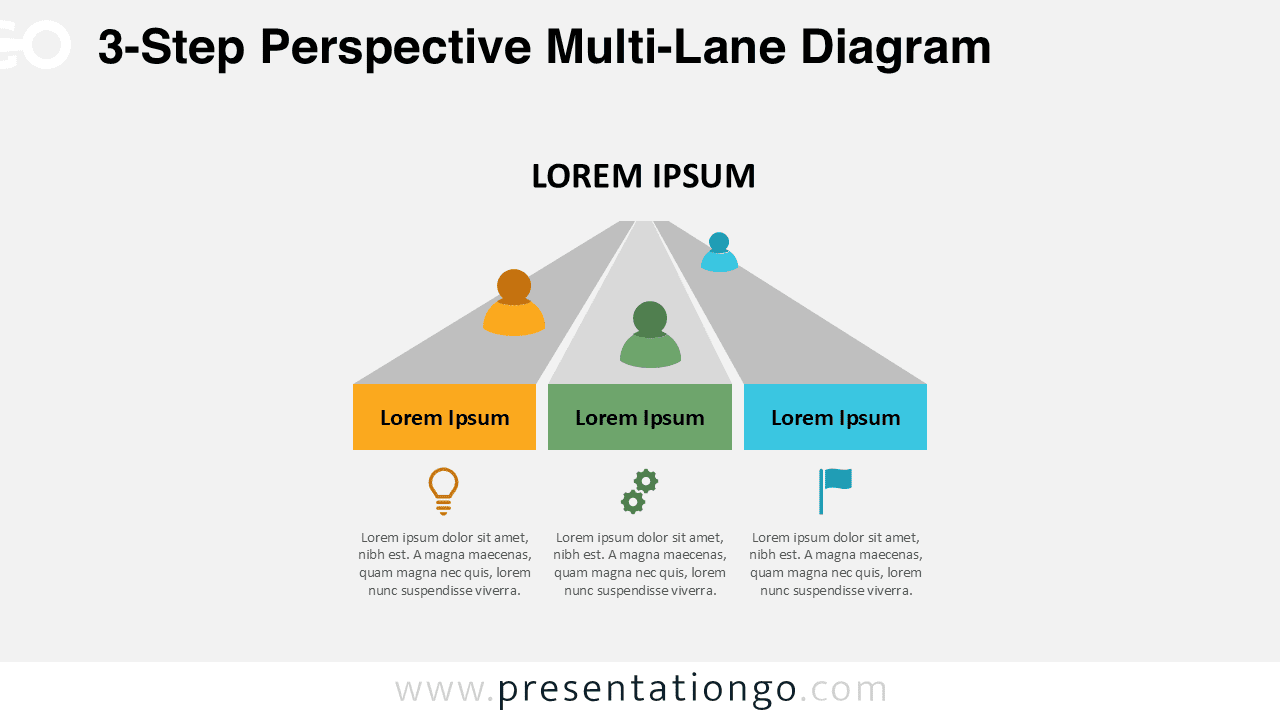
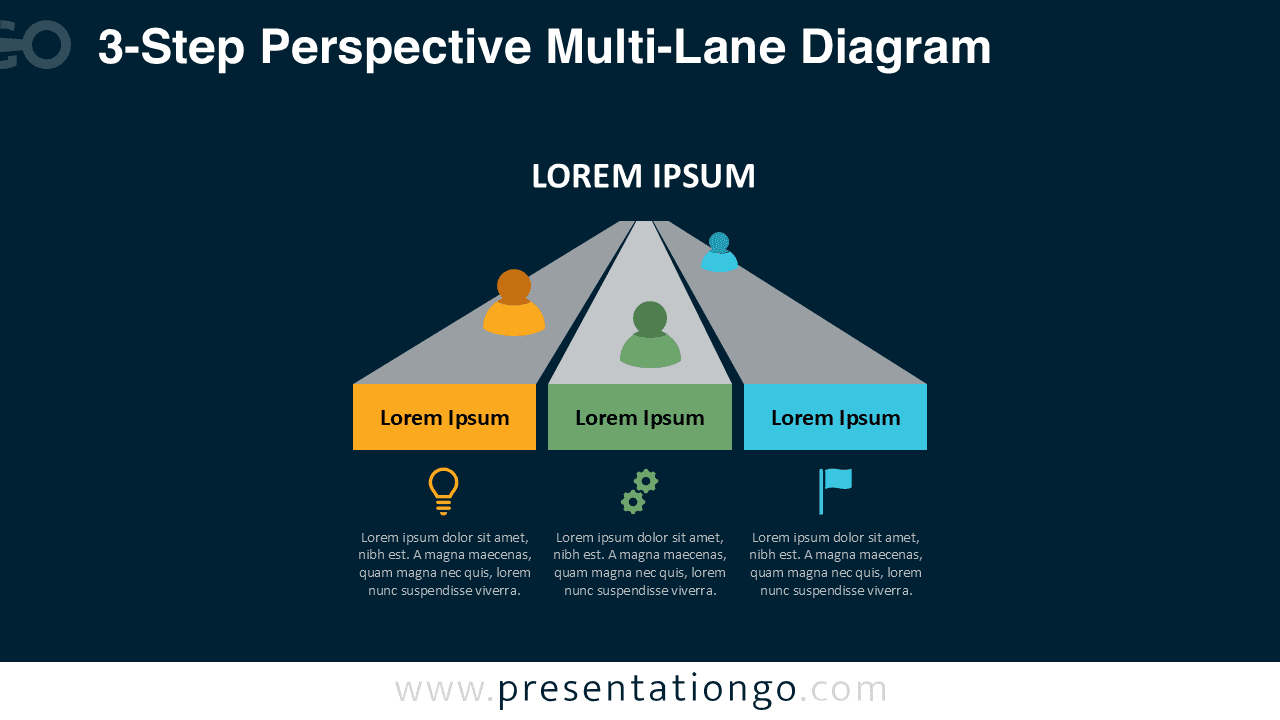
Diagram Features and Customization Options
- Three-lane perspective layout for parallel processes
- Fully editable shapes, text, and colors
- Includes editable icon placeholders
- Compatible with PowerPoint and Google Slides
- Two theme variations: light and dark
Design and Structure
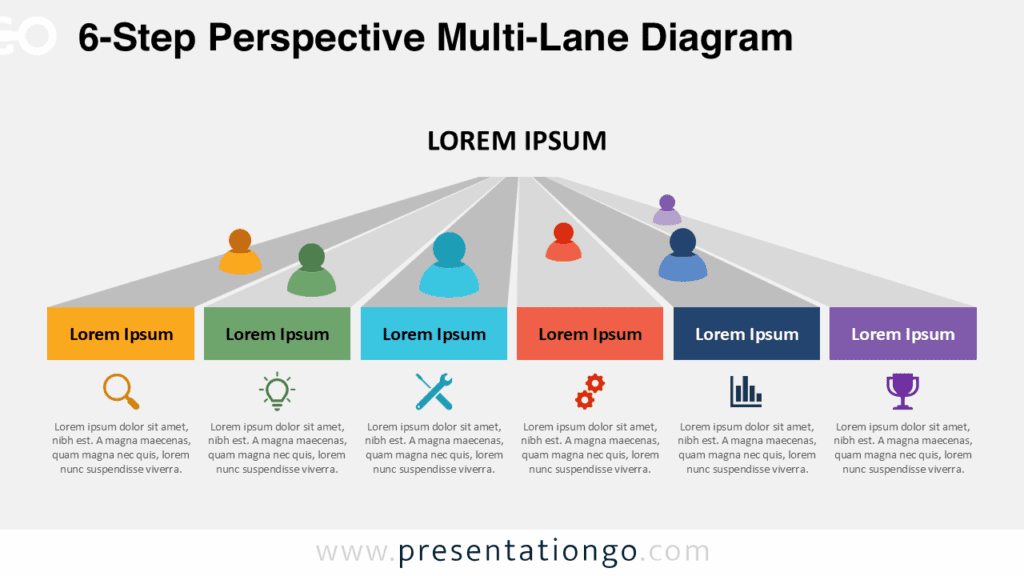
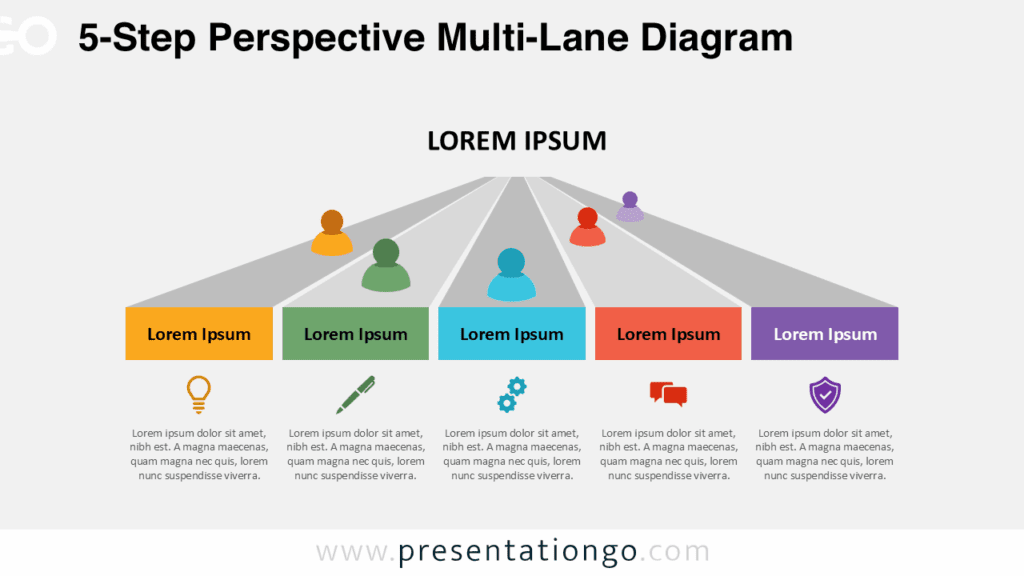
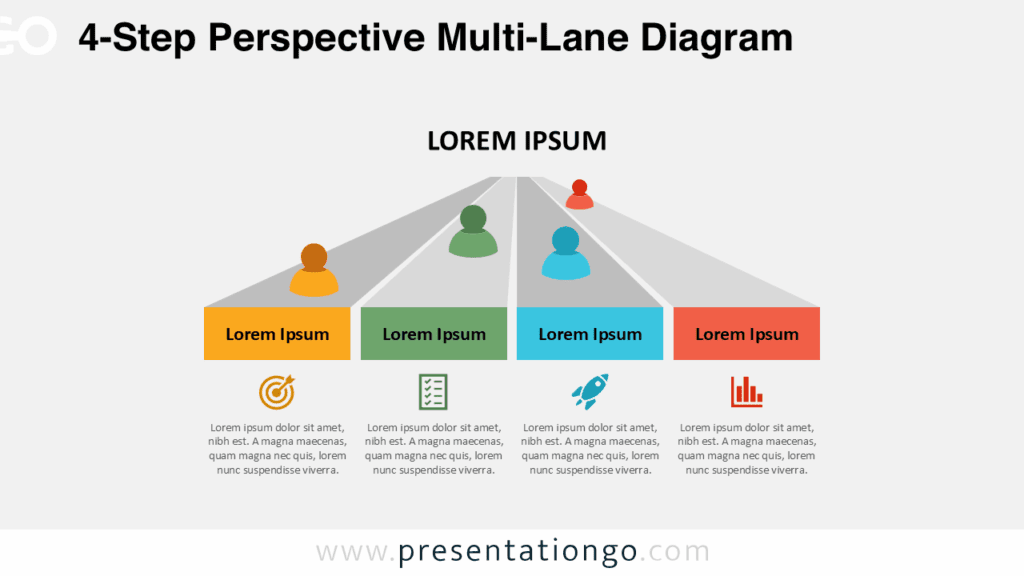
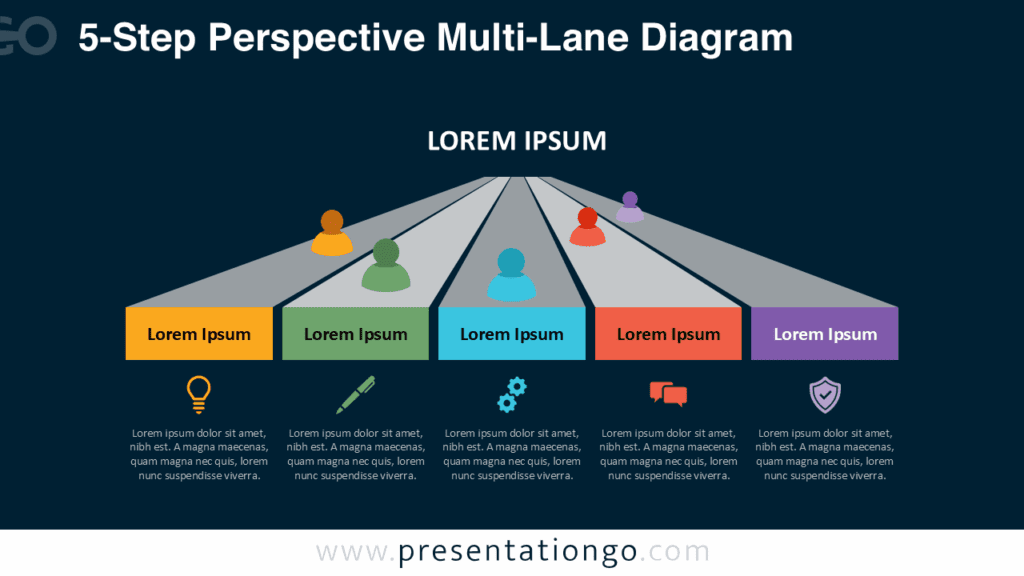
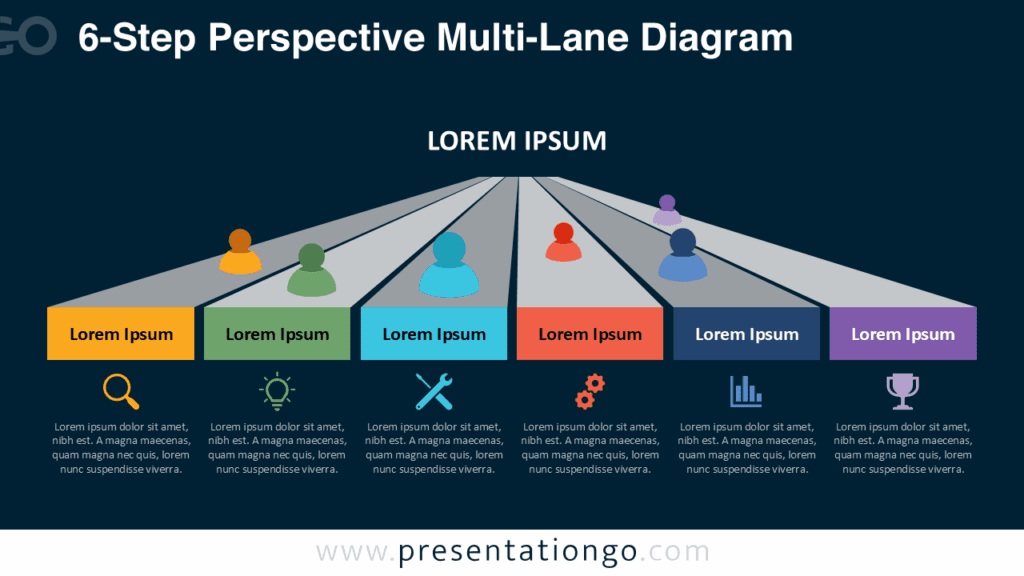
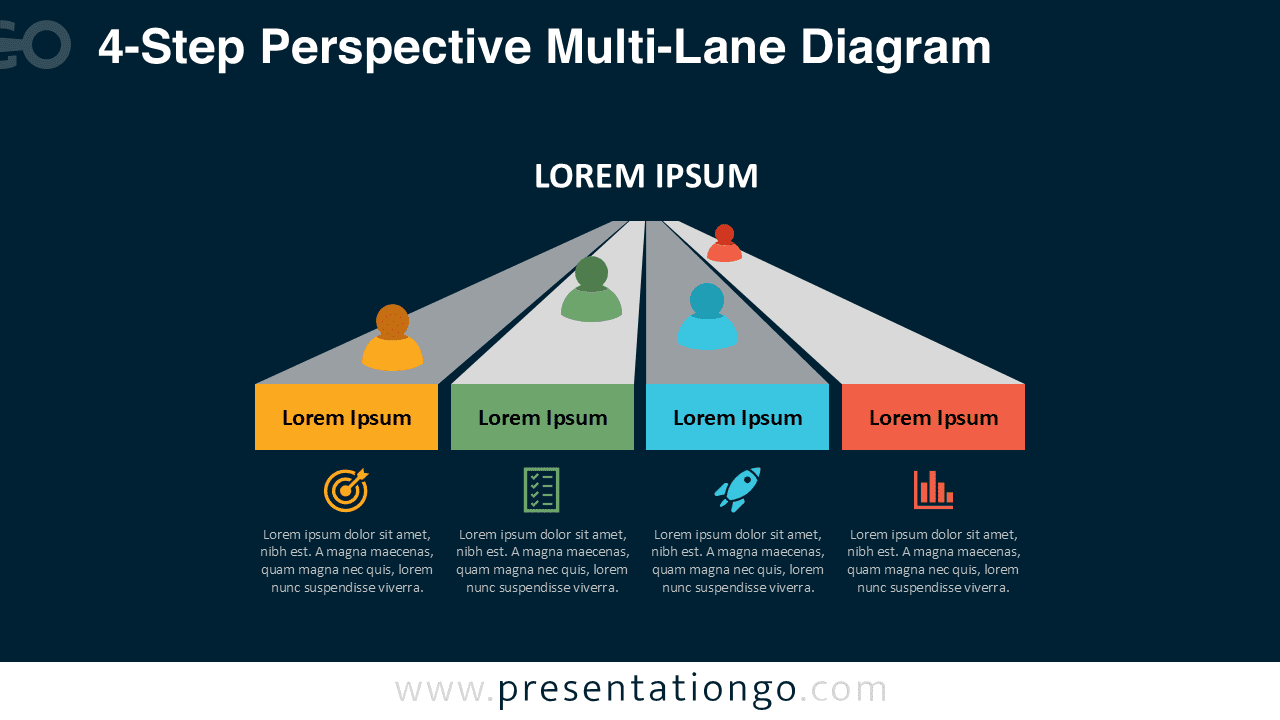
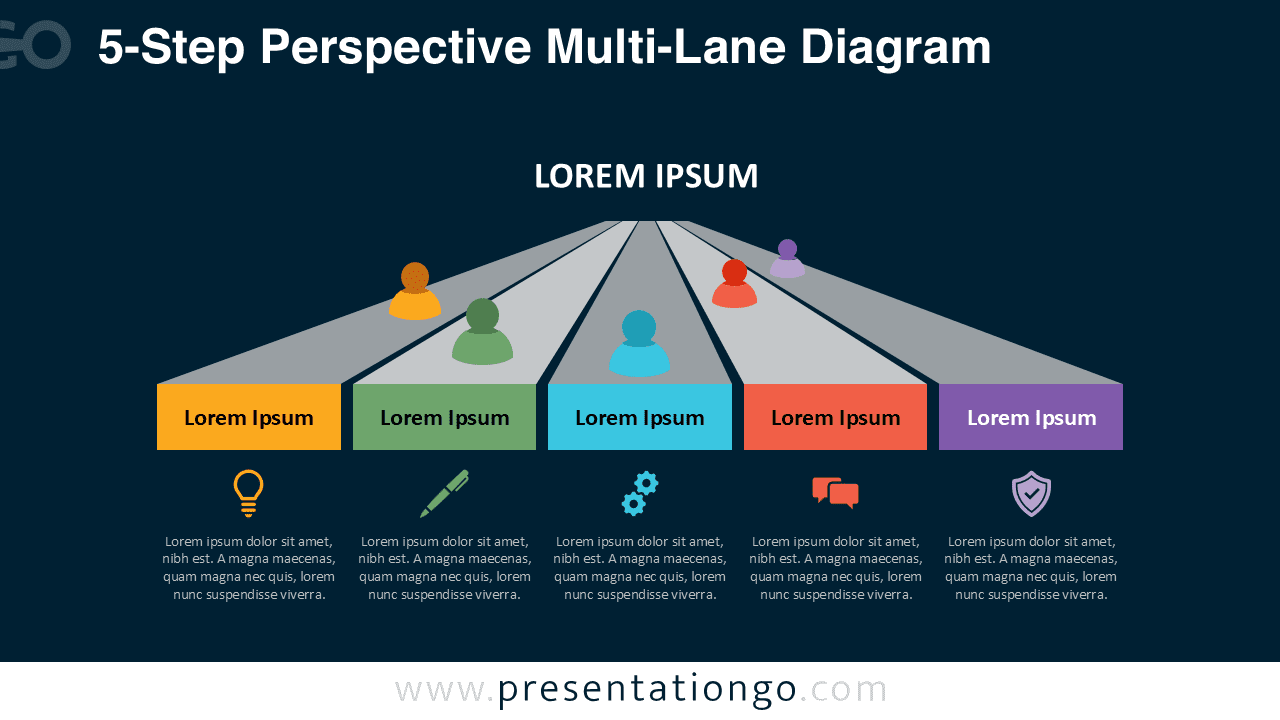
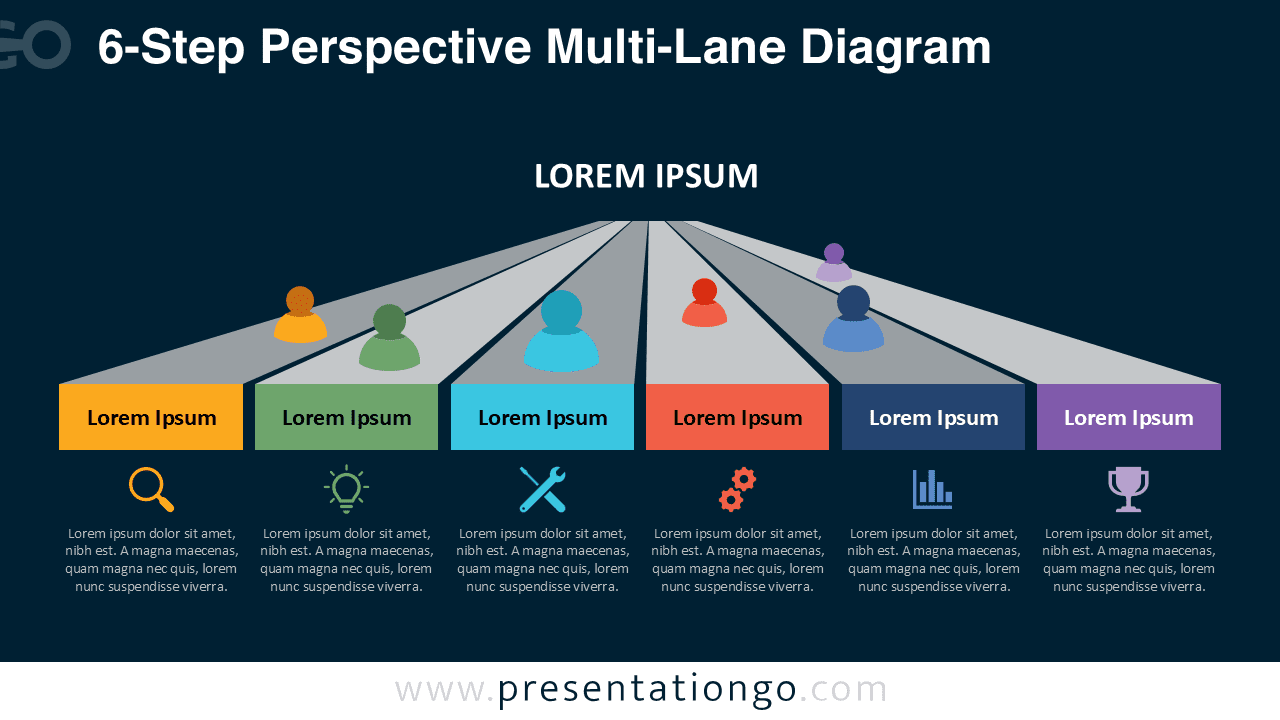
The diagram features three converging lanes that create a sense of direction and forward movement. Each lane includes a colored title block, a human figure marker, an icon, and a text placeholder. The perspective angle amplifies the visual hierarchy, helping the viewer understand the relationship between items while maintaining equal importance across the three steps.
Both the light and dark background versions provide excellent versatility. The light theme offers a clean, business-friendly look, while the dark version enhances contrast and visual depth, making icons and colors stand out. All elements can be customized to match your brand, including colors, icons, and descriptive text.
Practical Applications
- Parallel workflows or synchronized tasks
- Three-team or three-role comparisons
- Multi-pillar strategies or organizational divisions
- Three-step processes or frameworks
- Capability or feature segmentation
Complete Perspective Multi-Lane Diagram Collection
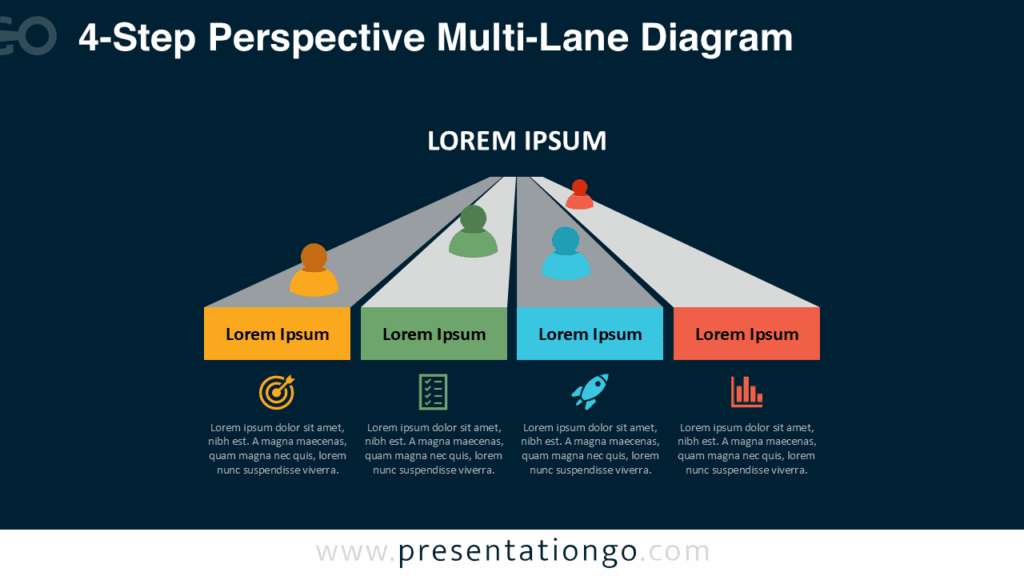
This 3-Step version is part of the complete Perspective Multi-Lane Diagram Collection, which also includes 4-Step, 5-Step, and 6-Step layouts. Each variant uses the same clean perspective lane structure but adjusts the number of tracks to match different presentation needs. The collection ensures design consistency across multiple slides while giving you the flexibility to scale your message as your content becomes more detailed or expanded.
Summary
This 3-Step Perspective Multi-Lane Diagram for PowerPoint and Google Slides provides a visually engaging way to communicate parallel concepts or steps. Its clear structure, modern icons, and perspective layout make it an excellent choice for business, education, and project management presentations.
Frequently Asked Questions (FAQ)
Yes. All icons are editable placeholders. You can delete the existing icon and insert your own PNG, SVG, or vector graphic.
PowerPoint:
Right-click the icon, choose Change Graphic → From Icons / From File, select your new icon, then resize or recolor as needed. This replaces the graphic without losing alignment.
Google Slides:
Delete the icon and insert a new one using Insert → Image for PNG/SVG files. Position it in the same place and resize as needed.