The 5-Step Perspective Multi-Lane Diagram is designed to help you present five coordinated steps, processes, or roles in a clear and visually structured way. Built for PowerPoint and Google Slides, this diagram uses a perspective-based multi-lane layout that creates depth and guides the viewer’s attention toward a unified direction. Each lane includes a title block, icon, human figure marker, and editable text area, making it easy to highlight key information.
Diagram Preview
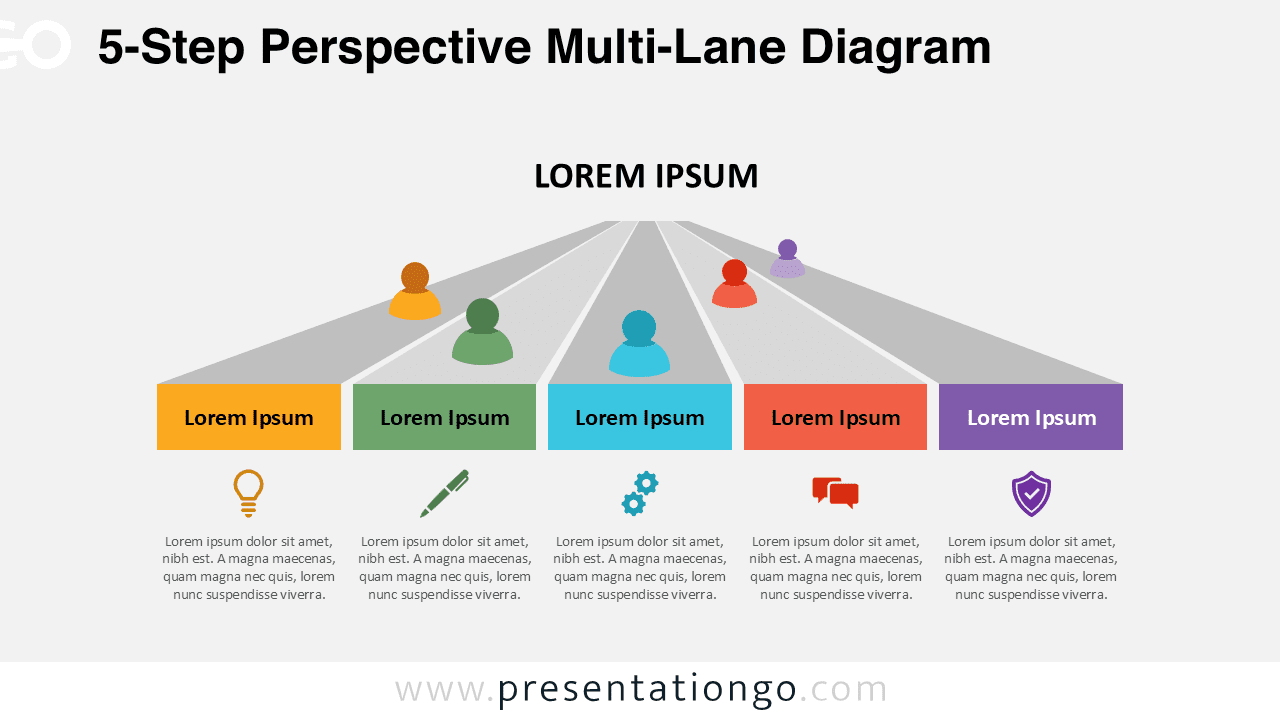
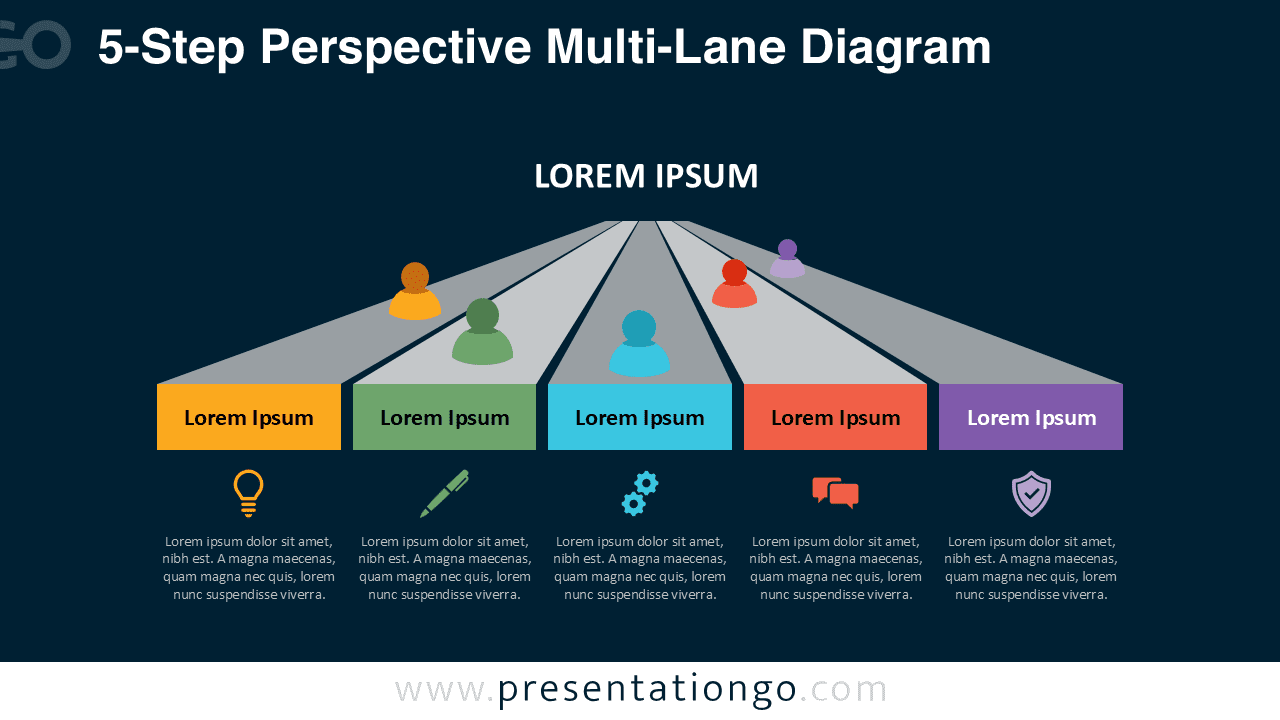


Diagram Features and Customization Options
- Five-lane perspective structure for complex parallel workflows
- Fully editable shapes, text, and colors
- Includes editable icon placeholders
- Compatible with PowerPoint and Google Slides
- Two theme variations: light and dark
Design and Structure
The 5-step layout offers a balanced, symmetrical presentation for multi-step processes. Each lane is color-coded and supported by icons and descriptive text, ensuring that every step is easy to understand. The human figure markers help emphasize responsibility or participation in each lane. The perspective view adds visual impact and helps organize large amounts of information without clutter.
Both the light and dark themes give you flexibility for different presentation environments. Every element is customizable so you can adapt colors, icons, and text to your brand or content needs.
Practical Applications
- Five-phase processes or project stages
- Team structure or capability mapping
- Strategic pillars or key initiatives
- Multi-lane workflow segmentation
- Parallel decision or role frameworks
Complete Perspective Multi-Lane Diagram Collection
This 5-Step diagram belongs to the complete Perspective Multi-Lane Diagram Collection, which includes 3-Step, 4-Step, 5-Step, and 6-Step versions. Each layout follows the same visual style but varies the number of lanes to fit different levels of detail. This collection ensures consistency across your presentation while allowing you to scale your content as needed.


Summary
The 5-Step Perspective Multi-Lane Diagram for PowerPoint and Google Slides provides a structured way to present multi-track workflows and detailed processes. Its editable icons, color-coded lanes, and modern perspective layout make it an excellent tool for business, education, and strategy-focused presentations.
Frequently Asked Questions (FAQ)
Yes. All icons are editable placeholders. You can delete the existing icon and insert your own PNG, SVG, or vector graphic.
PowerPoint:
Right-click the icon, choose Change Graphic → From Icons / From File, select your new icon, then resize or recolor as needed. This replaces the graphic without losing alignment.
Google Slides:
Delete the icon and insert a new one using Insert → Image for PNG/SVG files. Position it in the same place and resize as needed.