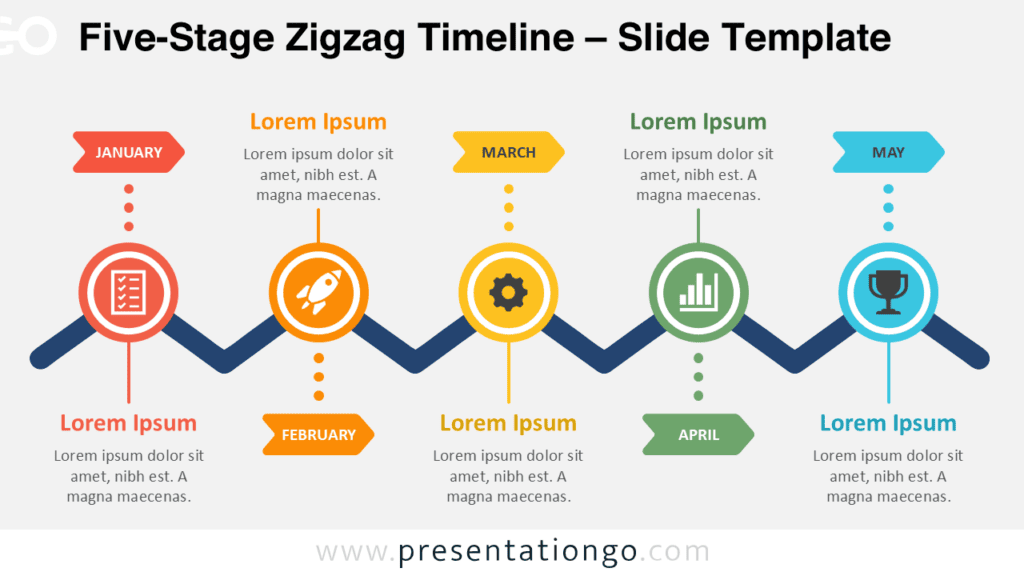
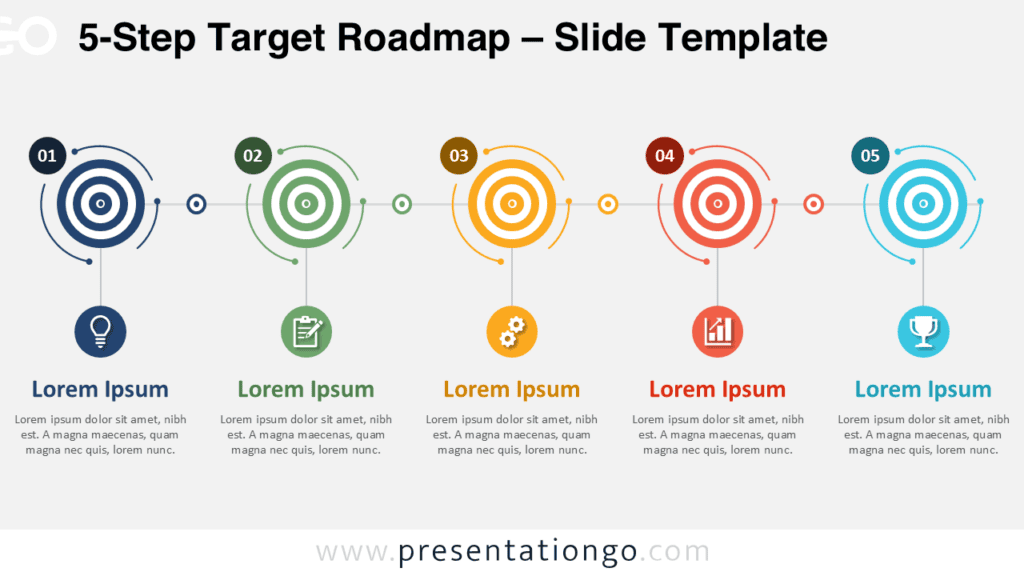
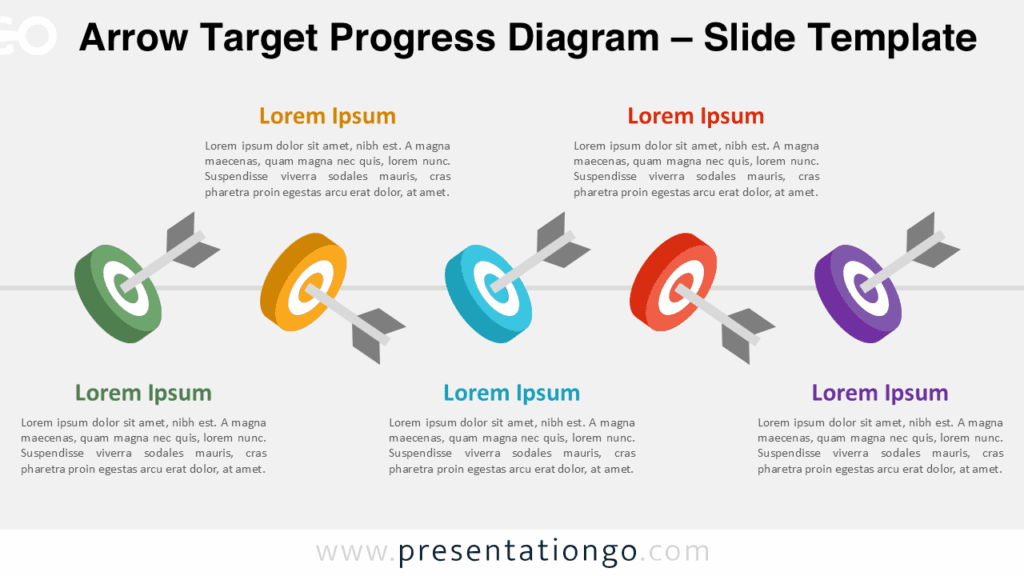
Agenda Flow Cards gives you a clear way to present five agenda items in one horizontal layout. This diagram helps audiences follow topics from left to right without confusion. You can use it to introduce meeting points, workshop sections, project checkpoints, or session topics. Each card includes a number, a short text area, and an icon placeholder. The layout keeps information organized while leaving enough space for concise labels.
Diagram Preview
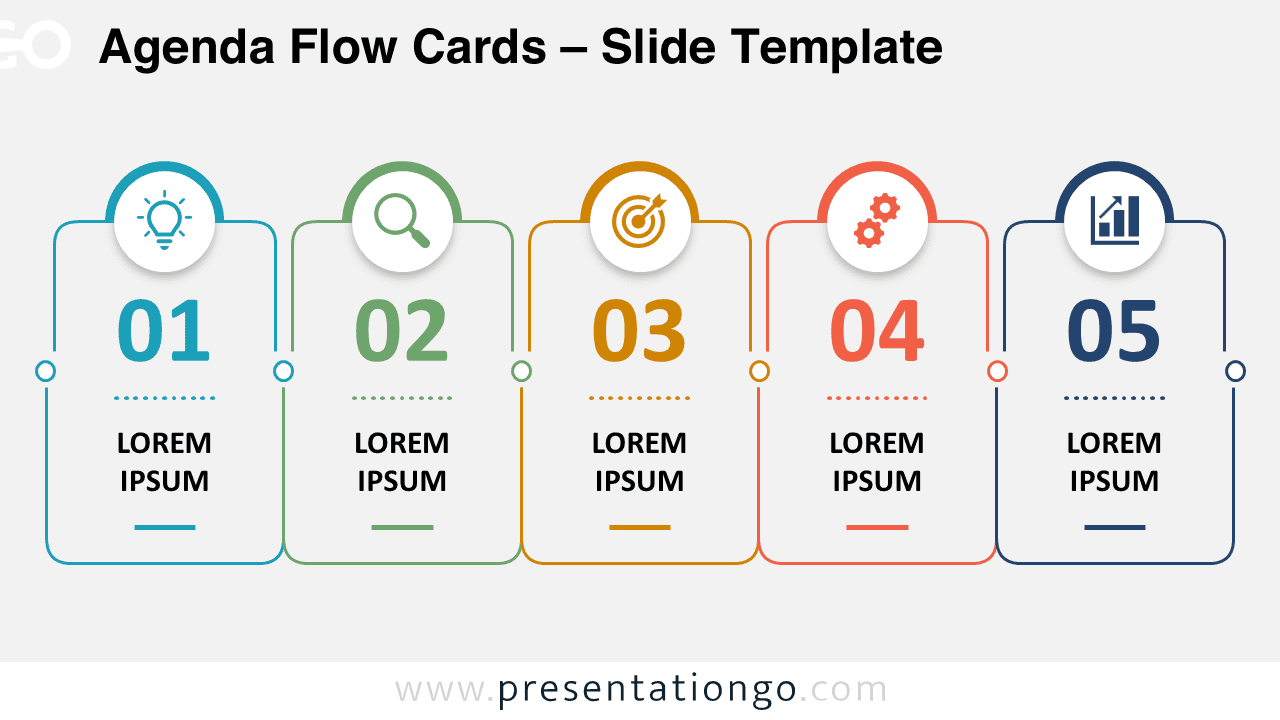
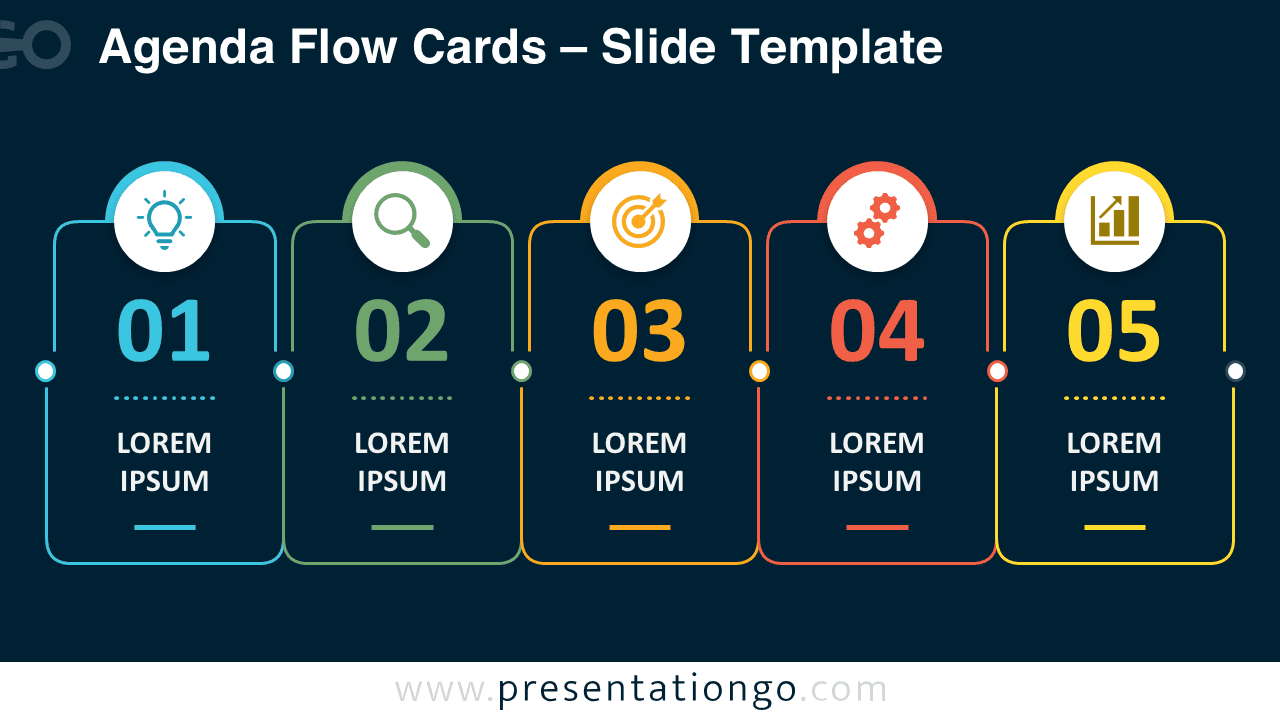
The preview shows two versions of the same agenda diagram for PowerPoint and Google Slides. Both versions keep the same structure, spacing, and editable elements. You can choose the version that best fits your presentation style. The five-card format works well when you need to explain a simple sequence or list key talking points.
Features and Customization Options
- Includes five editable agenda cards for topics, sessions, priorities, or discussion points.
- Works in PowerPoint and Google Slides for quick presentation editing.
- Uses numbered sections to create a clear agenda flow from left to right.
- Includes editable text placeholders for short labels or meeting topics.
- Includes icons from the Office icon library, which are easy to modify.
- Lets you replace, resize, recolor, or remove the Office icons as needed.
- Supports quick adaptation for meetings, workshops, events, and training sessions.
- Provides a clean structure for agenda slides, planning decks, and briefing materials.
Design and Structure
Agenda Flow Cards uses a balanced row of five rounded cards. Each card contains a large number, a text placeholder, and a visual icon area. Small connector points link the cards and reinforce the agenda flow. This structure makes the diagram easy to scan during live presentations. It also helps presenters separate each topic while keeping the full agenda visible.
The design supports quick editing because each element stays simple. You can update the numbers, replace the text, and adapt the icons for your topic. The layout works especially well for short agenda labels. It avoids clutter and keeps attention on the sequence of discussion points.
Practical Applications
- Meeting agendas with five main topics.
- Workshop programs with five sections.
- Training modules with five learning blocks.
- Conference sessions with five scheduled parts.
- Project briefings with five checkpoints.
- Classroom lesson plans with five activities.
- Business reviews with five discussion areas.
Summary
Agenda Flow Cards is a practical diagram for organizing five topics in PowerPoint and Google Slides. It gives presenters a simple structure for agendas, schedules, sessions, and planning content. The editable cards, numbers, text areas, and Office icon placeholders make customization fast. Use this diagram when you need a clean agenda slide that guides your audience through each point.