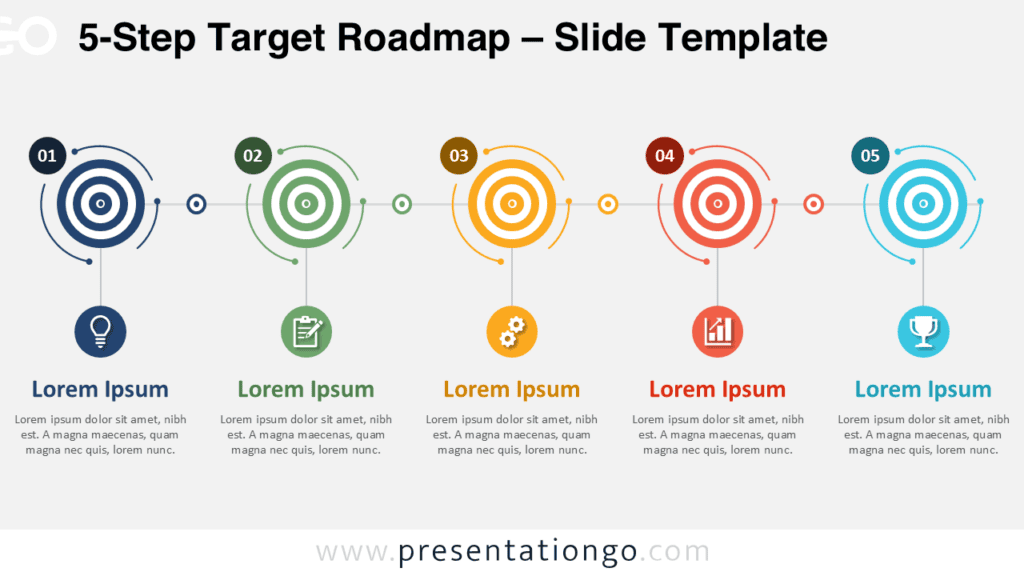
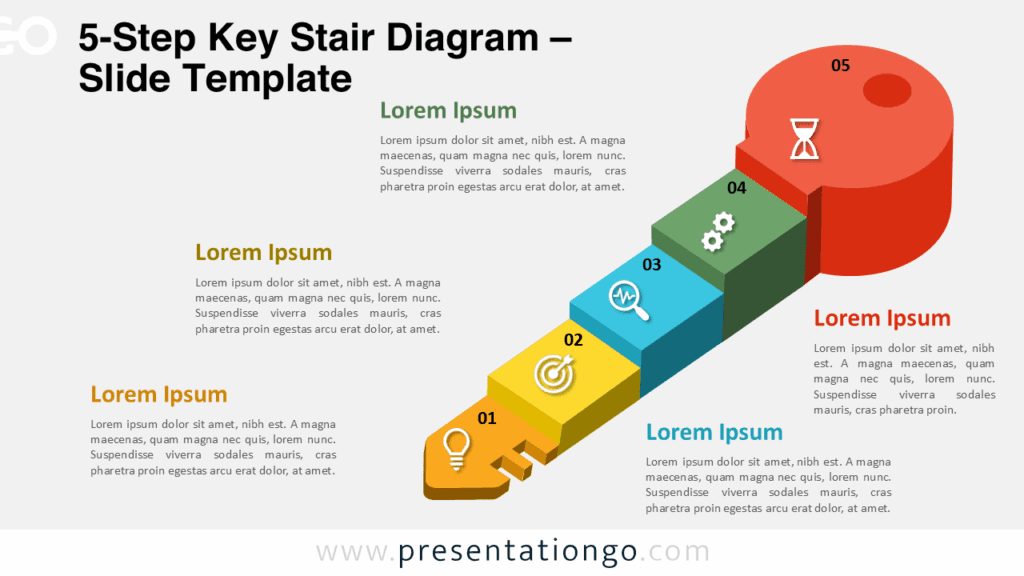
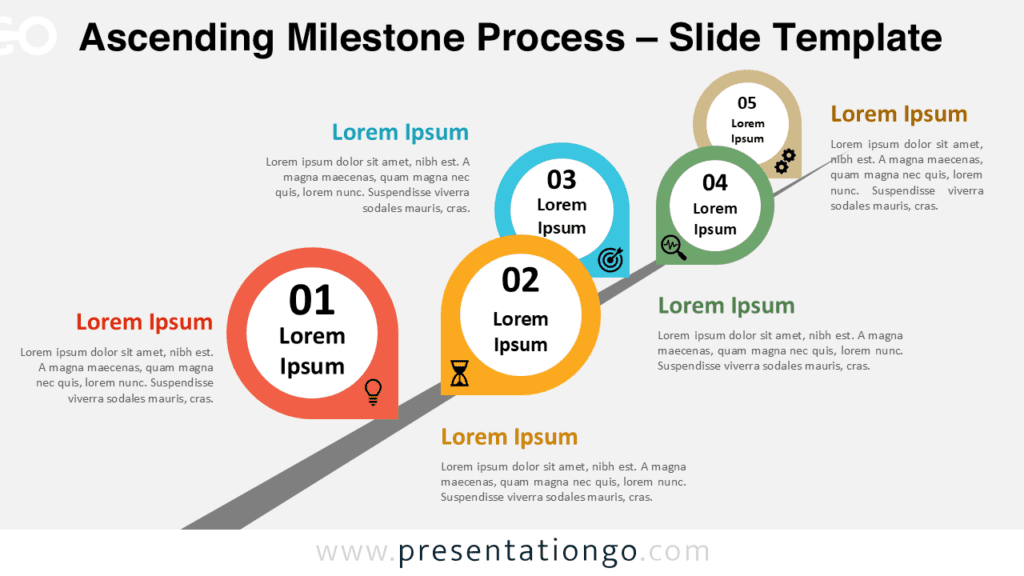
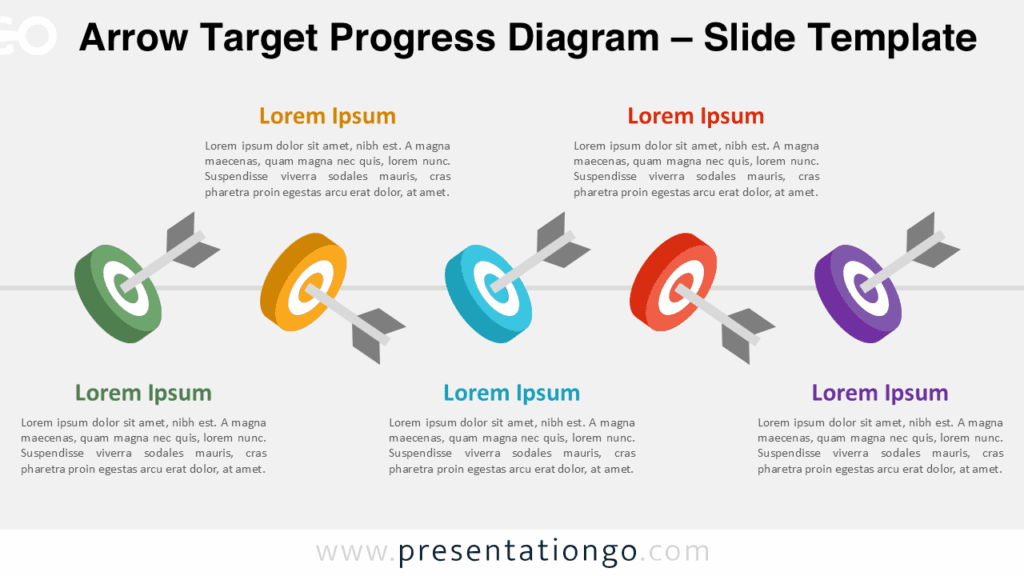
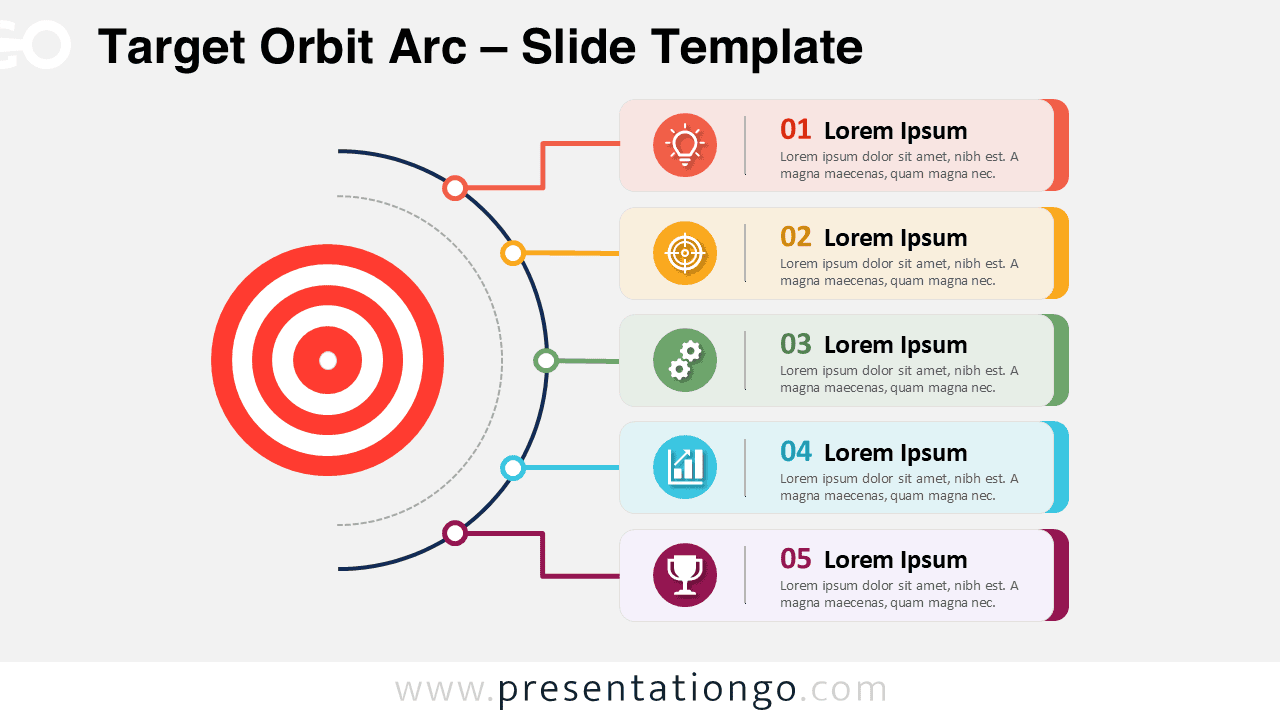
The Target Orbit Arc PowerPoint diagram helps you connect a central goal to five related actions, priorities, or milestones. Its target-based layout gives your audience a clear visual anchor, while the curved structure guides attention toward each step. Use it when you need to explain how several initiatives support one objective, or when you want to turn a list of points into a more engaging slide.
Diagram Preview
Features and Customization Options
- Fully editable diagram for PowerPoint and Google Slides.
- Five connected content blocks for goals, actions, milestones, or priorities.
- Central target visual that helps reinforce focus and direction.
- Editable text placeholders for titles, numbers, and short descriptions.
- Icons from the Microsoft Office icon library, easily modifiable and replaceable.
- Clean connectors that link each section to the main orbit structure.
- Works well for business, education, marketing, strategy, and project slides.
Design and Structure
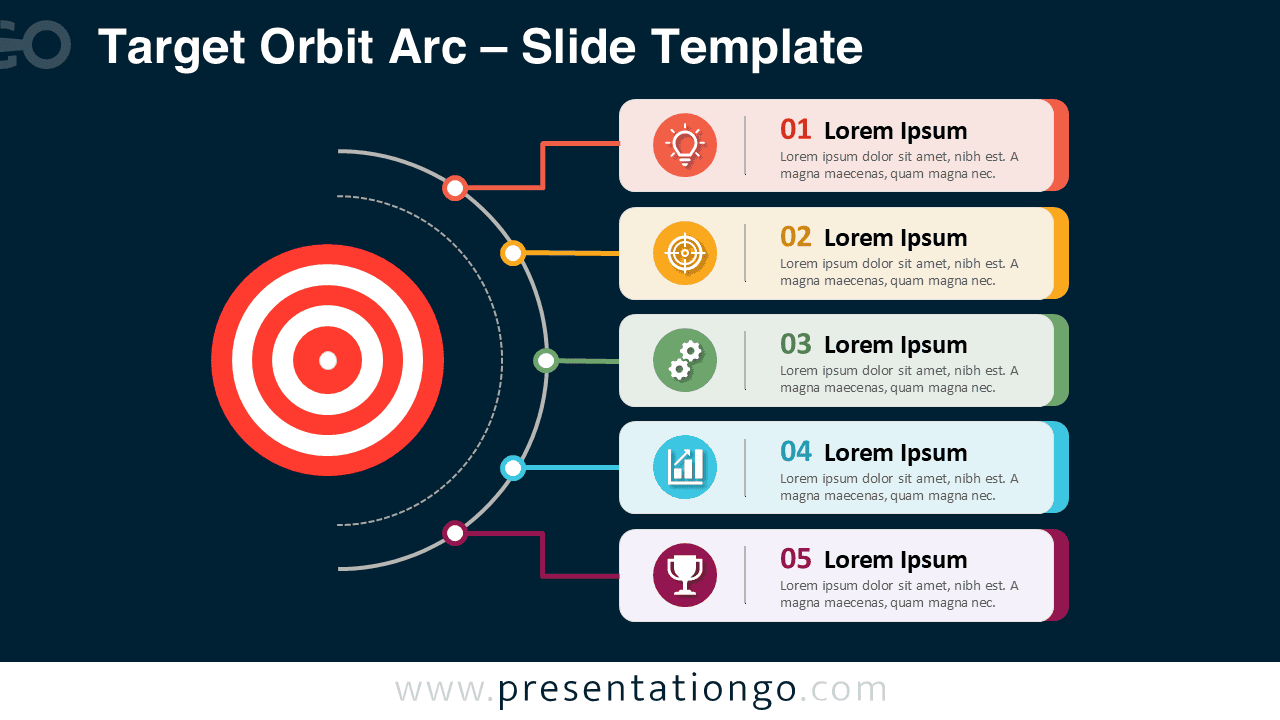
This diagram uses a central target and a curved orbit line to organize information in a logical flow. The left side draws attention to the main objective, while the right side presents five supporting points in separate content blocks. This structure helps presenters show relationships without overwhelming the slide.
Each block includes a number, a headline, a short description area, and an icon placeholder. This setup makes the diagram easy to scan during live presentations. You can replace the sample text with strategic goals, action items, performance indicators, customer journey steps, or project phases.
Practical Applications
- Present five strategic goals linked to one business objective.
- Explain project priorities during planning or kickoff meetings.
- Show how key actions support a central performance target.
- Summarize marketing, sales, or operational initiatives.
- Turn complex planning information into a clear visual overview.
Summary
The Target Orbit Arc PowerPoint diagram offers a simple and professional way to present goal-centered information. Its target visual, orbit connector, and five editable sections help you explain relationships between a main objective and its supporting actions. Download it for free and customize it for your next PowerPoint or Google Slides presentation.