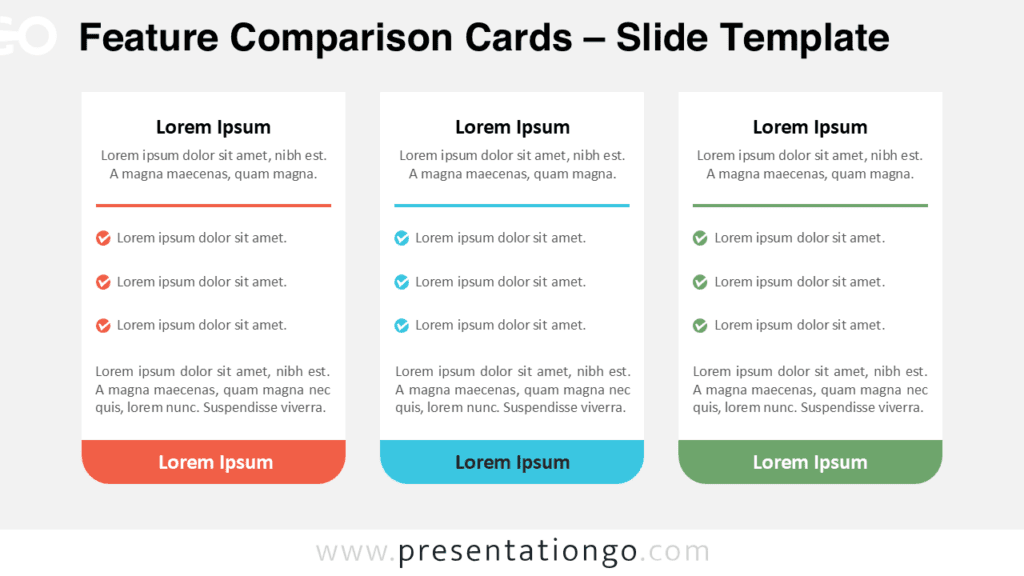
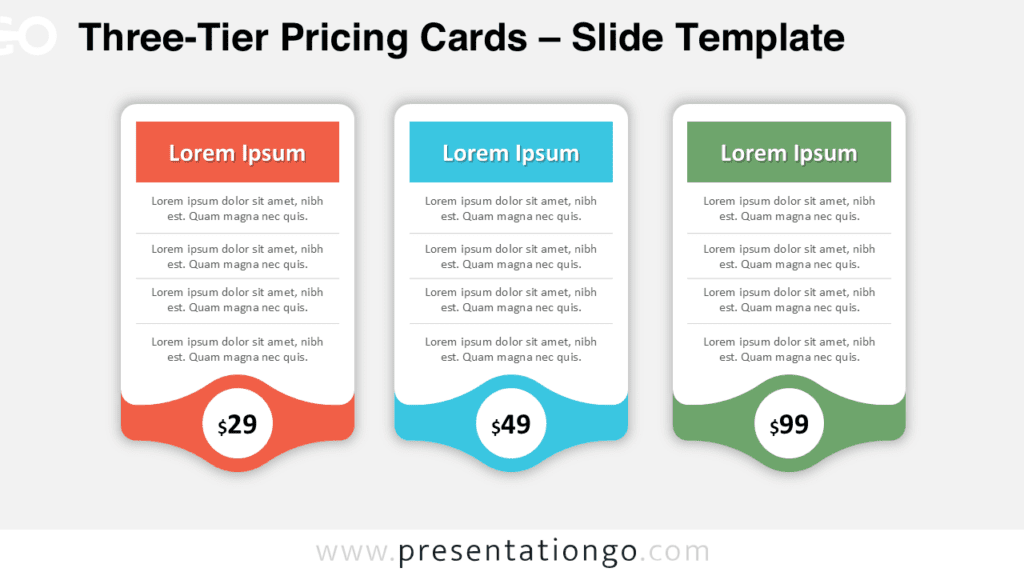
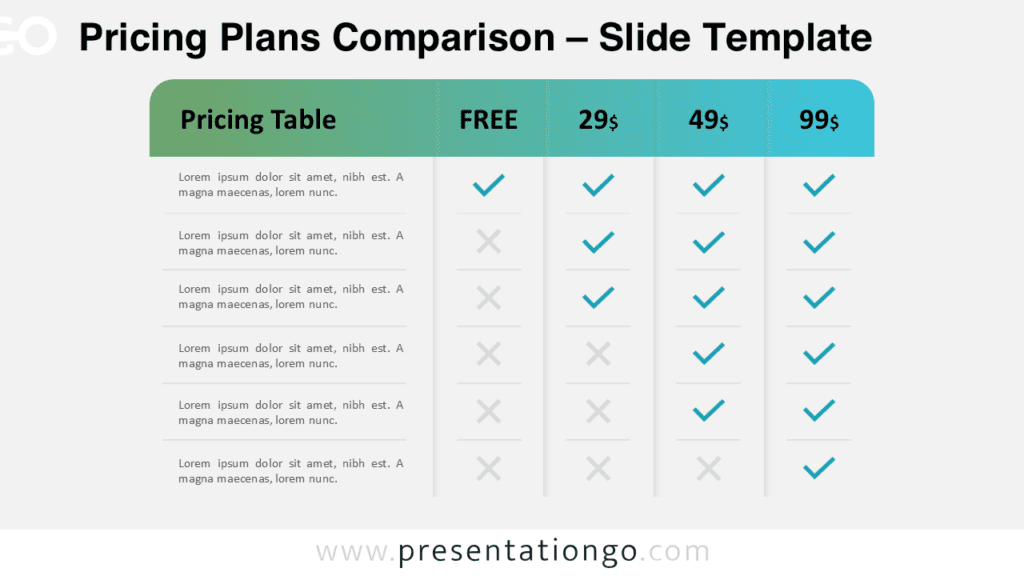
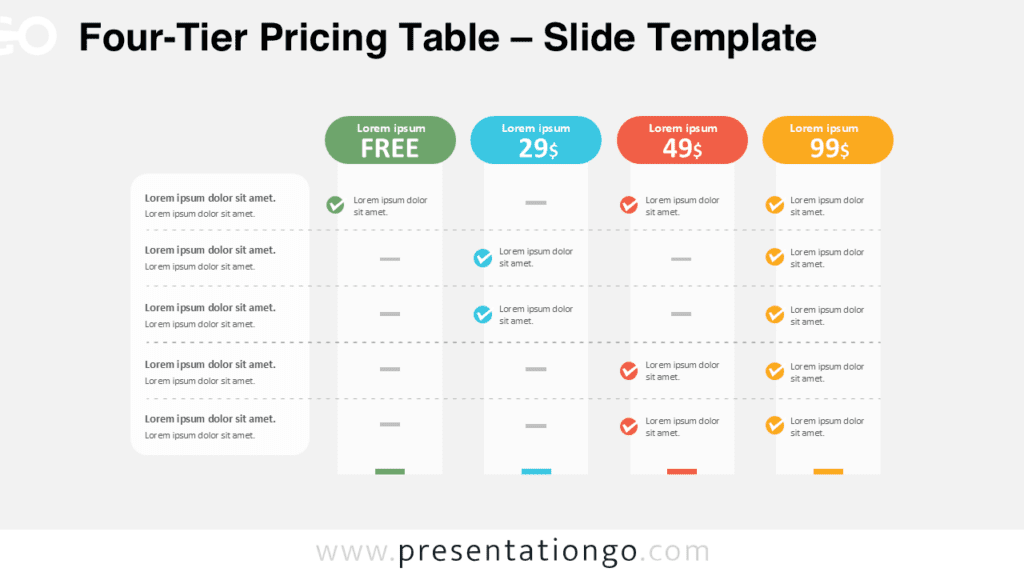
The Recommended Option Cards PowerPoint diagram helps you compare three alternatives while giving one option stronger visual emphasis. Its balanced three-card structure makes comparisons easy to scan and understand. The elevated center card naturally identifies the preferred choice without hiding the two alternatives. You can use the layout in both PowerPoint and Google Slides for business, marketing, product, or planning presentations.
Each card follows the same clear information hierarchy, with an icon area, title, accent line, and four concise supporting points. This consistency helps audiences compare related information quickly. The central card adds prominence through its increased height and recommendation badge, making the intended selection clear at a glance.
Diagram Preview
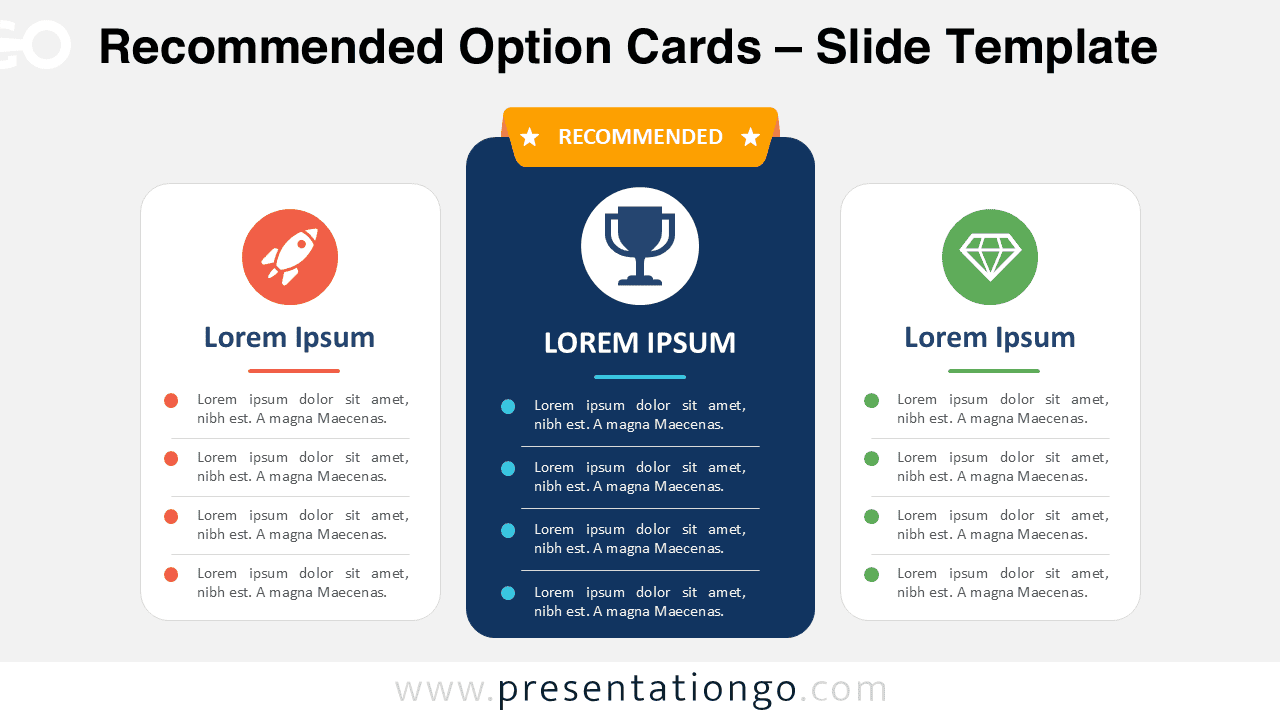
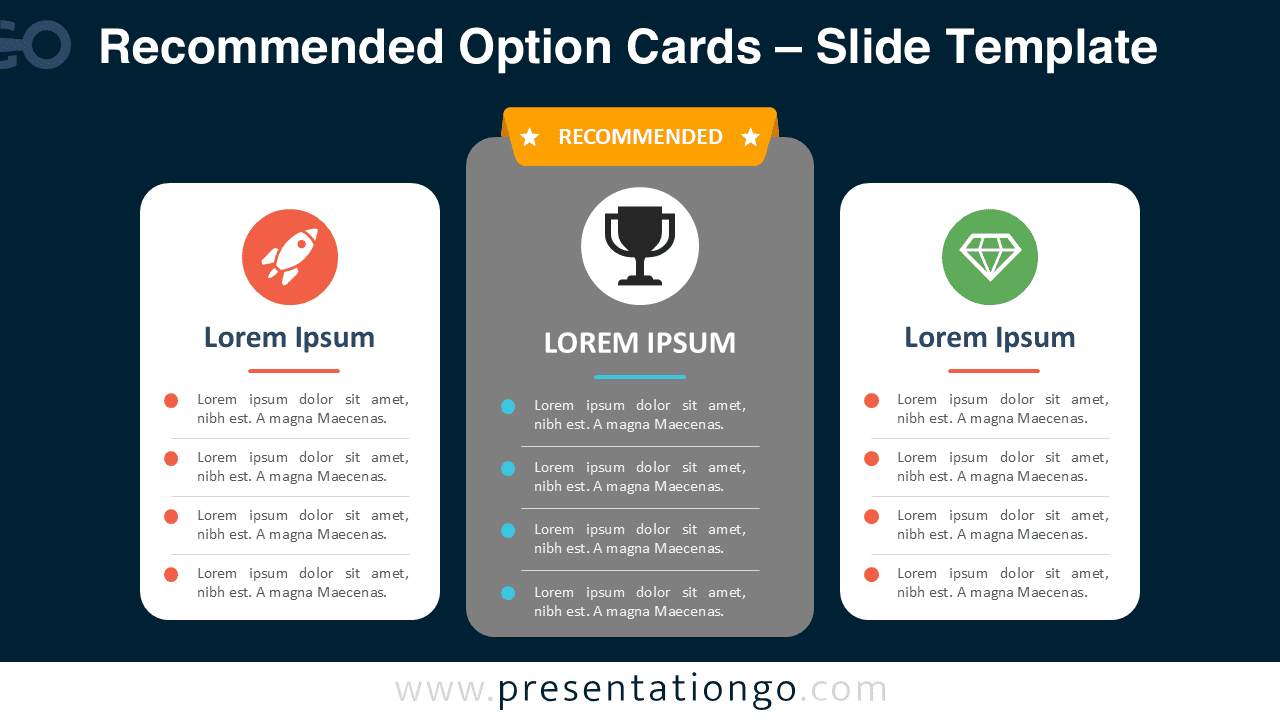
The diagram provides two presentation-ready versions for different slide environments. Both keep the same three-column comparison structure and maintain the elevated center option as the main focal point. You can place the slide directly into an existing deck, then replace the sample content with your own information.
Features and Customization Options
- Compatible with Microsoft PowerPoint and Google Slides
- Icon-and-text layout for comparing concepts
- Editable text, shapes, colors, and icon placeholders
- Office library icons for illustration purposes only
- Icons are easy to recolor, resize, or replace
- Includes both light and dark background versions
Design and Structure
The layout uses three vertically aligned cards to create a direct comparison between equal categories. The outer cards share the same dimensions, while the center card rises above them to establish priority. A recommendation badge reinforces that hierarchy without adding unnecessary visual complexity. Rounded corners and evenly spaced content keep the composition approachable and organized.
Each card includes four separated content lines, which work well for features, benefits, criteria, or short descriptions. Because the structure repeats across all three columns, viewers can compare information without searching for corresponding details. The editable icon placeholders provide quick visual cues and can be changed to match your subject.
Practical Applications
- Compare three pricing or subscription plans
- Highlight a recommended product package
- Present three service levels
- Evaluate strategic alternatives
- Compare product features or benefits
- Show membership or access tiers
- Present three proposed solutions
- Recommend one option among several choices
Summary
The Recommended Option Cards PowerPoint diagram offers a practical way to present three choices while clearly emphasizing one recommendation. Its structured layout supports fast comparison, and the elevated center card establishes a natural decision hierarchy. Editable text, shapes, and icon placeholders make the slide easy to adapt for many presentation topics.
Use it for pricing, products, services, strategies, or any situation where audiences need to compare three alternatives. Compatibility with PowerPoint and Google Slides also makes the diagram convenient for teams working across different presentation platforms.