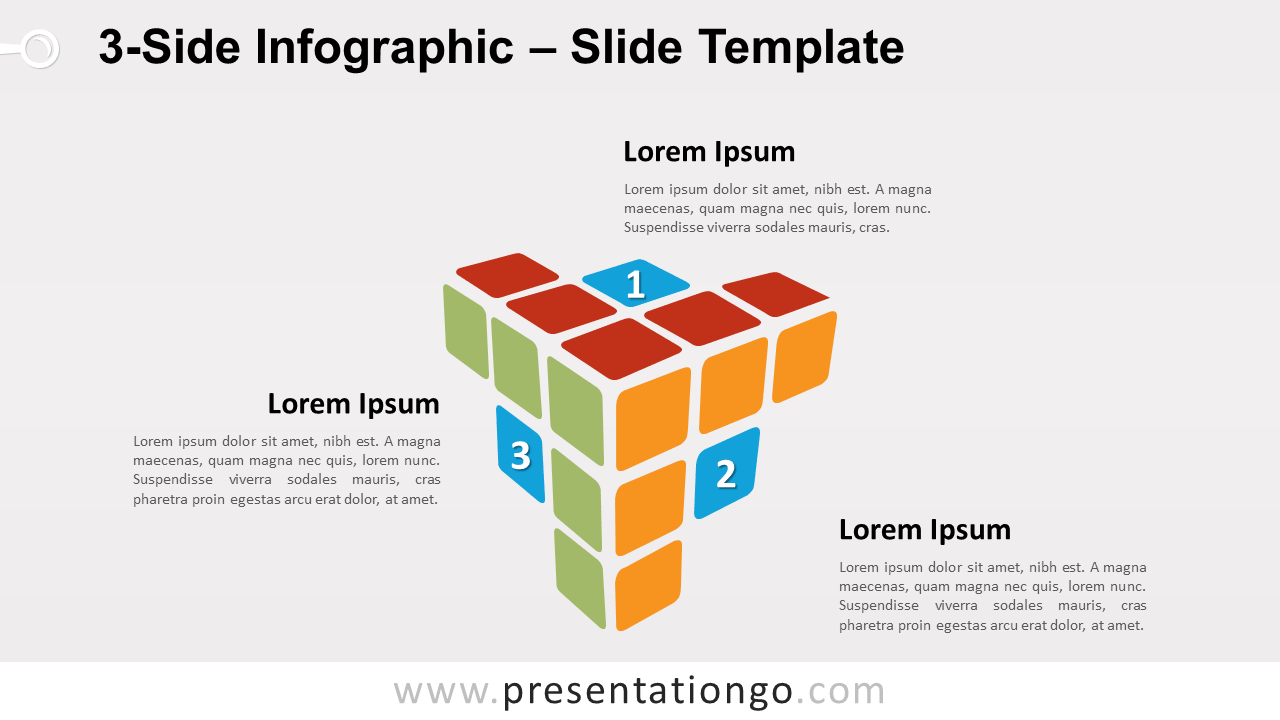
Free 3-side infographic for PowerPoint and Google Slides. Illustration of an incomplete Rubik’s cube. T-shape design with three faces and 10 blocks. Editable graphics with numbers and text placeholders.
3-Side Infographic
This kind of graphic is very versatile. You could basically use it whenever you want to illustrate 3 ideas, concepts, or blocks of information. These elements can be either independent or linked together in a circular flow (with the numbers 1-2-3).
As a metaphor, the Rubik’s cube represents a problem-solving symbol – difficulties, success… some people also compare this puzzle as life (sometimes everything is in order, some other times not at all!). Yes, the Rubik’s cube can be a lot of symbols!
Shapes are 100% editable: colors and sizes can be easily changed.
Includes 2 slide option designs: Standard (4:3) and Widescreen (16:9).
Widescreen (16:9) size preview:


This ‘3-Side Infographic for PowerPoint and Google Slides’ features:
- 2 unique slides
- Light and Dark layout
- Ready to use template with numbers and text placeholders
- Completely editable shapes
- Standard (4:3) and Widescreen (16:9) aspect ratios
- PPTX file and for Google Slides
Free fonts used:
- Helvetica (System Font)
- Calibri (System Font)