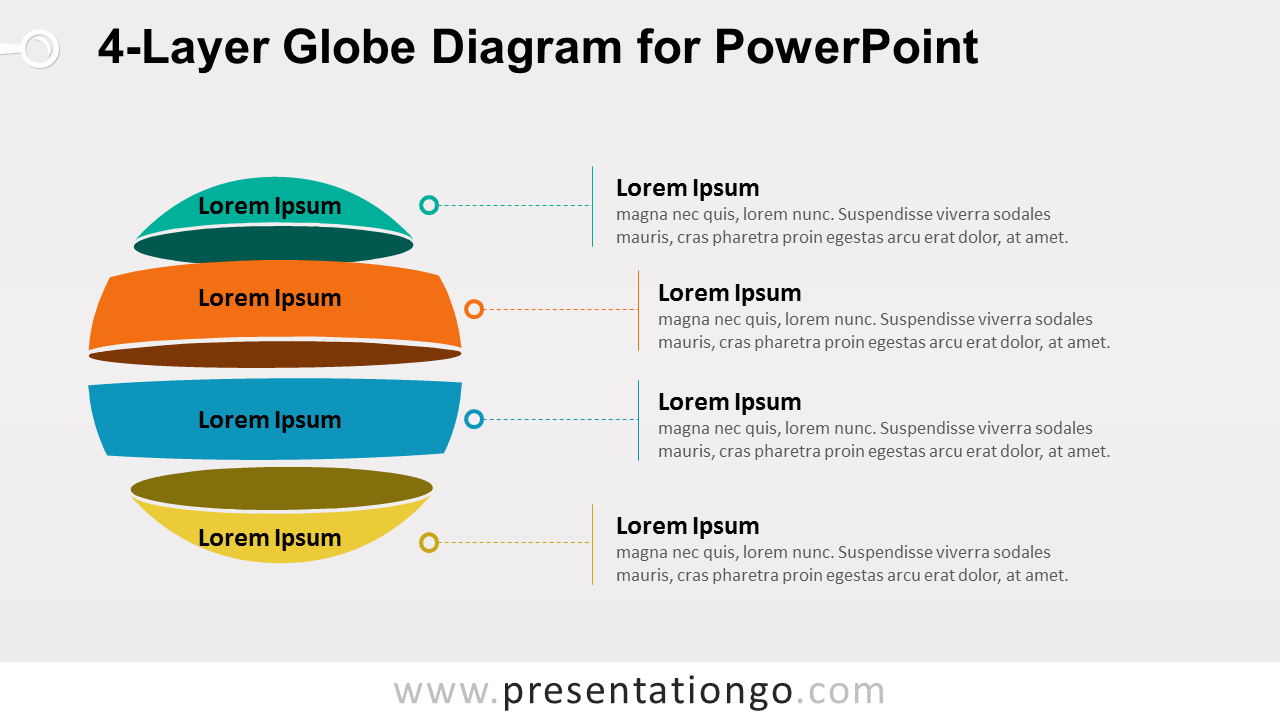
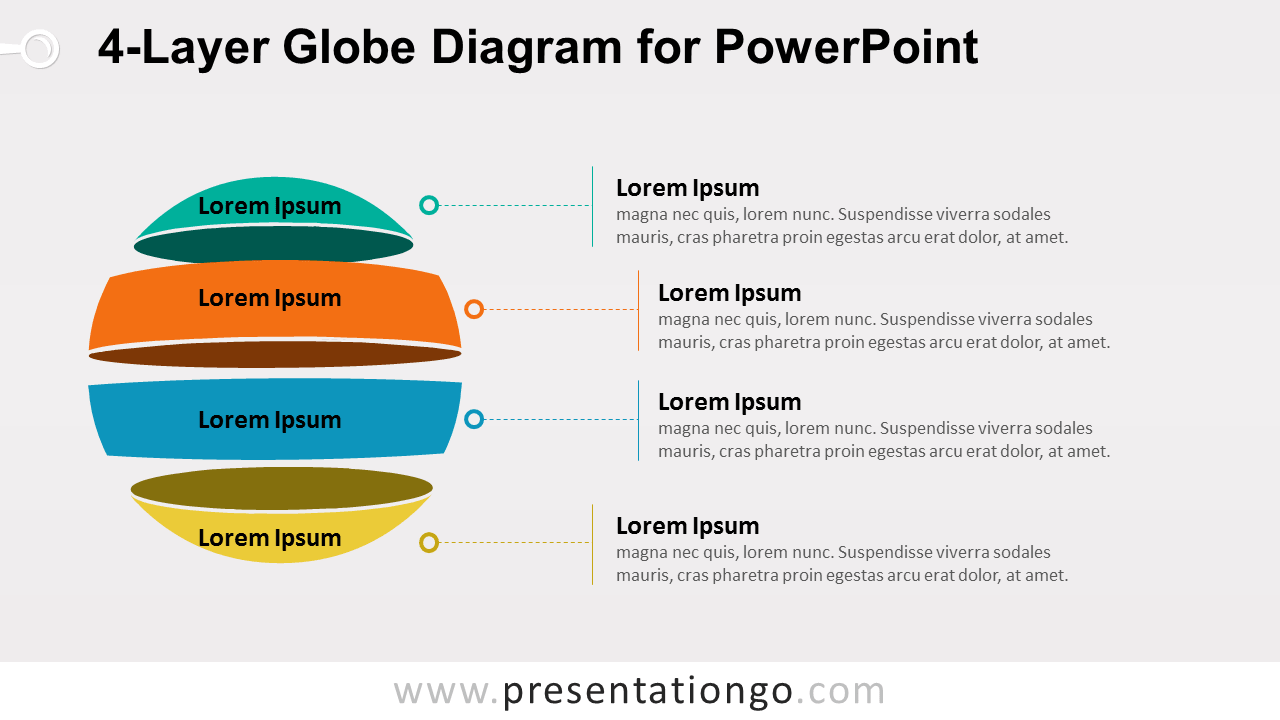
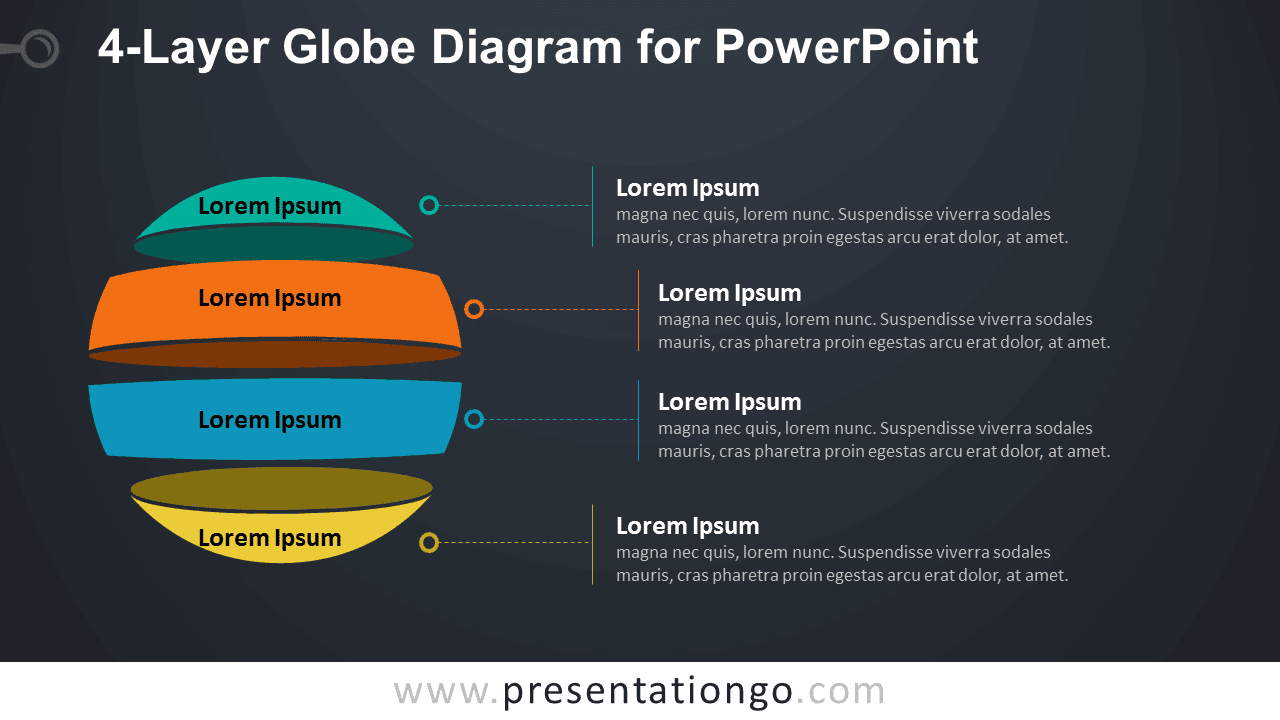
The 4-Layer Globe Diagram for PowerPoint presents four related ideas through an exploded spherical structure. Each layer includes a label and connects to a dedicated text area, making the diagram useful for explaining levels, categories, components, priorities, or parts of a larger concept.
Diagram Preview


Features and Customization Options
- Includes 16:9 and 4:3 versions for Microsoft PowerPoint
- Includes 2 editable slides with matching layouts
- 4-layer globe diagram, fully editable
- Editable text, shapes, connectors, and sizes
- Separate text areas for all four layers
- 100% editable vector shapes — no quality loss when resized
- Includes both light and dark background versions
Design and Structure
The 4-Layer Globe Diagram uses four separated curved sections that combine visually into a complete sphere. The exploded arrangement keeps every layer distinct while preserving the relationship between all four parts. Each section connects to a matching text area through a simple line and marker, providing room for a heading and supporting explanation.
You can edit the labels, descriptions, layer shapes, connectors, and dimensions directly in PowerPoint. The four-part structure can represent hierarchical levels, system components, strategic priorities, organizational layers, or grouped concepts. Both 16:9 and 4:3 PowerPoint sizes are included.
Practical Applications
- Explain four levels of a hierarchy
- Present four components of a system
- Organize strategic priorities or business areas
- Break down a concept into four related parts
- Show layered frameworks or operating models
- Compare four connected categories
Summary
The 4-Layer Globe Diagram provides an editable PowerPoint layout for presenting four connected levels or concepts. Its separated spherical layers and linked text areas support hierarchy, structure, framework, and component-based presentations.