Elevate your presentations with the Dual-Section Highlighted Quarter Globe for PowerPoint and Google Slides. This innovative template features a 3D globe divided into four sections, with two highlighted quarters for emphasis. The globe’s adaptable design allows for color customization and icon changes, making it a versatile tool for any presentation.
Dual-Section Highlighted Quarter Globe
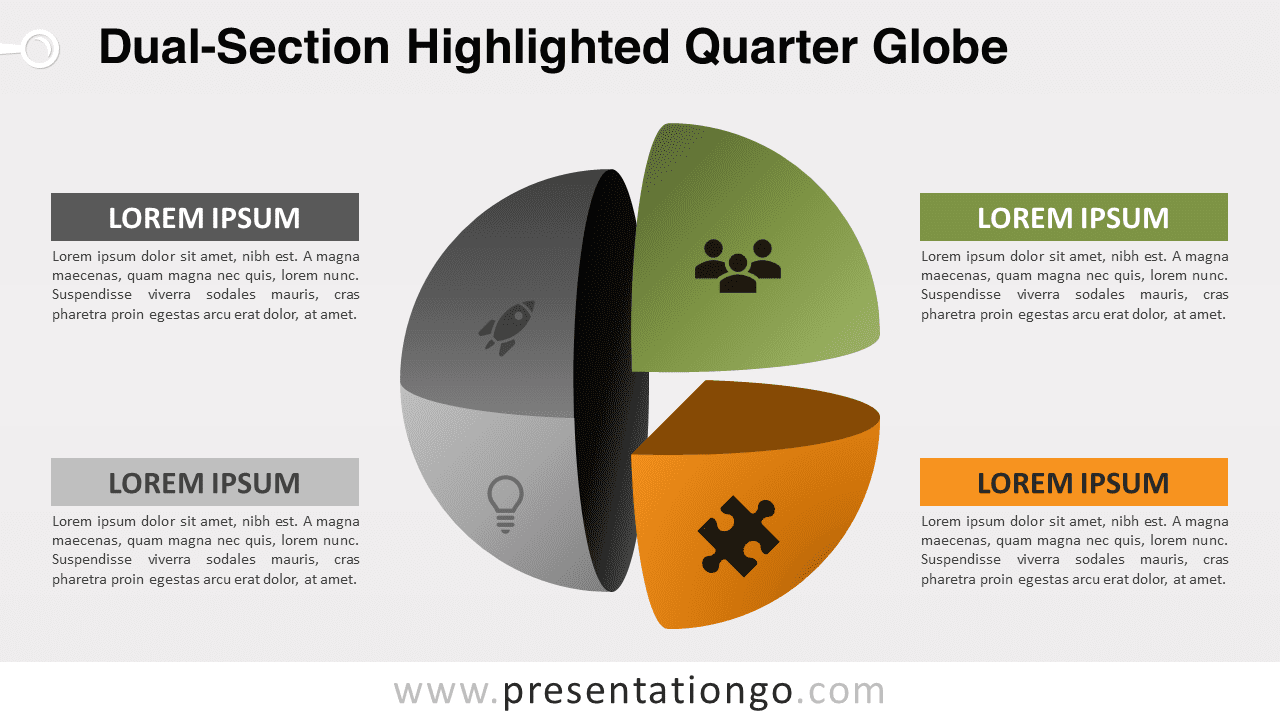
The illustration features a 3D globe, cleverly divided into four sections. Each segment is shaded differently in grayscale, with the top right and bottom right sections vividly colored for emphasis. This exploded view not only adds a dimensional aspect but also focuses attention on these two quarters. Its adaptability allows for color customization and icon changes, making it a versatile addition to any presentation.
Ideal for global business strategies, environmental studies, or any topic requiring a worldwide perspective, this template enhances the clarity of your message. For instance, a marketer could use it to illustrate different consumer segments globally, while an environmentalist might represent various climate zones. Its unique design makes complex data digestible, ensuring your audience’s attention is captured and retained.
The template includes two distinct slides, each offering a unique approach. Slide 1 positions the globe centrally with text blocks around it, ideal for comprehensive overviews. Slide 2, with the globe on the left and text placeholders on the right, is perfect for focused discussions on the highlighted sections.
In conclusion, the Dual-Section Highlighted Quarter Globe template is an essential resource for presenters seeking to deliver complex global concepts with clarity and impact. Its customizable design, combined with practical functionality, makes it an invaluable asset for a wide range of presentation contexts. Whether for detailed analysis or high-level overviews, this template caters to all presentation needs.
Widescreen (16:9) size preview:




This ‘Dual-Section Highlighted Quarter Globe’ template offers:
- 4 unique slides
- Light and Dark layout
- Ready to use template with icons and text placeholders
- Completely editable shapes
- Standard (4:3) and Widescreen (16:9) aspect ratios
- PPTX file (PowerPoint) and for Google Slides
Free fonts used:
- Helvetica (System Font)
- Calibri (System Font)