
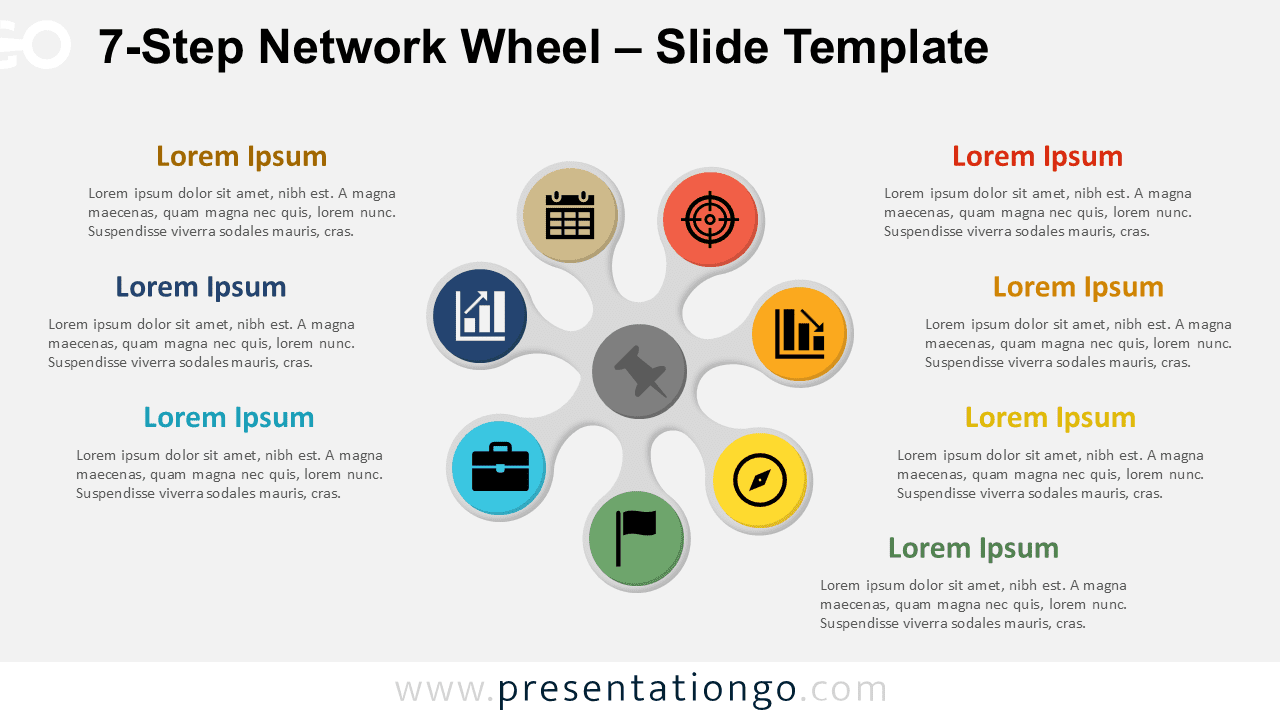
The 7-Step Network Wheel displays interconnected processes through seven radial segments surrounding a central hub, designed specifically for PowerPoint and Google Slides presentations.
Visualize Seven Key Elements with Balanced Symmetry
This radial diagram features a central hub connected to seven evenly spaced segments that radiate outward like spokes on a wheel. Each outer section contains a circular icon placeholder, a bolded title field, and a text box to elaborate each point. Thin connecting lines reinforce the visual link between the segments and the central idea. The layout promotes symmetry and clarity, allowing users to showcase distinct yet interrelated components in a visually cohesive format.
Radial layouts are ideal for showing systems where multiple parts stem from or contribute to a core concept. In presentations, this type of diagram works well for illustrating business models, strategic frameworks, organizational hubs, or even customer ecosystems. For example, a product manager could map out seven features connected to a flagship product, or an HR leader might use it to present the core values supported by seven team initiatives. Its balance and clarity help audiences grasp complex systems at a glance.
This template includes two pre-designed slides populated with editable icons and text boxes. All shapes are fully customizable, so users can adjust colors or replace icons with numbered labels. It comes in both light and dark versions, and it’s available in standard (4:3) and widescreen (16:9) formats. Whether you’re using PowerPoint or Google Slides, this diagram offers ready-made visual support to map out circular processes or centralized frameworks with precision and ease.
Download this 7-step radial diagram to present key components around a central idea with clarity and visual balance.
Widescreen (16:9) size preview:


This template offers:
- 2 unique slides
- Options for both light and dark themes
- Pre-populated with icons and text placeholders
- Fully customizable shapes for complete control
- Available in both Standard (4:3) and Widescreen (16:9) ratios
- Offered in both PowerPoint PPTX and Google Slides formats
The complete Network Wheel collection:



