The 3-Step Network Wheel presents a triadic process framework with a central hub connecting three distinct components, specifically designed for PowerPoint and Google Slides presentations.
Radial Diagram for Visualizing Three Connected Concepts
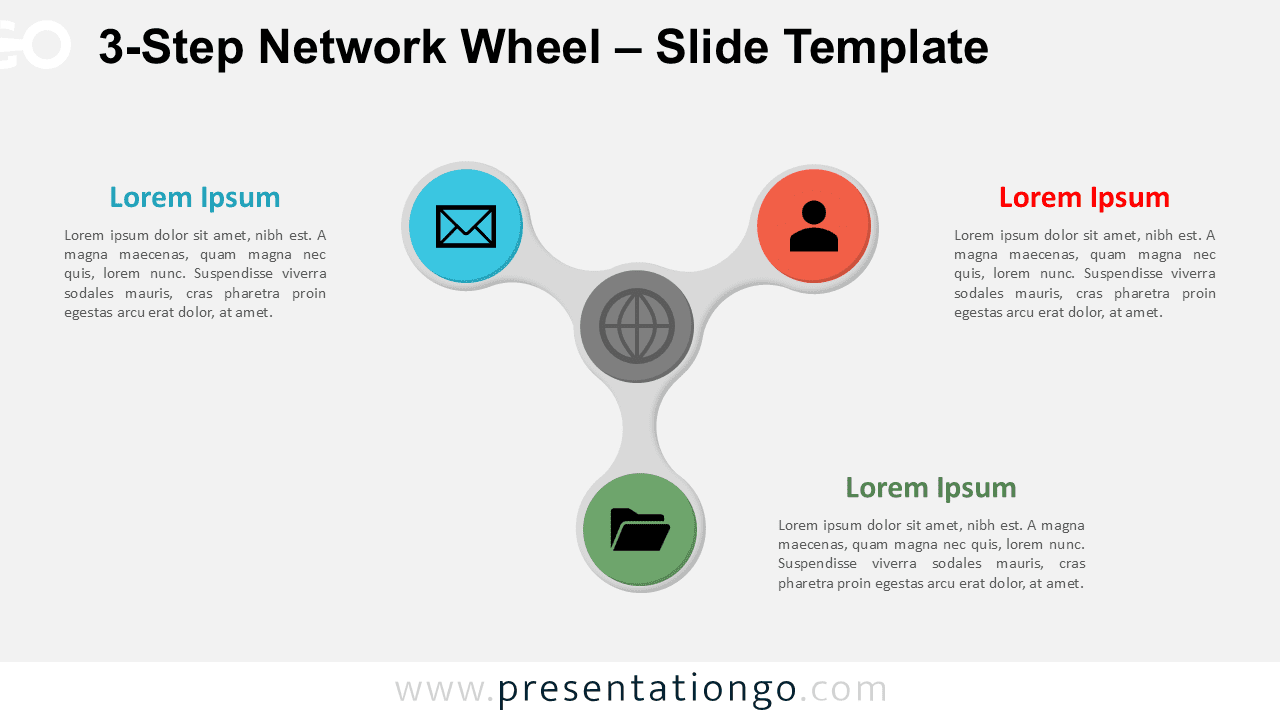
This infographic displays a circular layout with three distinct branches radiating from a central hub. A circle at the core includes a network globe icon that symbolizes connectivity and digital centrality. Three curved arms stretch symmetrically outward at 120-degree angles, each ending in a large, color-coded node with a unique icon. Each node clearly connects to a labeled text block placed around the perimeter—on the left, right, and bottom. The design mimics a rotor or spinner, evoking a sense of balance, interaction, and continual motion.
Presenters use radial diagrams to symbolize systems where multiple components revolve around a central concept. This visual metaphor effectively communicates balance, connection, and mutual dependence. The 3-Step Network Wheel works especially well for models involving three key roles, categories, or functions that share a common core. For instance, a project manager might highlight the collaboration between design, development, and marketing teams, all connected to a central platform. Similarly, educators can use this layout to show how curriculum, instruction, and assessment support a central learning goal. This template simplifies complex relationships and makes it easier for audiences to understand triadic structures at a glance.
The package includes two unique slides—one designed for light backgrounds and one for dark themes. Each slide features preloaded icons and editable text placeholders. You can easily replace the default icons with your own or substitute them with numbered steps. This template offers full customization and supports both Standard (4:3) and Widescreen (16:9) formats. It runs smoothly in both PowerPoint PPTX and Google Slides.
Download this 3-step wheel diagram to showcase triadic models or roles in your next presentation.
Widescreen (16:9) size preview:


This template offers:
- 2 unique slides
- Options for both light and dark themes
- Pre-populated with icons and text placeholders
- Fully customizable shapes for complete control
- Available in both Standard (4:3) and Widescreen (16:9) ratios
- Offered in both PowerPoint PPTX and Google Slides formats
The complete Network Wheel collection: