The 3-Step Network Wheel presents a triadic process framework with a central hub connecting three distinct components, specifically designed for PowerPoint and Google Slides presentations.
Visualize Central Ideas with a Five-Node Network Diagram
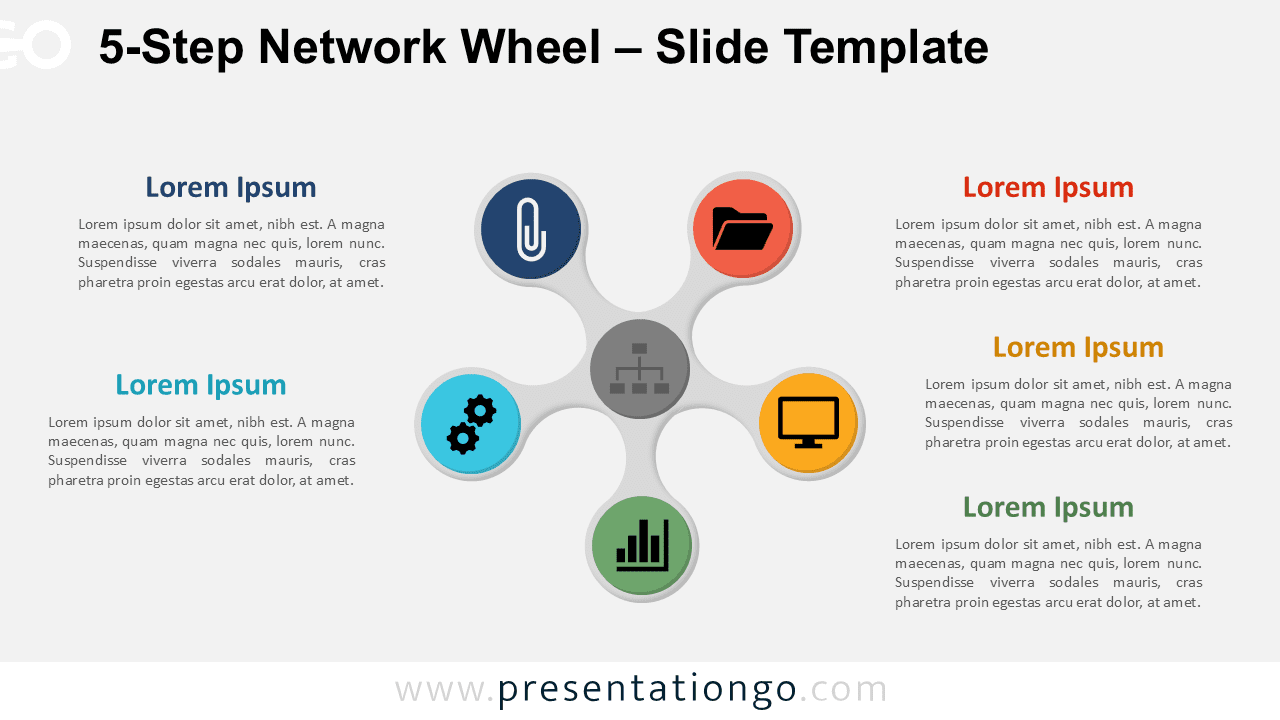
This template features a clean circular layout with a central hub and five evenly spaced segments that radiate outward. Straight lines connect each outer segment to the core, forming a wheel-like structure that clearly highlights interdependence. Every node displays a bold circular icon and includes placeholder text to guide your message. The design maintains visual symmetry, keeps spacing consistent, and supports easy customization while reinforcing unity between all elements.
Presenters often use radial diagrams to visualize central ideas with supporting elements. These layouts help audiences understand how parts contribute to a whole. This 5-step design works well for illustrating strategies with core goals, showing department roles aligned with a company vision, or presenting product features that relate to a main benefit. For example, a marketing manager might present five customer outreach channels that support brand identity.
The download includes two distinct slides that contain editable icons and text boxes. Users can adjust shapes, replace icons, or switch to numbered steps. This design supports both light and dark backgrounds and fits standard (4:3) and widescreen (16:9) formats. PowerPoint (.PPTX) and Google Slides users can access it easily and incorporate it into any workflow.
Download this 5-step network wheel diagram to present central ideas with five clearly connected components.
Widescreen (16:9) size preview:


This template offers:
- 2 unique slides
- Options for both light and dark themes
- Pre-populated with icons and text placeholders
- Fully customizable shapes for complete control
- Available in both Standard (4:3) and Widescreen (16:9) ratios
- Offered in both PowerPoint PPTX and Google Slides formats
The complete Network Wheel collection: