

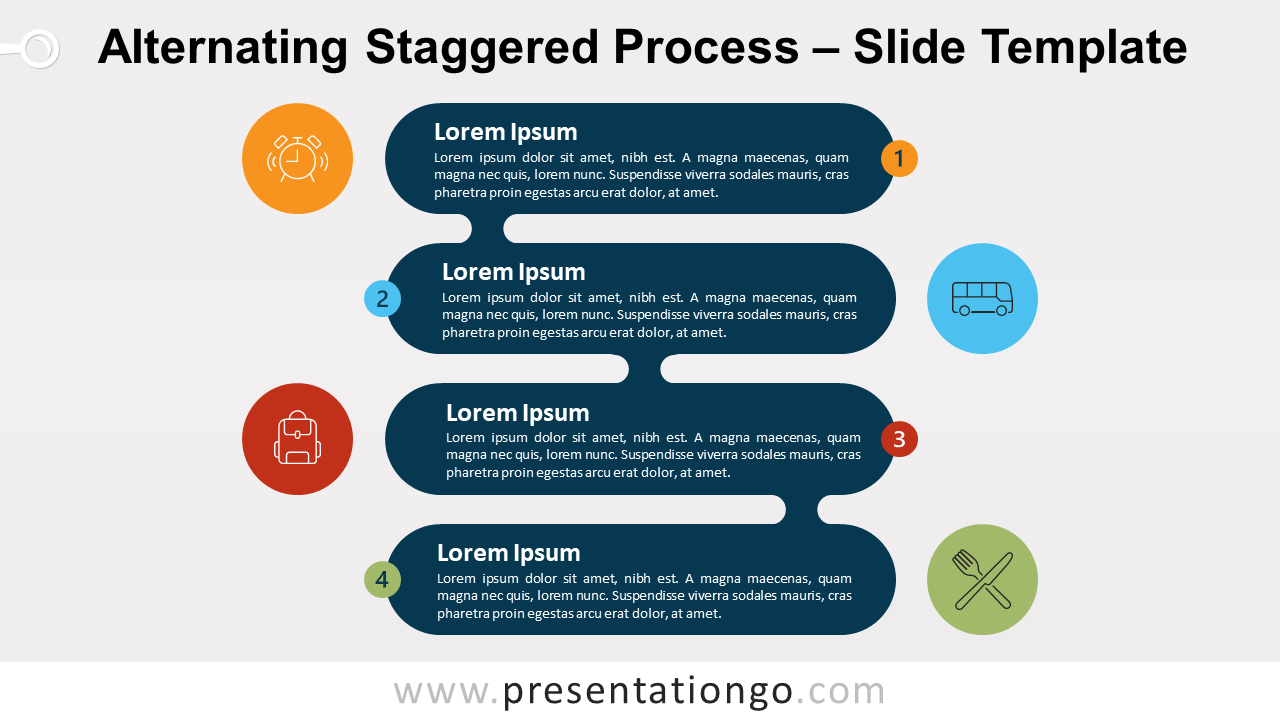
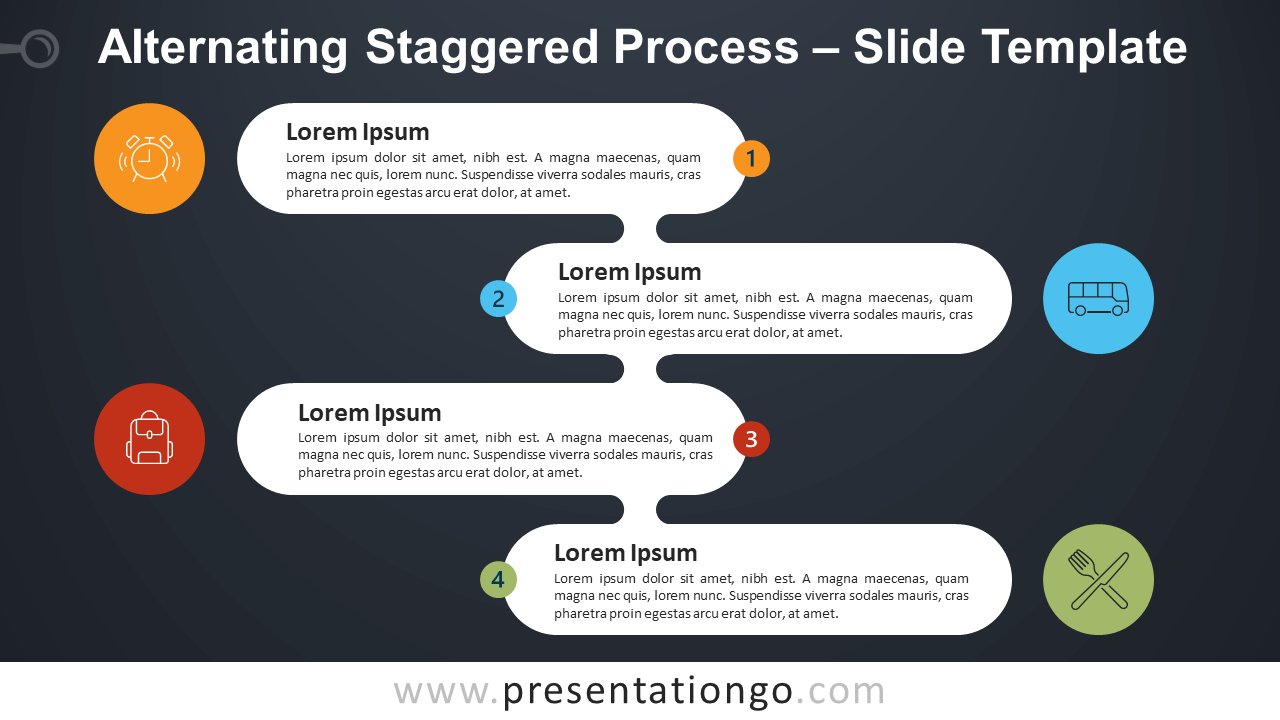
Free alternating staggered process for PowerPoint and Google Slides. A vertical process diagram made of stadium elements and alternating arrangements. Editable graphics with numbers, icons, and text placeholders.
Process diagrams are the most popular category of PresentationGO. The reason is simple: these diagrams are so versatile, they can be used for many different purposes.
Of course, the primary purpose is to show a sequence of steps. Graphically, these steps can follow a linear path, with a start and an endpoint. But they can also have a repetitive circular sequence. In addition, the process diagrams can have a vertical or horizontal flow.
Alternating Staggered Process
This new ‘Alternating Staggered Process‘ is part of a collection of 4 staggered process variants.
More specifically, this diagram is created with a superposition of 4 rectangle shapes with round corners, aka stadium shapes. Use these shapes to showcase your text. Also, you will find in this document 2 variants:
- First design option, with vertically alternate shapes.
- Second design option, with center-aligned shapes.
In addition, hourglass shapes connect each element one-to-one. These are independent elements that you can even move or remove.
Next to each rectangle (alternating from left to right), use the circle shape to insert your custom icon. And on the opposite side, the circled numbers add information about the order of the sequence.
In general, this “alternating staggered process diagram” will be perfect to show a progression or sequential steps in a task, process, or workflow. It will emphasize the downward (or upward) progression through 4 stages.
However, with some slight modifications, this diagram will help you show non-sequential or grouped blocks of information.
Shapes are 100% editable: colors and sizes can be easily changed.
Includes 2 slide option designs: Standard (4:3) and Widescreen (16:9).
Widescreen (16:9) size preview:



This ‘Alternating Staggered Process for PowerPoint and Google Slides’ features:
- 4 unique slides
- Light and Dark layout
- Ready to use template with numbers, icons, and text placeholders
- Completely editable shapes
- Uses a selection of editable PowerPoint icons
- Standard (4:3) and Widescreen (16:9) aspect ratios
- PPTX file and for Google Slides
Free fonts used:
- Helvetica (System Font)
- Calibri (System Font)
The complete Staggered Process collection







