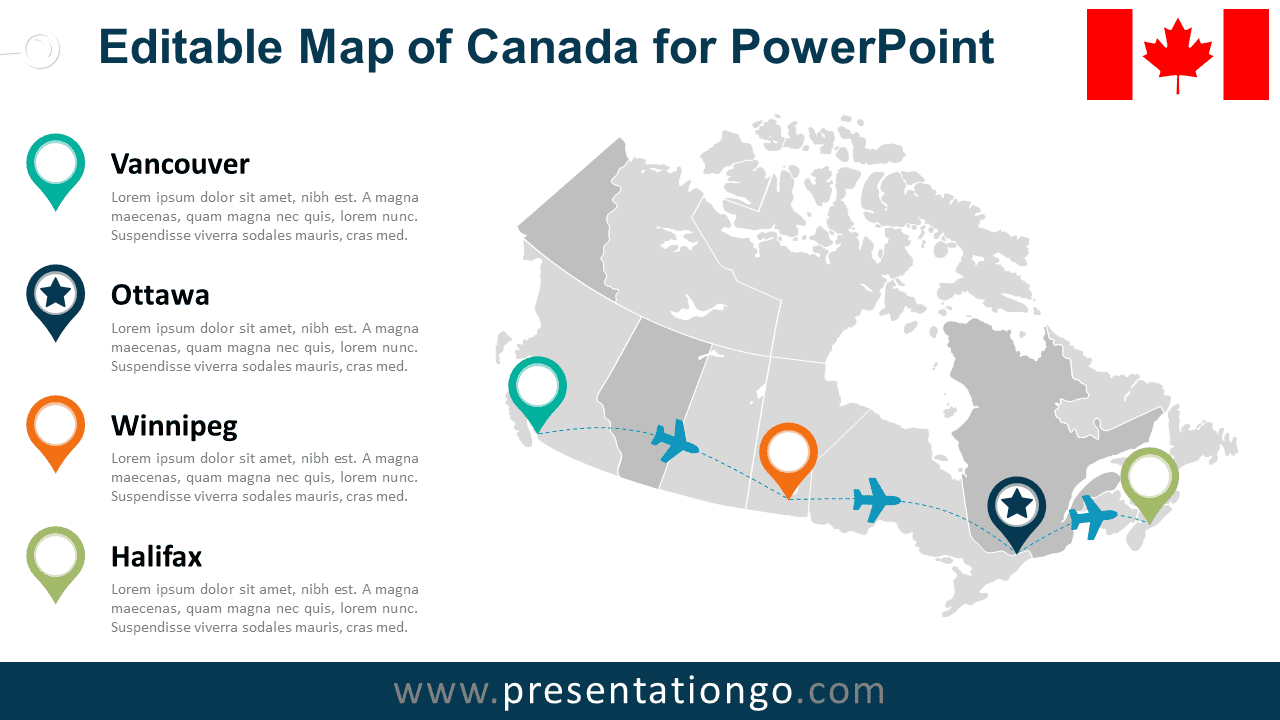
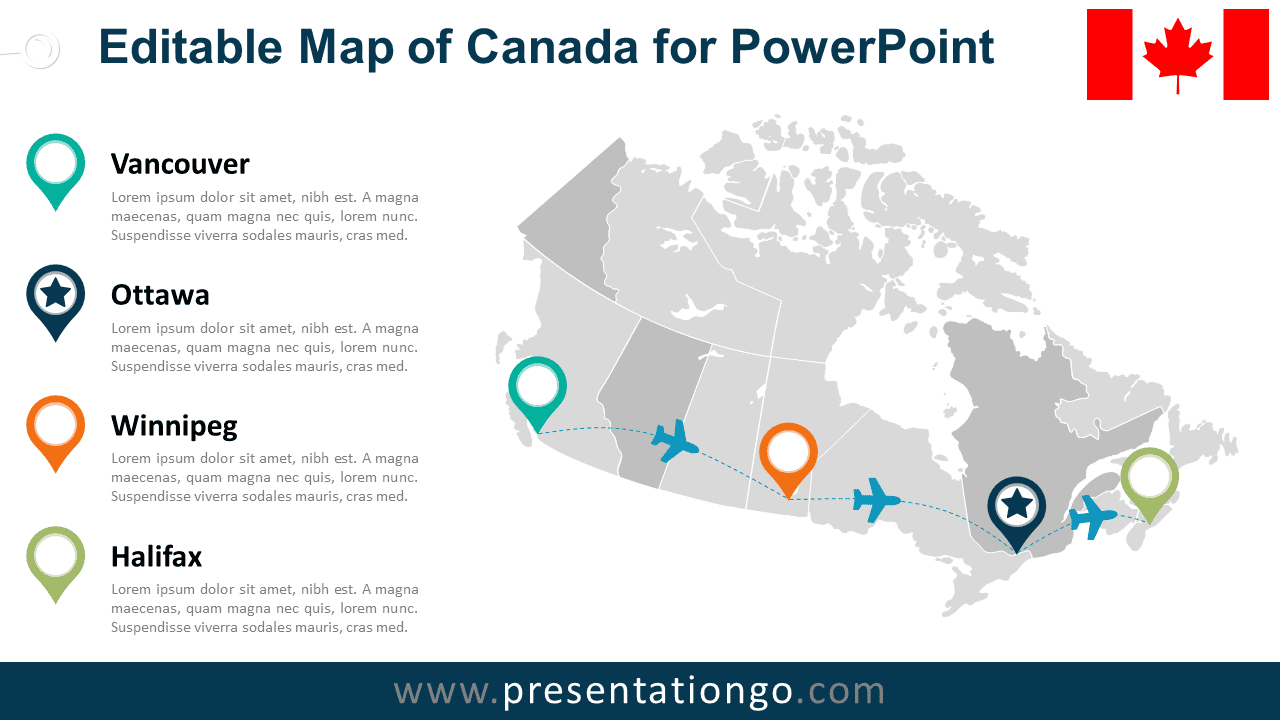
The Editable Canada Map Diagram for PowerPoint combines a detailed map of Canada with city markers, travel routes, and supporting text areas. Use it to present office locations, logistics networks, regional operations, business coverage, travel plans, or multi-city projects across Canada.
Diagram Preview


Features and Customization Options
- Includes 16:9 and 4:3 versions for Microsoft PowerPoint
- Includes 2 editable slides with matching layouts
- Editable vector map with selectable provinces and territories
- Editable text, shapes, colors, and icon placeholders
- Editable route lines and location markers
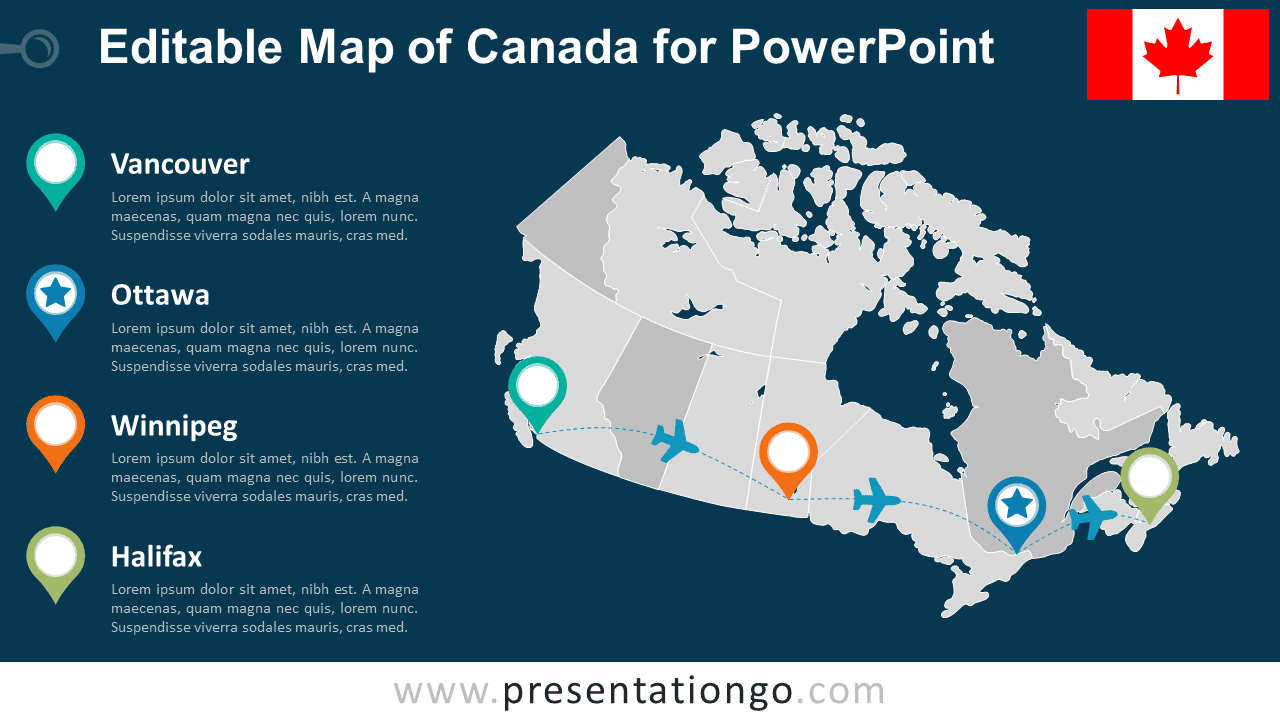
- Includes both light and dark background versions
Design and Structure
The Editable Canada Map Diagram places a detailed map of Canada at the center of the slide, with province and territory boundaries visible throughout the country. Location markers identify selected cities, while airplane shapes and a curved route line connect key points from west to east. A Canadian flag element reinforces the geographic context without distracting from the map.
Supporting text areas sit beside the map and give each highlighted city space for a heading and concise description. You can edit the map shapes, location markers, route line, labels, airplane elements, and placeholders directly in PowerPoint. Move markers, adjust routes, or replace the existing placeholders with your own graphics to match your geographic story.
Practical Applications
- Show company offices across Canada
- Present domestic travel or flight routes
- Map logistics and distribution networks
- Highlight sales territories or market coverage
- Present multi-city projects or event schedules
- Explain regional expansion or business presence
Summary
The Editable Canada Map Diagram provides a flexible PowerPoint layout for presenting locations, routes, and regional information across Canada. Its editable map shapes, markers, travel paths, text areas, and placeholders suit business, logistics, travel, sales, and geographic planning presentations.