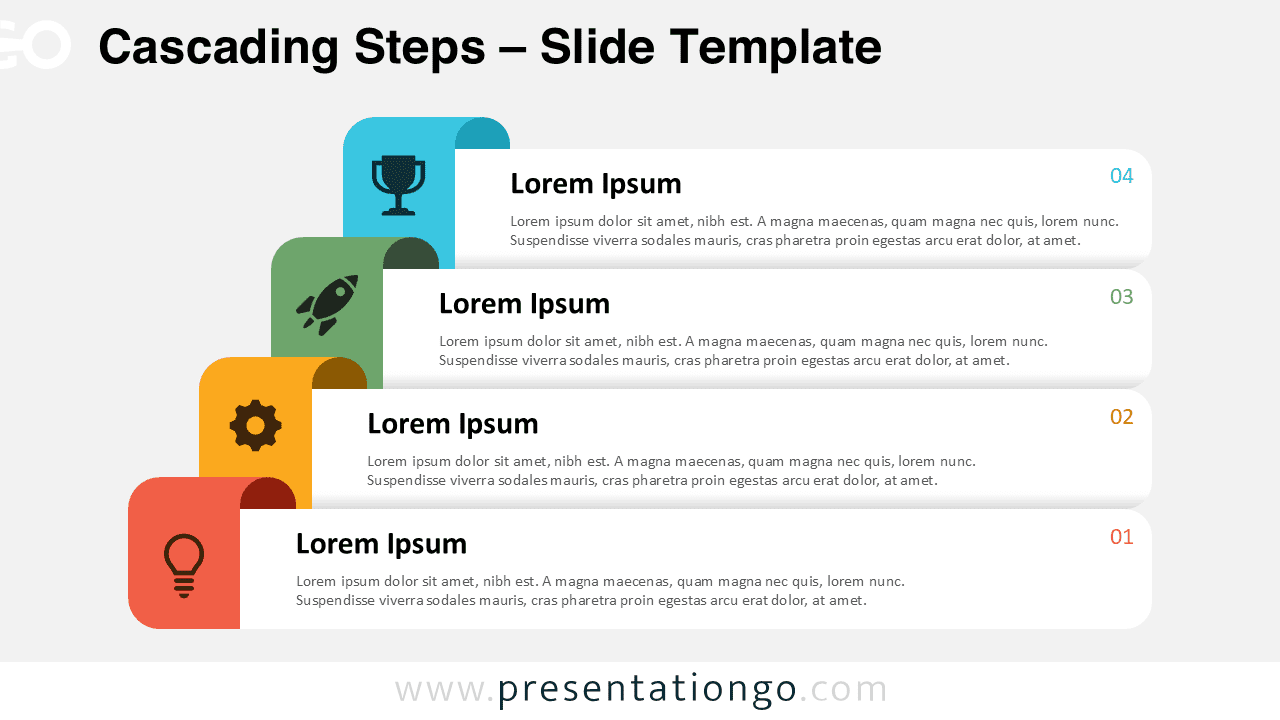
The Cascading Steps diagram is a four-step layout designed for PowerPoint and Google Slides, ideal for structuring information in a logical and visually organized sequence.
Staircase-Style Visuals for Dynamic Four-Step Process
This template features four horizontally aligned text boxes arranged in a staircase formation, each with a numbered step, an embedded icon, and a color-coded folded banner on the left side. The folded banners add depth and movement to the layout while reinforcing each stage with a representative icon. The cascading structure guides the viewer’s eye from bottom to top, ensuring a natural flow of information. The text boxes provide ample space for descriptions, making it easy to structure content effectively.
Step-up or step-down diagrams like this are commonly used to present structured processes, workflows, business strategies, or hierarchical frameworks. For example, a company can use this template to showcase a four-phase project roadmap, a product launch sequence, or a skills development framework. Educators and trainers can use it to illustrate learning progression, while consultants can outline strategic planning steps in a clear, digestible format. The template’s flexibility allows it to adapt to various presentation needs.
The template includes three unique slides pre-populated with icons, numbers, and text placeholders. It offers fully customizable shapes, allowing users to modify colors, numbers, and icons as needed. The design is available in both light and dark themes and comes in Standard (4:3) and Widescreen (16:9) formats. Compatible with PowerPoint PPTX and Google Slides, it ensures seamless editing and presentation adaptability.
Download the Cascading Steps diagram now to structure your ideas clearly with its intuitive four-step format.
Widescreen (16:9) size preview:


This template offers:
- 3 unique slides
- Options for both light and dark themes
- Pre-populated with numbers, icons, and text placeholders
- Fully customizable shapes for complete control
- Available in both Standard (4:3) and Widescreen (16:9) ratios
- Offered in both PowerPoint PPTX and Google Slides formats