

The Crosswise Quadrant Diagram maps four options into a converging layout designed for PowerPoint and Google Slides.
Visualize Concepts with a Converging Quadrant Layout
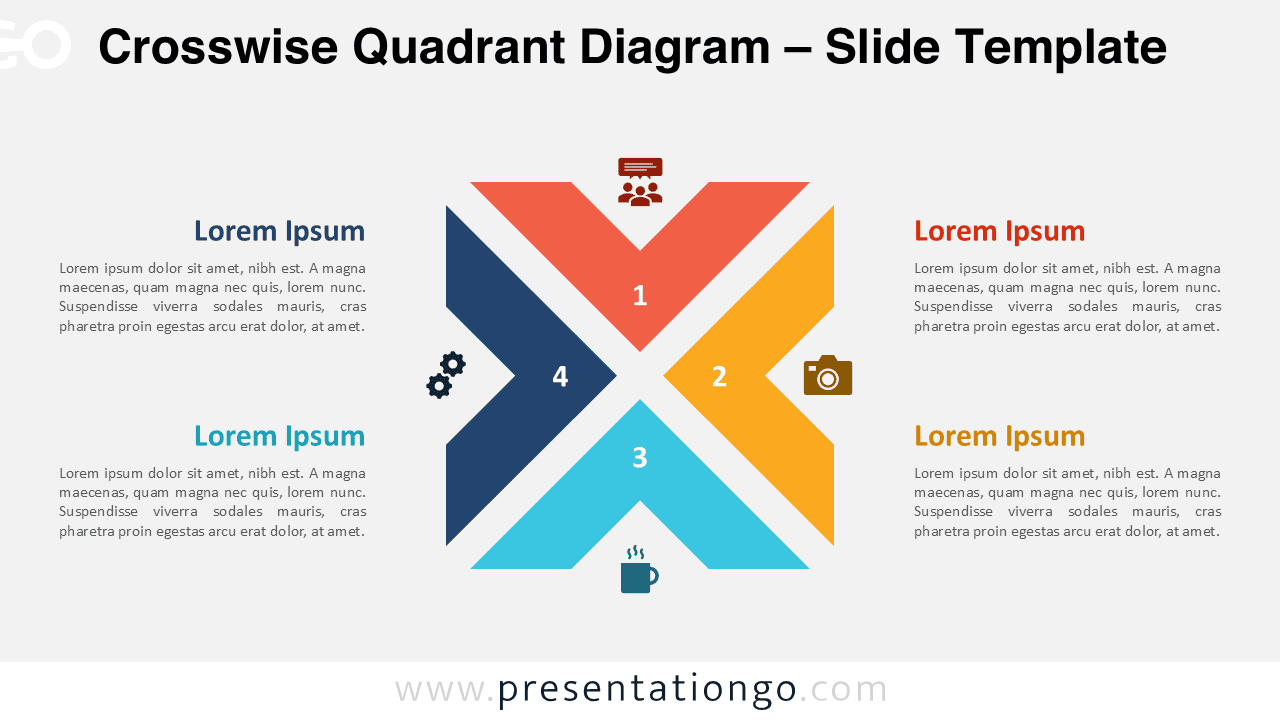
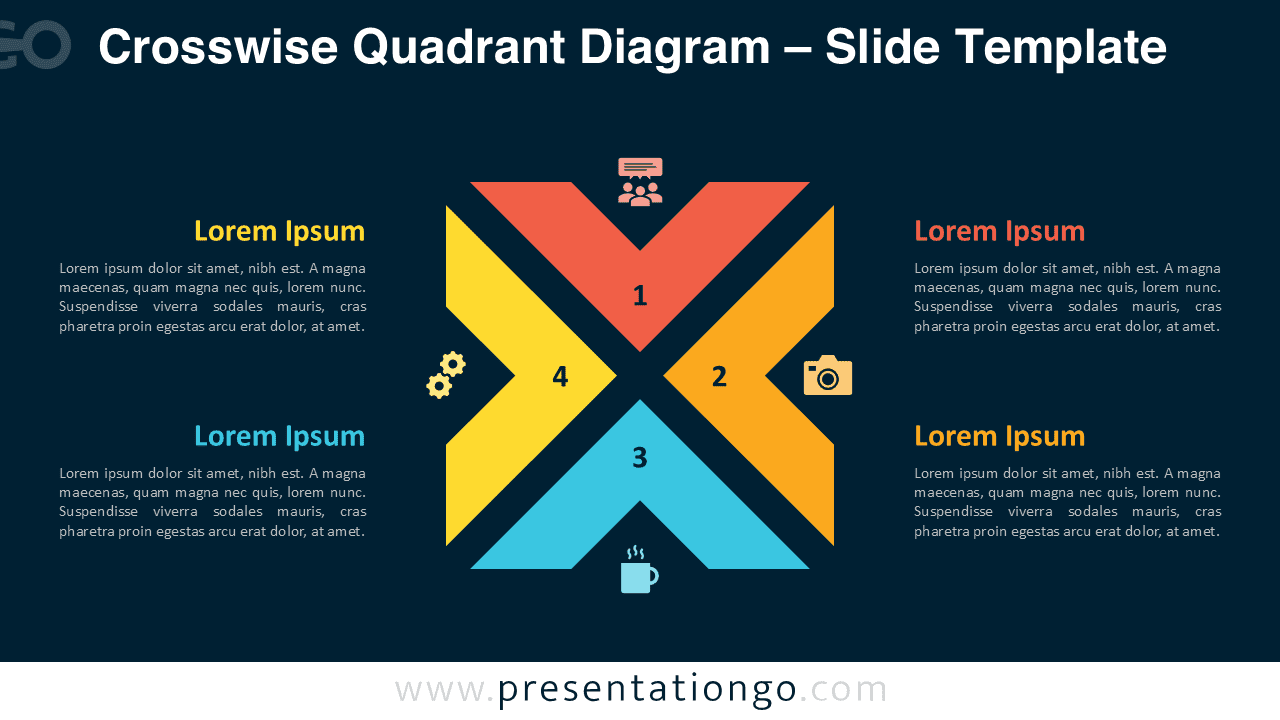
This quadrant diagram features a symmetrical X-shaped layout that forms a visually balanced grid of four converging segments. Each segment extends outward from a central diamond-shaped space that functions as a focal point while connecting all parts. Color-coded for quick differentiation, each arm contains a large number (1 to 4) and a matching icon at its outermost end. The clean geometry of the layout evokes a half-frames design, where each segment appears as a visual extension of the whole. Beside the central graphic, four horizontally aligned text boxes—two on the left and two on the right—allow users to expand on each segment’s meaning through titled blocks with matching colored headings.
Quadrant-based diagrams are widely used to simplify complex models by dividing them into four options or viewpoints. These layouts help presenters communicate balanced frameworks, identify key comparisons, or show interdependent categories. This specific converging format is especially effective for illustrating a central concept that gives rise to four distinct yet related elements. For example, a leadership team could outline four strategic pillars, or a product team might present four stages of development anchored around a core vision.
This editable template includes two unique slides preloaded with icons and placeholder text for quick setup. Users can easily adjust colors, swap out icons, or replace them with numbers. Both standard (4:3) and widescreen (16:9) formats are included, along with light and dark theme options. Compatible with both PowerPoint (PPTX) and Google Slides, this layout ensures your content remains both structured and visually consistent.
Download this quadrant matrix to present 4 options in a converging and visually aligned format ideal for concept-driven communication.
Widescreen (16:9) size preview:


This template offers:
- 2 unique slides
- Options for both light and dark themes
- Pre-populated with icons and text placeholders
- Fully customizable shapes for complete control
- Available in both Standard (4:3) and Widescreen (16:9) ratios
- Offered in both PowerPoint PPTX and Google Slides formats



