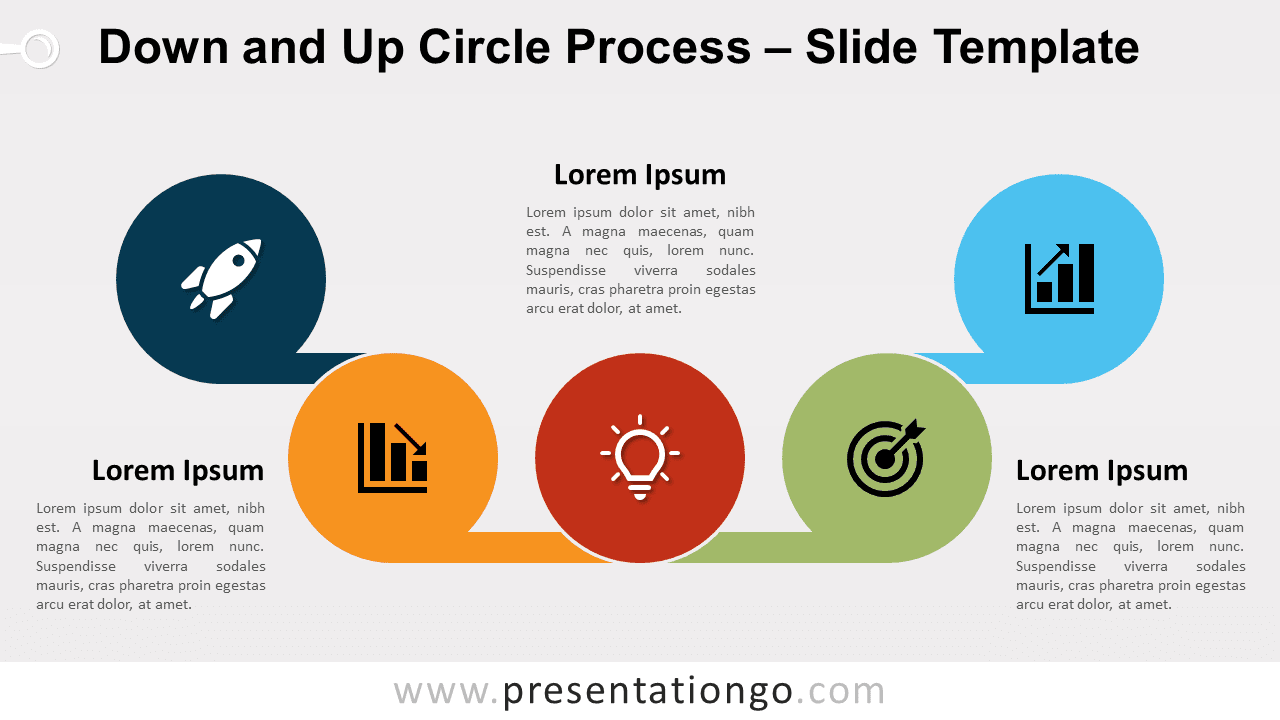
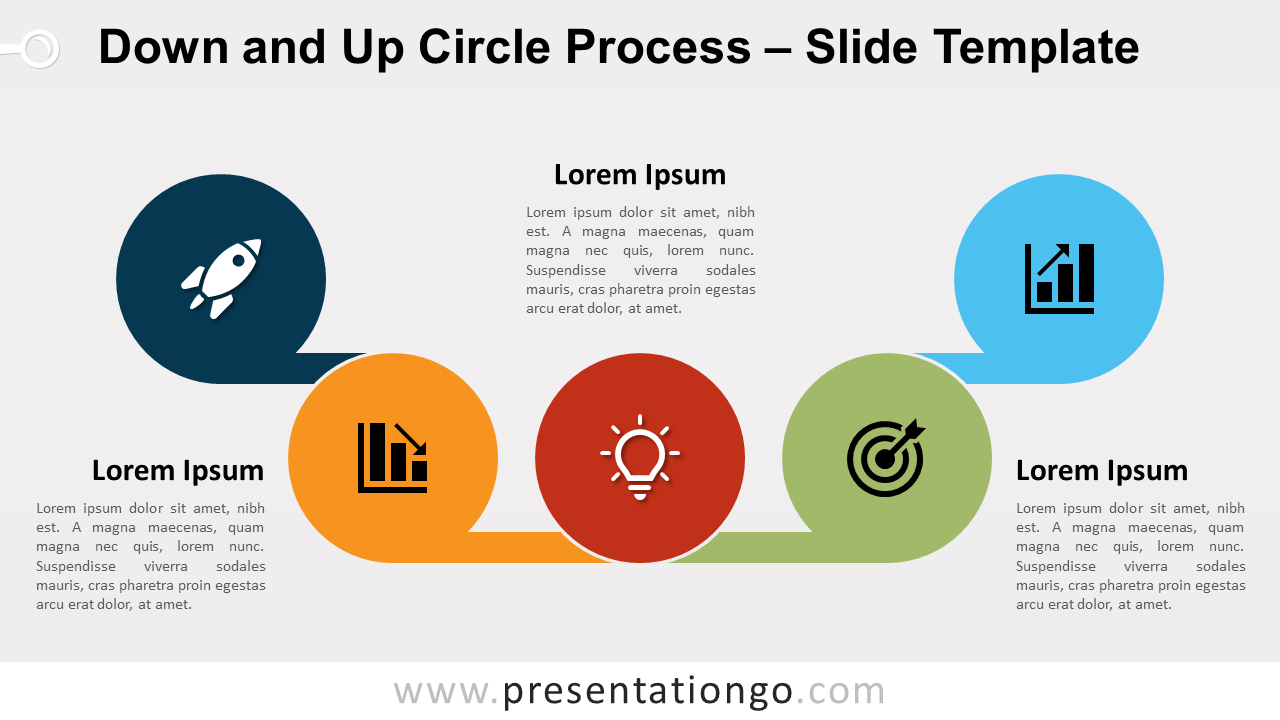
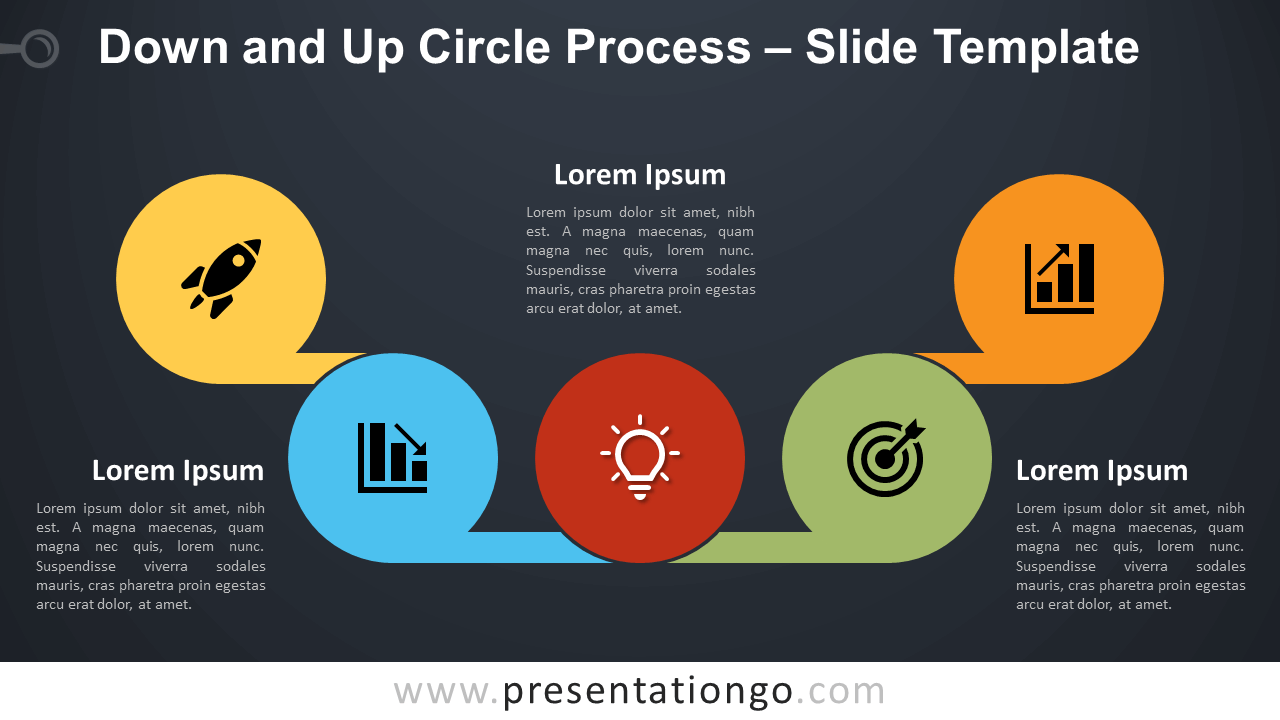
Free down and up circle process for PowerPoint and Google Slides. A decreasing flow that precedes an increasing trend. Designed with sequential access storage alike shapes. Editable graphics with icons and text placeholders.
Down and Up Circle Process
Failure is not the opposite of success, it’s part of success.
— Arianna Huffington
This new process diagram is designed with a very uncommon workflow: a decrease and an increase. Actually, the quote from Arianna Huffington perfectly illustrates the type of use you can have of this diagram. Indeed, many times you learn from the mistakes you make. Your company or project can get disappointing results. But your hard work and accurate understanding of what went wrong will help you correct the issues. Eventually, these failures will feed your new strategy to get improving and successful results.
More specifically, this process diagram use elements inspired by the sequential access storage shapes. The snail-like simplistic shapes are circles with a long rectangle shape. This part connects all the circles together, thus forming a continuous flow.
For example, use this diagram to show a descending and ascending series of steps or lists of information. Also, the central (red) circle can symbolize the turning point before you successfully reverse the decreasing trend.
Shapes are 100% editable: colors and sizes can be easily changed.
Includes 2 slide option designs: Standard (4:3) and Widescreen (16:9).
Widescreen (16:9) size preview:


This ‘Down and Up Circle Process for PowerPoint and Google Slides’ features:
- 2 unique slides
- Light and Dark layout
- Ready to use template with icons and text placeholders
- Completely editable shapes
- Uses a selection of editable PowerPoint icons
- Standard (4:3) and Widescreen (16:9) aspect ratios
- PPTX file and for Google Slides
Free fonts used:
- Helvetica (System Font)
- Calibri (System Font)