The Folded Banner Steps presents a five-step process diagram with 3D-folded arrows and customizable icons for PowerPoint and Google Slides presentations.
Sequential Steps Diagram with Fold Effect
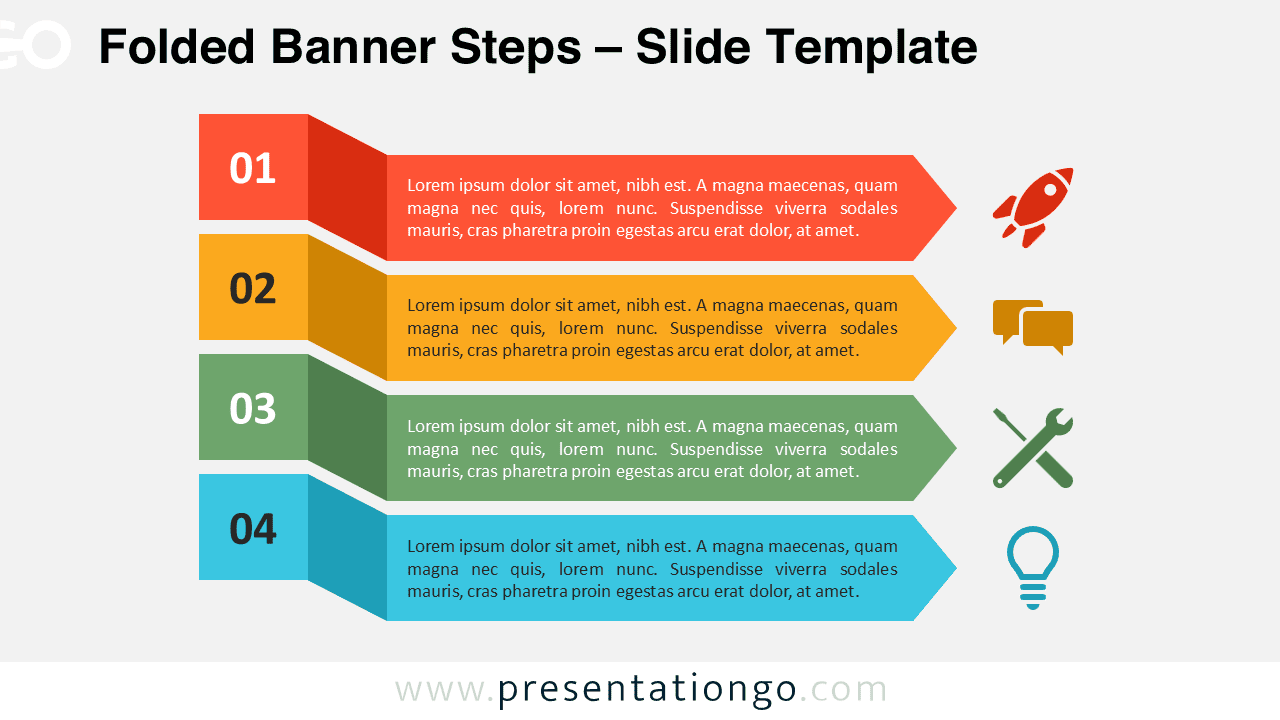
The template’s standout feature is its unique folded banner effect on arrows. This creates a 3D-like layered design. Each of the four steps is clearly numbered and flows in sequence. The placeholders for text are labeled for ease of use. Adjacent icons act as visual metaphors, enhancing clarity and boosting audience engagement. Vibrant, customizable colors make each step distinct, while the fold effect ensures a cohesive look.
Use this template for project planning, illustrating workflows, or explaining multi-phase strategies. For instance, highlight product development stages, team management processes, or marketing campaign plans. The numbered arrows and icons make it simple to follow the progression. This ensures your audience stays engaged and focused.
The presentation includes two editable slides pre-filled with placeholders, icons, and numbers. Shapes are fully customizable, so you can adjust colors, icons, and text. It supports both light and dark themes. Additionally, it is available in standard (4:3) and widescreen (16:9) layouts. You can download it in PowerPoint PPTX or Google Slides formats for seamless compatibility.
Download the Folded Banner Steps template to present your 4-step process with clarity and professional design.
Widescreen (16:9) size preview:


This template offers:
- 2 unique slides
- Options for both light and dark themes
- Pre-populated with numbers, icons, and text placeholders
- Fully customizable shapes for complete control
- Available in both Standard (4:3) and Widescreen (16:9) ratios
- Offered in both PowerPoint PPTX and Google Slides formats