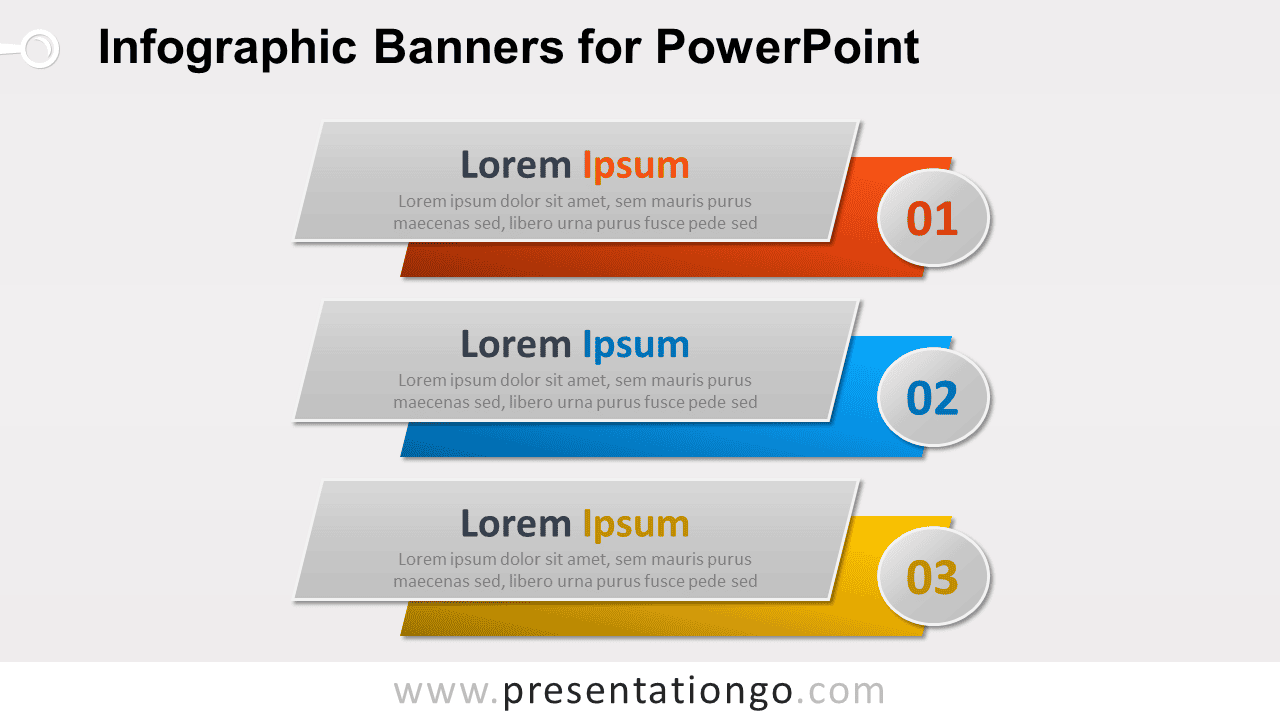
Infographic Banners provide a structured way to present three related points in PowerPoint. The layout combines layered horizontal banners with prominent numbered markers, giving each section space for a heading and short supporting text. Use it for steps, priorities, features, recommendations, or any message that works best in three parts.
Diagram Preview


Features and Customization Options
- Compatible with Microsoft PowerPoint
- Includes 2 editable slides with matching layouts
- Editable text, shapes, colors, and sizes
- 100% editable vector shapes — no quality loss when resized
- Add, remove, or recolor sections freely
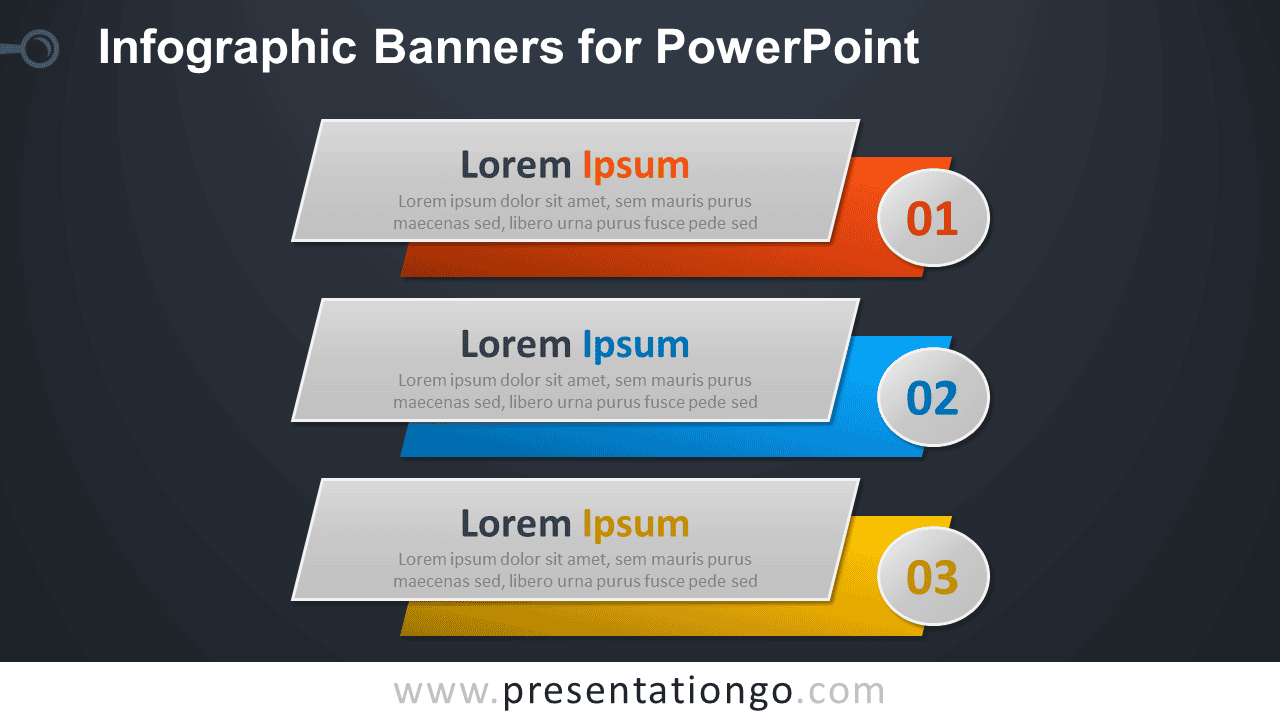
- Includes both light and dark background versions
Design and Structure
The Infographic Banners diagram uses three stacked horizontal sections arranged in a consistent vertical sequence. Each section pairs a layered banner with a circular number marker, making the order easy to follow from 01 through 03. Angled edges and overlapping shapes add visual depth while keeping the content areas practical for short headings and descriptions.
Each banner follows the same visual system, so related information stays organized across the slide. The wide text areas work well for concise statements, while the numbered markers emphasize sequence or priority. Because the main elements are editable PowerPoint shapes, you can resize the diagram, revise the text, adjust individual sections, or adapt the layout to fit an existing presentation.
Practical Applications
- Present a three-step process or workflow
- Summarize three priorities or strategic goals
- Highlight three product or service features
- Organize recommendations or action items
- Explain three stages of a project
- Compare three related ideas or categories
Summary
Infographic Banners offer a compact three-part PowerPoint layout for presenting sequential or grouped information. The numbered sections, layered banner structure, and editable elements make it useful for business, education, project planning, marketing, and other three-point presentations.