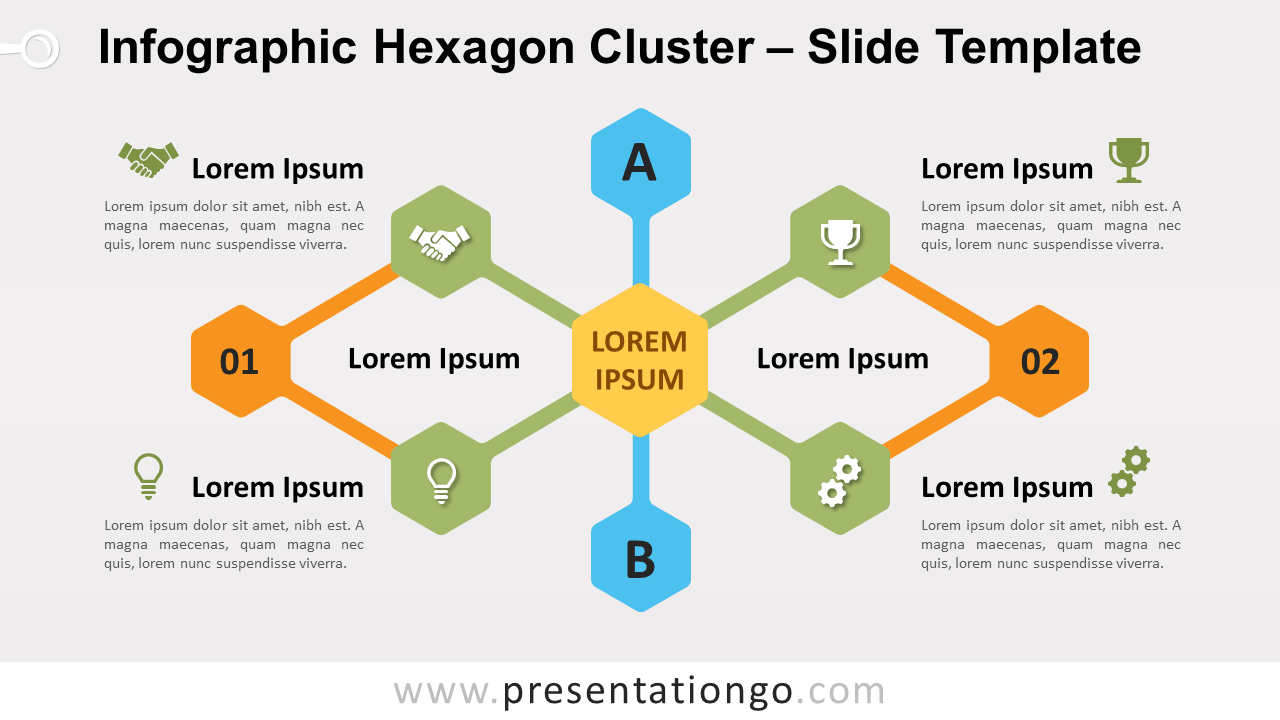
Free infographic hexagon cluster for PowerPoint and Google Slides. A series of hexagon shapes connected to a central idea. Editable graphics with icons, numbers, and text placeholders.
Infographic hexagon cluster
This creative diagram illustrates hexagon shapes linked to a main central idea. On both sides (left and right) of the central element, two hexagons are displayed. They look like manual scissor jacks. Also, one other hexagon is placed on the top and bottom of the main idea.
The shapes can embed an icon or a number.
For example this cluster diagram is useful as a simple tree diagram, to show hierarchies with undirected node-links.
Shapes are 100% editable: colors and sizes can be easily changed.
Includes 2 slide option designs: Standard (4:3) and Widescreen (16:9).
Widescreen (16:9) size preview:


This ‘Infographic Hexagon Cluster for PowerPoint and Google Slides’ features:
- 2 unique slides
- Light and Dark layout
- Ready to use template with icons, numbers, and text placeholders
- Completely editable shapes
- Uses a selection of editable PowerPoint icons
- Standard (4:3) and Widescreen (16:9) aspect ratios
- PPTX file and for Google Slides
Free fonts used:
- Helvetica (System Font)
- Calibri (System Font)