

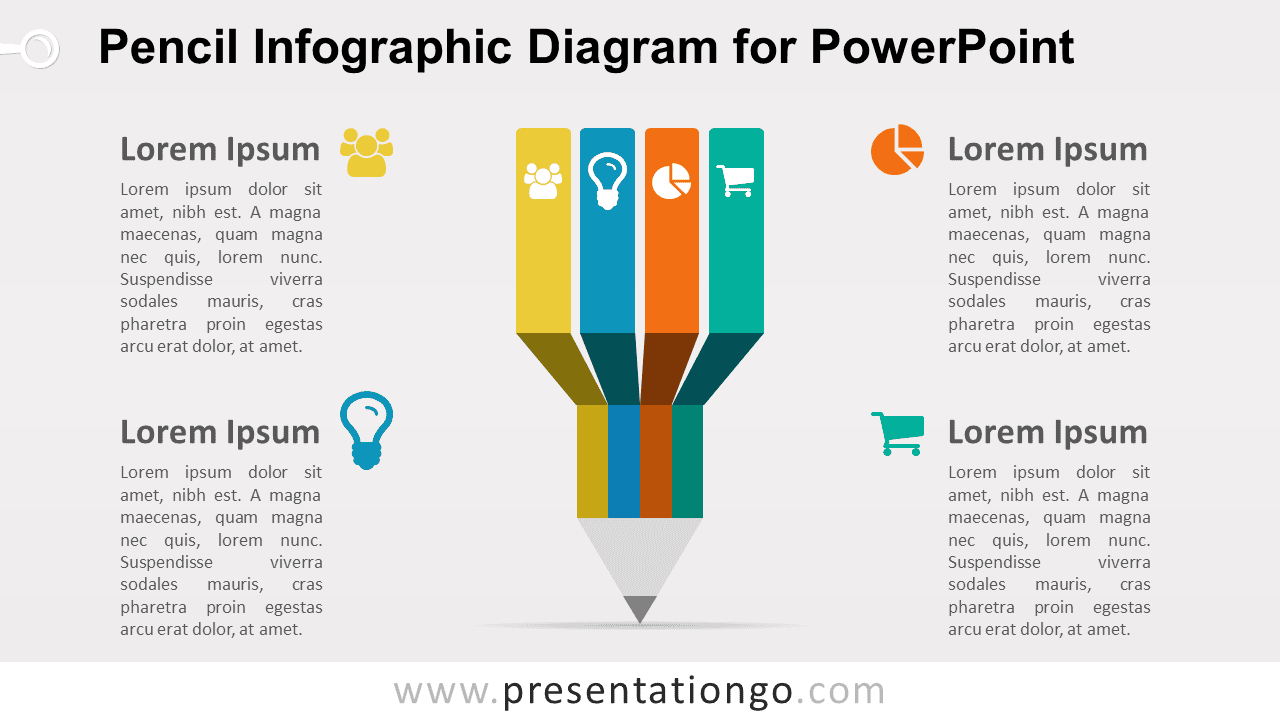
The Infographic Pencil Diagram for PowerPoint presents four related ideas through a segmented pencil visual. Each section includes an editable icon placeholder, while four surrounding text areas provide space for headings and concise explanations. The layout works well for creative concepts, educational topics, strategy themes, business categories, and idea development.
Diagram Preview


Features and Customization Options
- Includes 16:9 and 4:3 versions for Microsoft PowerPoint
- Includes 2 editable slides with matching layouts
- Editable text, shapes, colors, and icon placeholders
- 4-part pencil structure, fully editable
- 100% editable vector shapes — no quality loss when resized
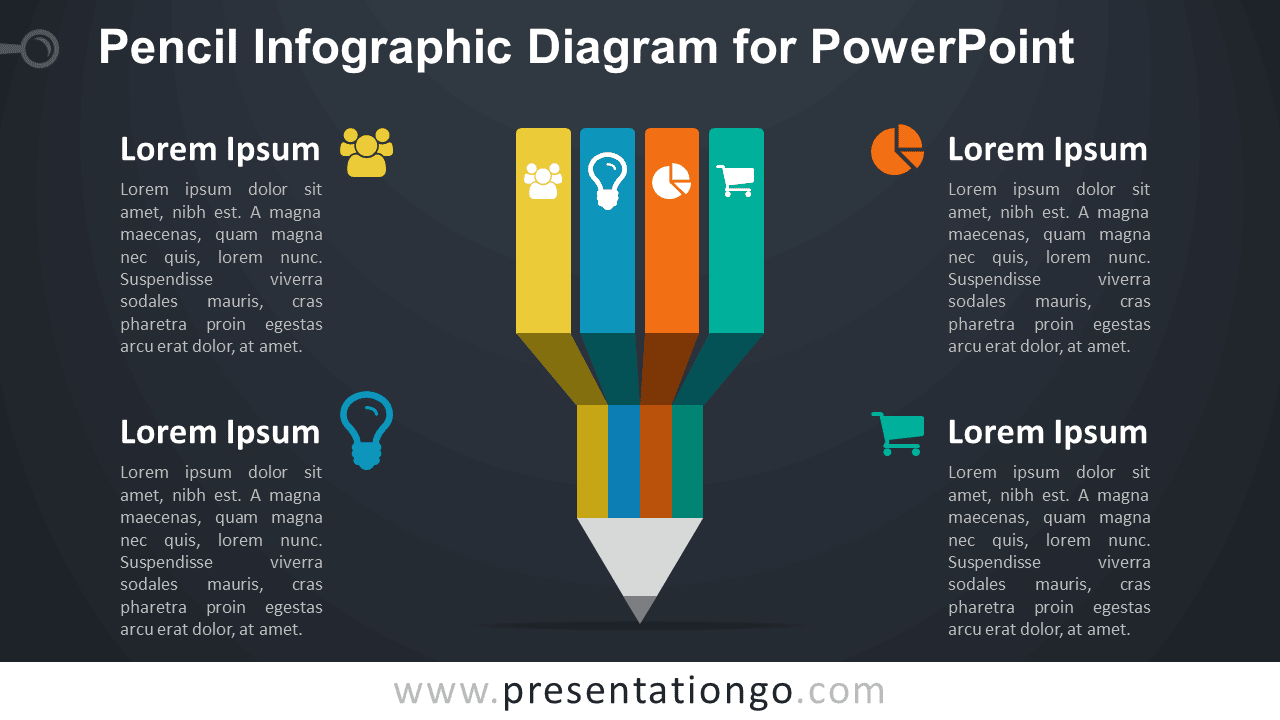
- Includes both light and dark background versions
Design and Structure
The Infographic Pencil Diagram uses four vertical segments that combine into one central pencil shape. Each segment contains an editable icon placeholder, helping distinguish the four topics while keeping them visually connected. Four text areas surround the main graphic and provide room for a heading and supporting explanation for each section.
The segmented structure works well when several ideas belong to one broader concept. You can edit the headings, descriptions, shapes, and icon placeholders directly in PowerPoint. Replace the existing icons with your own graphics, resize individual elements, or reposition sections to fit your content. The package includes both 16:9 and 4:3 presentation sizes.
Practical Applications
- Present four creative ideas or concepts
- Organize educational or training topics
- Explain four strategic priorities
- Structure brainstorming categories
- Present four parts of a business concept
- Summarize stages of idea development
Summary
The Infographic Pencil Diagram provides an editable PowerPoint layout for presenting four related ideas within one creative visual. Its segmented pencil structure, text areas, and editable icon placeholders suit education, brainstorming, strategy, planning, and concept-based presentations.



