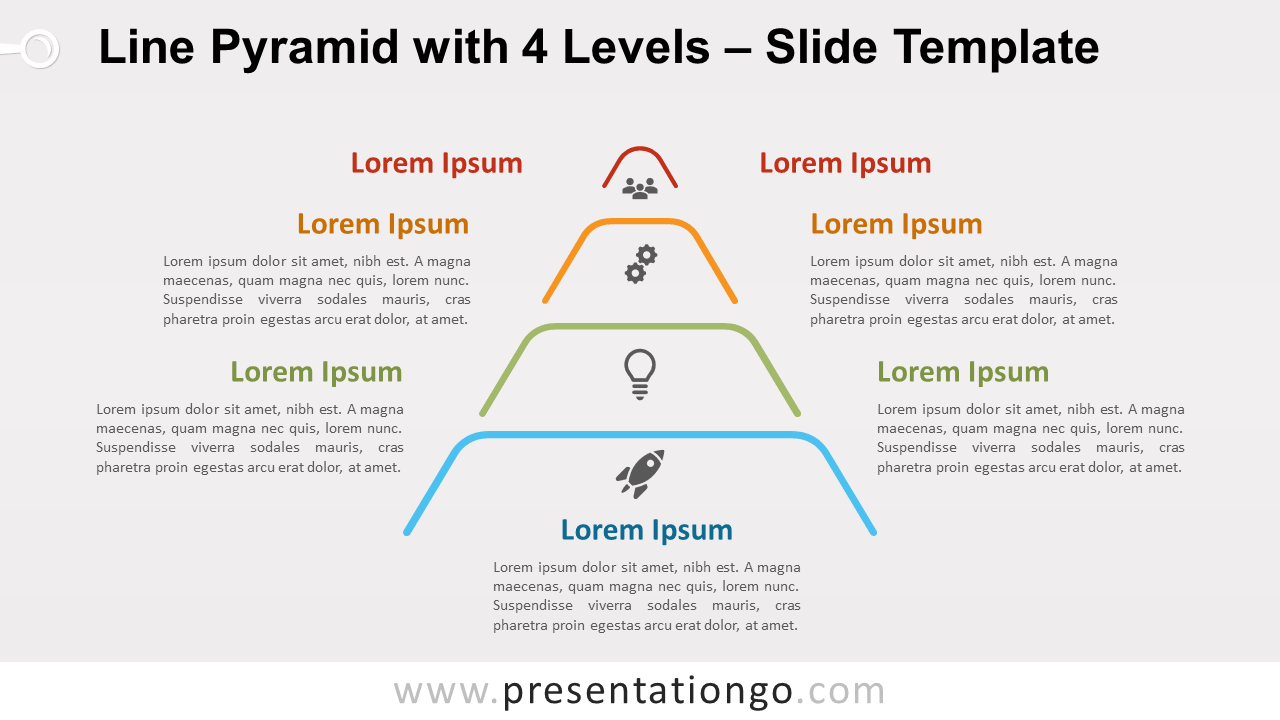
Free line pyramid with 4 levels for PowerPoint and Google Slides. A 4-level minimalist pyramid designed with colorful lines. Editable graphics with icons and text placeholders.
Line Pyramid with 4 Levels
An overloaded design is not mandatory to illustrate perfectly the right idea. Indeed, sometimes the lesser the better!
We are building an extensive collection of line design diagrams, and these line pyramids are just an example.
Pyramids are commonly used in business. The most famous one is probably Maslow’s hierarchy. Pyramids help you show proportional, interconnected, or hierarchical relationships. They have a progressive order with a foundation on the bottom.
More specifically, this diagram illustrates an abstract triangle divided into 4 horizontal slices (or levels). Besides, it can also represent an ascending sequence of 4 stages, tasks, or events.
Shapes are 100% editable: colors and sizes can be easily changed.
Includes 2 slide option designs: Standard (4:3) and Widescreen (16:9).
Widescreen (16:9) size preview:

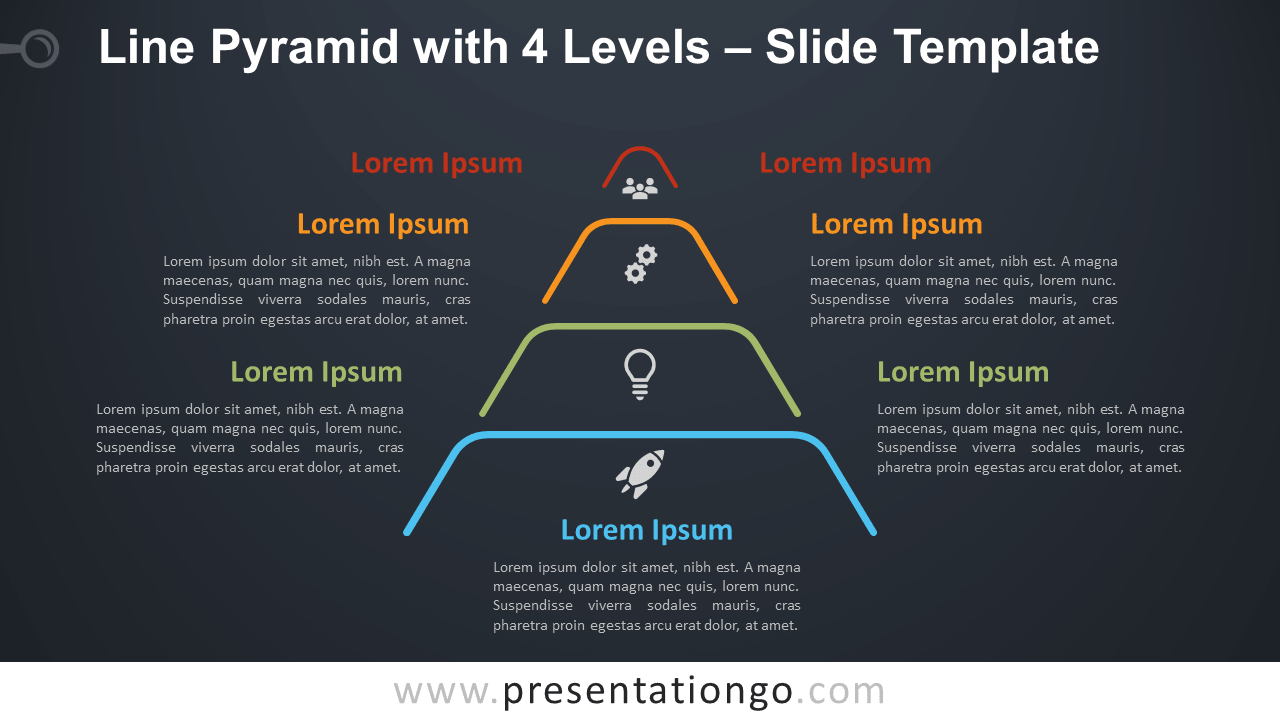


This ‘Line Pyramid with 4 Levels for PowerPoint and Google Slides’ features:
- 2 unique slides
- Light and Dark layout
- Ready to use template with icons and text placeholders
- Completely editable shapes
- Uses a selection of editable PowerPoint icons
- Standard (4:3) and Widescreen (16:9) aspect ratios
- PPTX file and for Google Slides
Free fonts used:
- Helvetica (System Font)
- Calibri (System Font)