
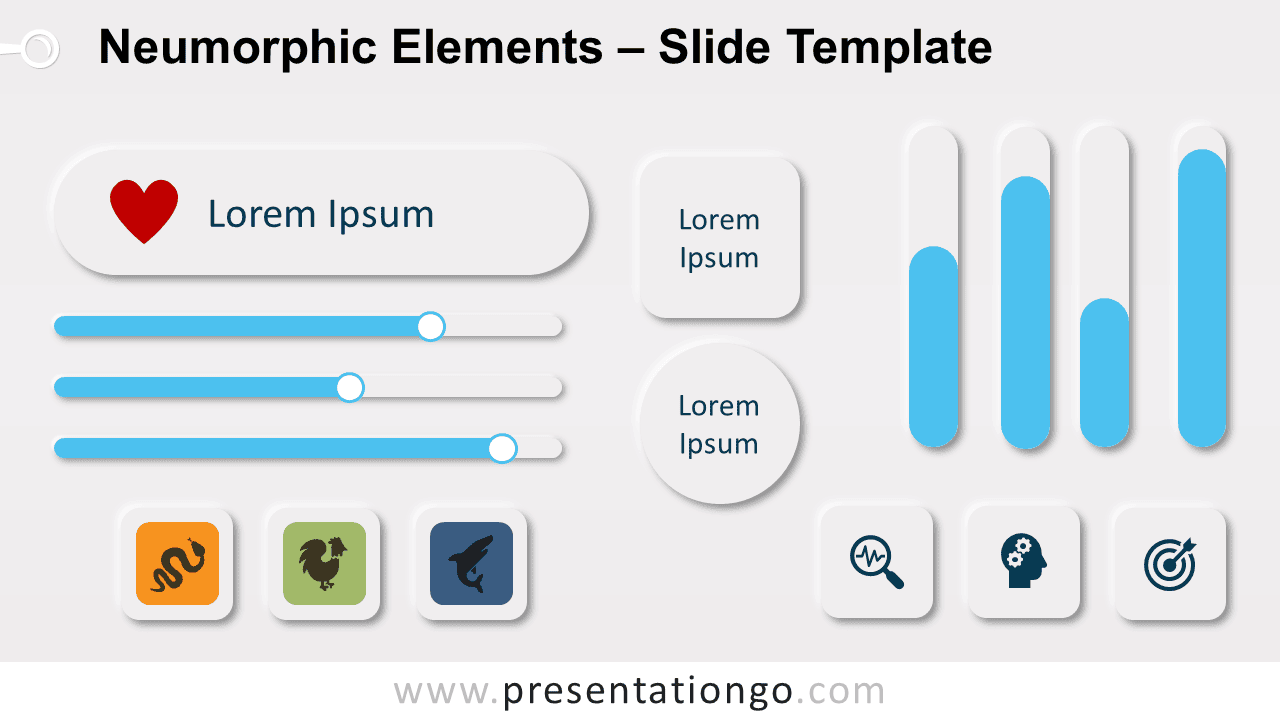
Free neumorphic elements for PowerPoint and Google Slides. Set of rounded infographic elements like buttons and progress bars. Editable graphics with text placeholders.
Neumorphic Elements
Neumorphism is a design trend that is widely used in web design and especially in user interfaces (UI). Neumorphism is mainly about shadows and 3D effect. It is close to “soft embossing” or “bevel and emboss” special effects.
To get this effect, we added a double shadow effect. Indeed, the neumorphic design plays with one shadow at negative values while the other at positive (a dark shadow and a white one). Finally, to achieve this we duplicated each individual element with a different shadow and overlaid them.
The template slide contains different elements for your presentation: buttons, charts, progress bars (slider).
Shapes are 100% editable: colors and sizes can be easily changed.
Includes 2 slide option designs: Standard (4:3) and Widescreen (16:9). The special effect is adapted and customized for a darker background.
Widescreen (16:9) size preview:


This ‘Neumorphic Elements for PowerPoint and Google Slides’ features:
- 2 unique slides
- Light and Dark layout
- Ready to use template
- Completely editable shapes
- Uses a selection of editable PowerPoint icons
- Standard (4:3) and Widescreen (16:9) aspect ratios
- PPTX file and for Google Slides
Free fonts used:
- Helvetica (System Font)
- Calibri (System Font)



