
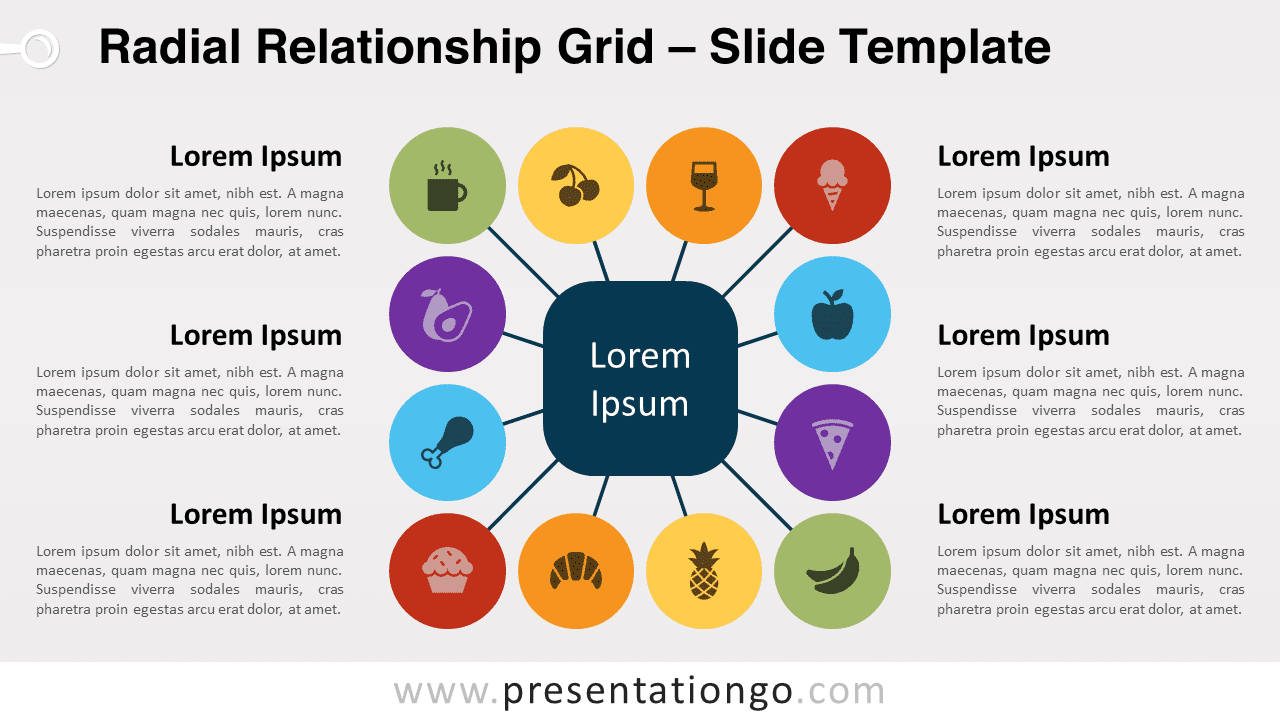
The Radial Relationship Grid for PowerPoint and Google Slides is a visually engaging diagram featuring a central squircle connected to 12 colorful circles, arranged in a square-like pattern. It effectively illustrates the interrelationships between various elements or concepts. Editable graphics with icons and text placeholders.
Radial Relationship Grid
Get ready to transform your presentations with the Radial Relationship Grid, a versatile and visually appealing diagram that will bring clarity and focus to your ideas.
The Radial Relationship Grid features a central rounded square, aka a squircle, surrounded by 12 colorful circles that form a square-like arrangement. Each circle is connected to the central shape with a connector line, creating a radial structure that elegantly displays the relationships between different elements. The contrasting colors of the circles add visual interest and help to distinguish individual components within the diagram.
This diagram is perfect for illustrating complex ideas and up to 12 concepts in a clear, easily digestible format. The radial structure allows you to emphasize the importance of the central element while demonstrating how it connects to other components. The diagram will be ideal to present hierarchical structures, workflow processes, or interconnected systems, making it a versatile tool for a variety of topics.
For example, you can apply the Radial Relationship Grid to numerous subjects, including but not limited to business strategy, organizational charts, project management, marketing plans, and technology roadmaps. Finally, the diagram’s adaptability will suit your specific needs, regardless of your presentation’s topic.
Shapes are 100% editable: colors and sizes can be easily changed.
Includes 2 slide option designs: Standard (4:3) and Widescreen (16:9).
Widescreen (16:9) size preview:


This ‘Radial Relationship Grid’ template features:
- 2 unique slides
- Light and Dark layout
- Ready to use template with icons and text placeholders
- Completely editable shapes
- Uses a selection of editable PowerPoint icons
- Standard (4:3) and Widescreen (16:9) aspect ratios
- PPTX file (PowerPoint) and for Google Slides
Free fonts used:
- Helvetica (System Font)
- Calibri (System Font)



