The Twelve-Point Strategic Compass provides a radial framework for organizing twelve key elements, steps, or strategic components in PowerPoint and Google Slides presentations.
Radial Design with Twelve Segments and Central Focus
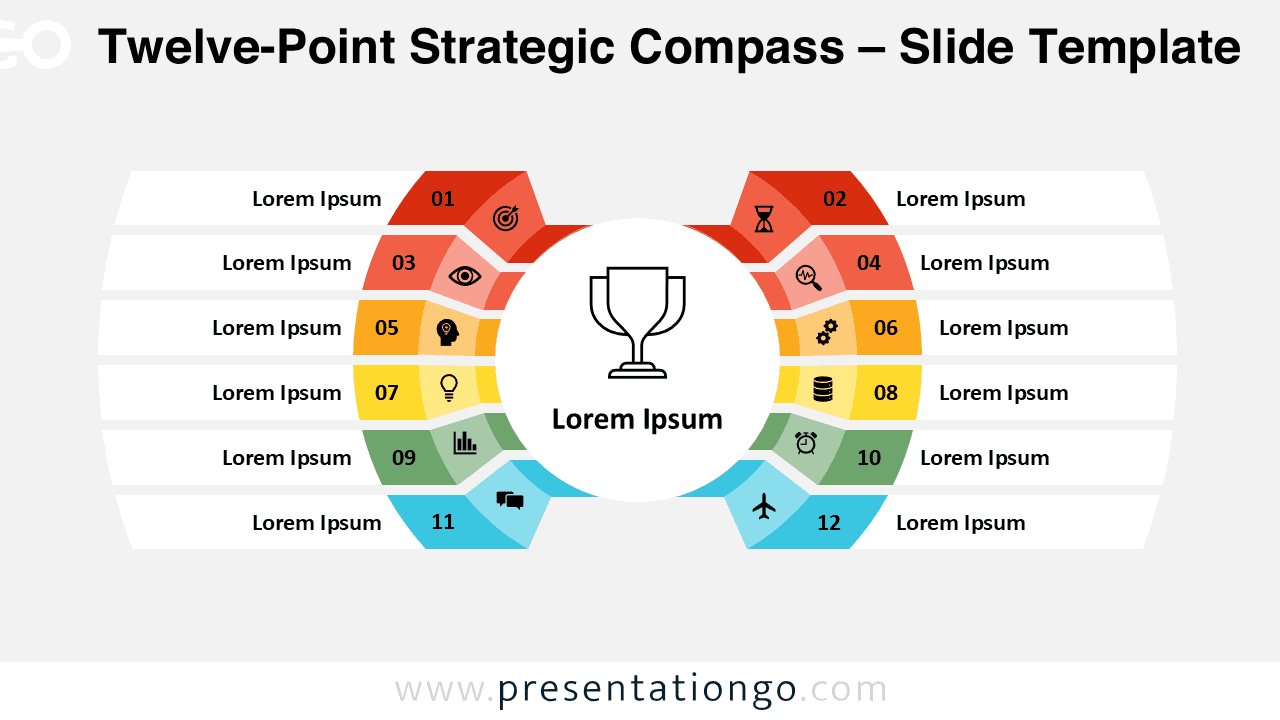
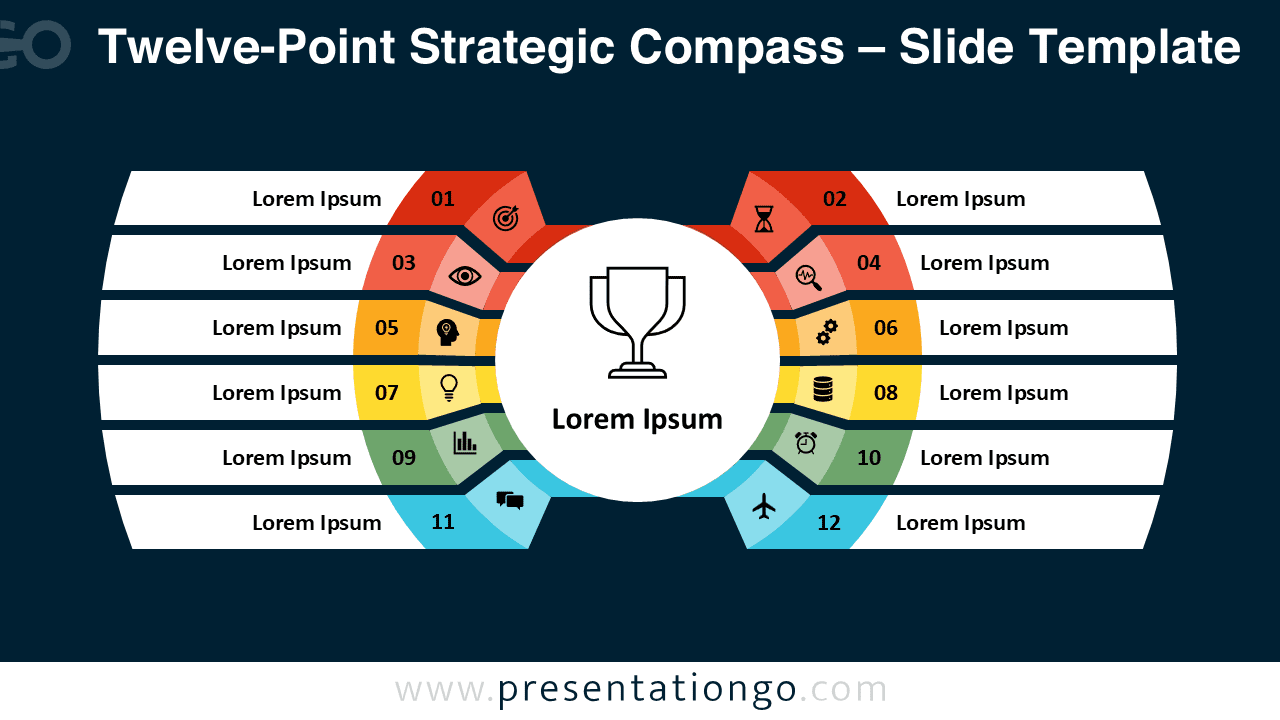
This diagram features a circular composition anchored by a central circle, which serves as the core idea or objective and includes a trophy icon and placeholder text. Surrounding this center are twelve numbered trapezoidal segments, arranged in mirrored arcs on both sides—six per half. Each segment includes an icon and a short label, offering space for concise, meaningful descriptors. This dual-arc structure not only adds balance but also directs attention inward, visually reinforcing the importance of the central theme. The use of contrasting colors across the segments helps differentiate each point while preserving overall harmony.
Radial diagrams like this are designed to depict complete systems or frameworks with interrelated elements. In this template, the twelve points can represent key performance indicators, guiding principles, project steps, or interconnected departments. Because each point holds equal weight and flows naturally toward the center, presenters can use it to demonstrate unity or convergence. For instance, a strategist might detail twelve focus areas leading to organizational success, or a consultant could present a full-circle client transformation journey.
The template includes two slides pre-filled with numbered segments, icons, and editable text placeholders. Each shape is fully customizable, allowing users to adjust colors, icons, and even replace symbols with numbers. Both standard (4:3) and widescreen (16:9) formats are supported, and the slides are available in light and dark background options. It is compatible with both PowerPoint and Google Slides.
Download this twelve-point compass template to organize comprehensive strategies and multi-step processes with clear visual impact.
Widescreen (16:9) size preview:


This template offers:
- 2 unique slides
- Options for both light and dark themes
- Pre-populated with numbers, icons, and text placeholders
- Fully customizable shapes for complete control
- Available in both Standard (4:3) and Widescreen (16:9) ratios
- Offered in both PowerPoint PPTX and Google Slides formats
The complete Strategic Compass collection: