

The Eight-Point Strategic Compass organizes complex processes into eight distinct steps arranged in a symmetrical radial format designed for PowerPoint and Google Slides.
Radial Design with Eight Symmetrical Segments
This template features eight color-coded segments arranged symmetrically around a central circle, with four segments positioned on each side. Each segment displays a gradient color scheme transitioning from vibrant outer edges to lighter inner tones, creating visual depth and hierarchy. The design incorporates numbered elements, customizable icons, and dedicated text placeholders within each segment. Furthermore, curved dividers separate each section while maintaining visual flow, and the central circle provides space for a focal element or title.
Radial diagrams excel at presenting interconnected processes where each element relates to a central concept or goal. This eight-segment compass proves invaluable for comprehensive strategic planning sessions, detailed communication frameworks, or multi-phase project development cycles. Organizations can effectively showcase departmental structures, step-by-step implementation plans, or comprehensive business development strategies. Additionally, the template works exceptionally well for presenting quality management systems, customer journey mapping, or detailed workflow optimization processes.
This presentation template includes two fully editable slides: one in a light theme and the other in a dark background. It comes pre-filled with numbered sections, icons, and dummy text—all of which can be replaced or customized. Available in both 4:3 and 16:9 formats, the design suits various screen dimensions and is optimized for use in both PowerPoint (.PPTX) and Google Slides.
Download this comprehensive eight-step compass template to transform complex strategic processes into clear, engaging visual presentations.
Widescreen (16:9) size preview:
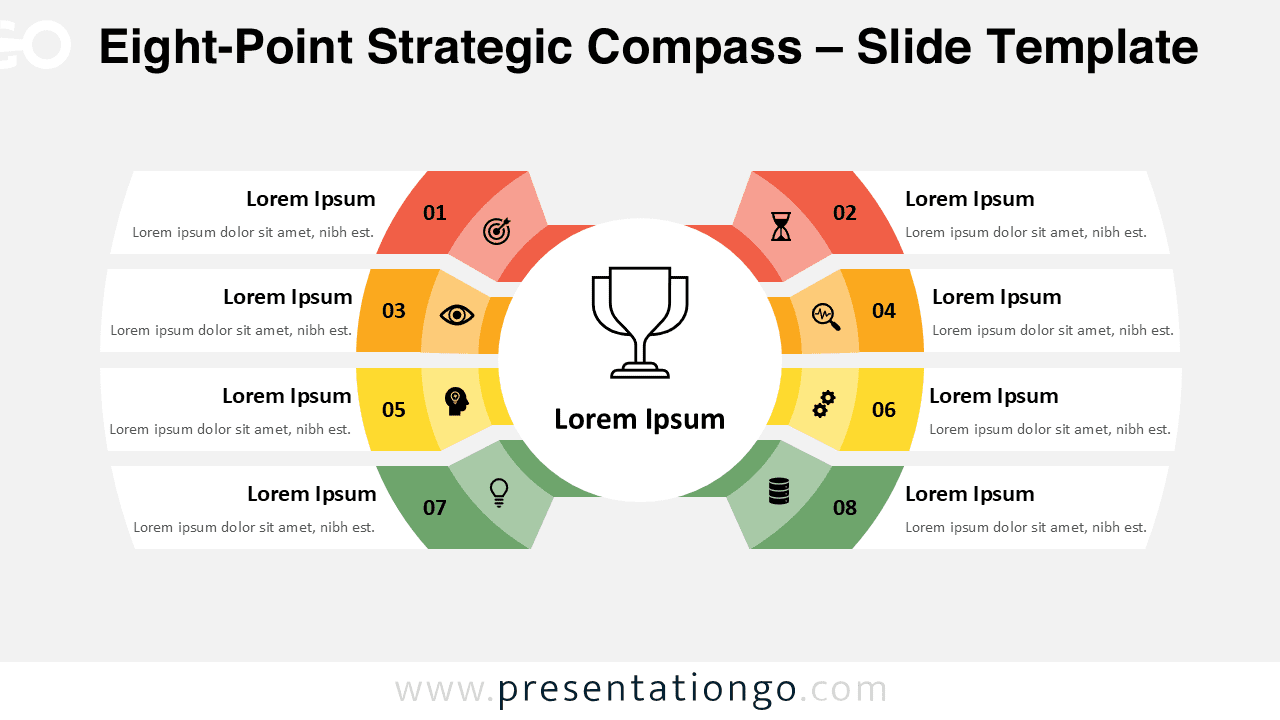
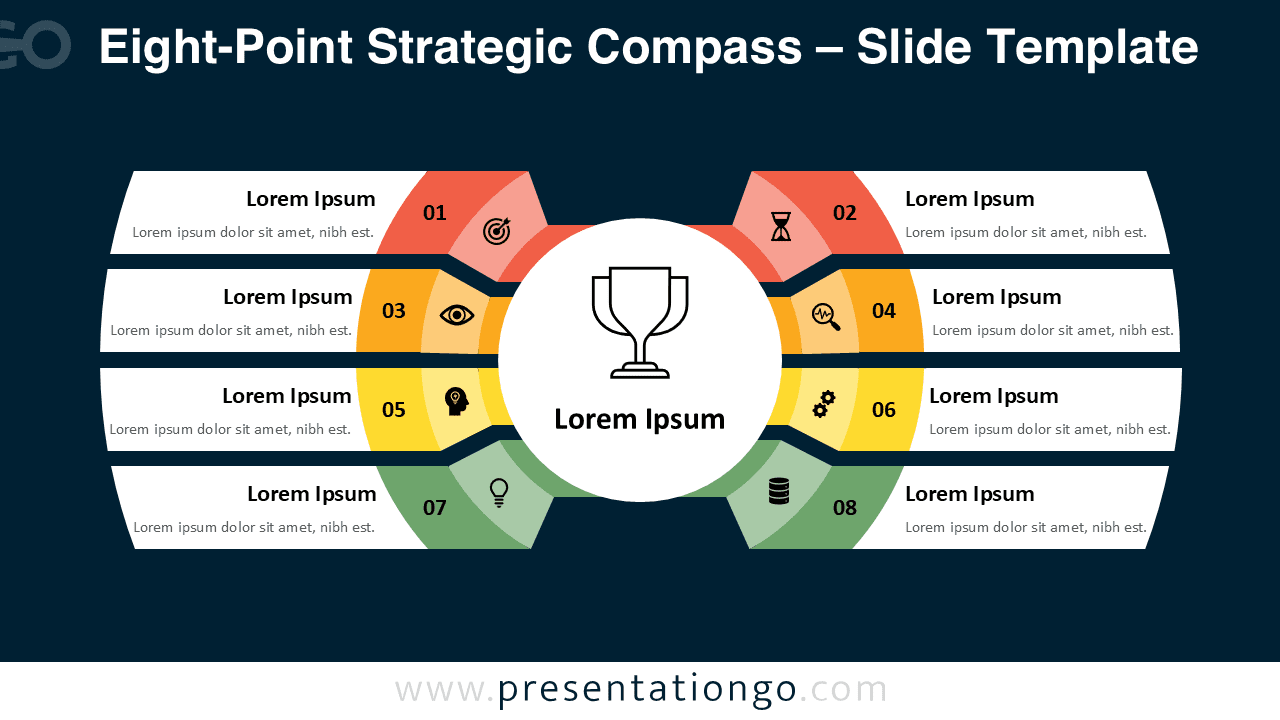


This template offers:
- 2 unique slides
- Options for both light and dark themes
- Pre-populated with numbers, icons, and text placeholders
- Fully customizable shapes for complete control
- Available in both Standard (4:3) and Widescreen (16:9) ratios
- Offered in both PowerPoint PPTX and Google Slides formats
The complete Strategic Compass collection:



