The Six-Point Strategic Compass delivers a radial framework for organizing complex processes into six interconnected steps designed specifically for PowerPoint and Google Slides.
Visualize Six Key Actions Around a Central Objective
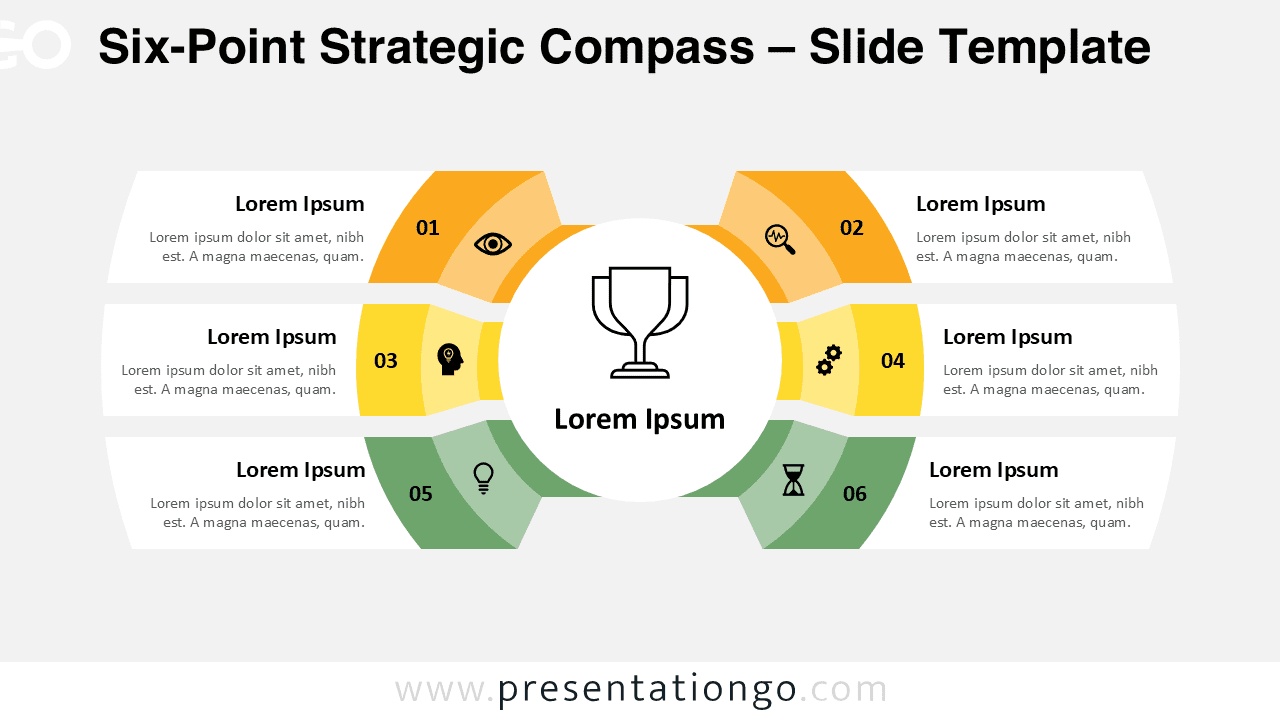
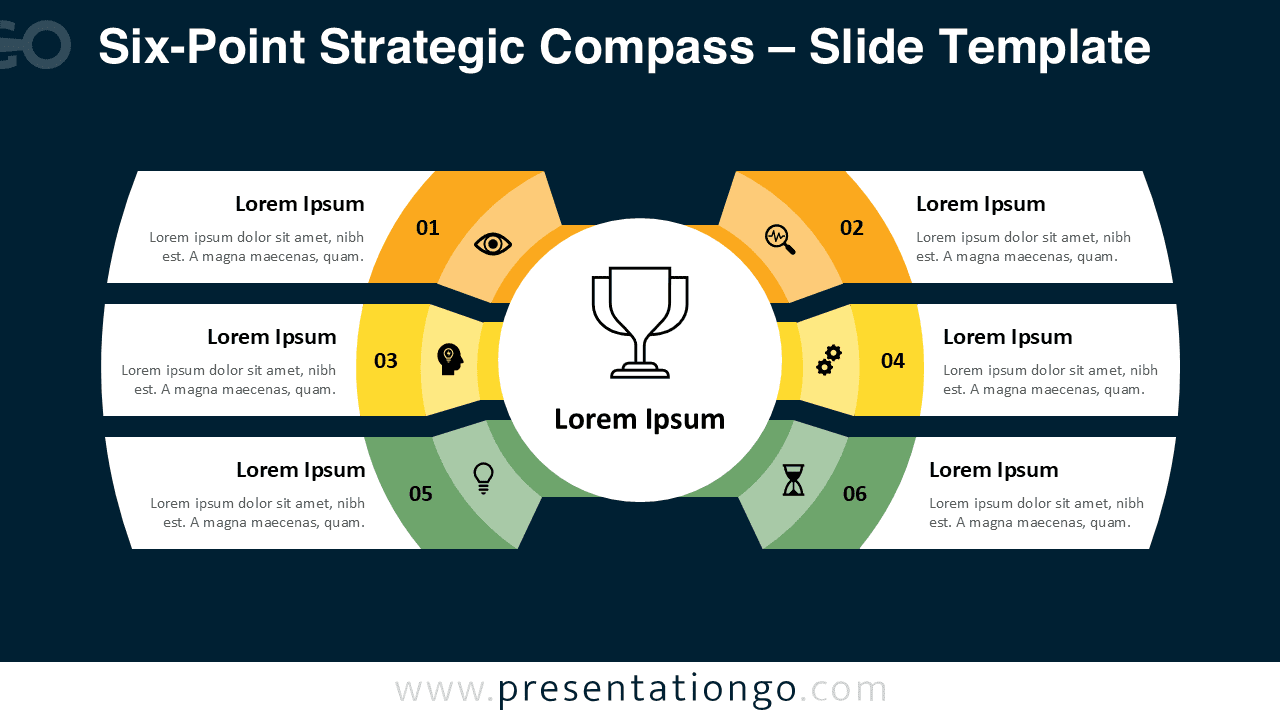
This template features six distinctly colored segments arranged in an elegant semi-circular formation around a central trophy icon. Each segment contains numbered placeholders, customizable icons, and dedicated text areas that work together to create a balanced visual hierarchy. The design uses three segments on each side of the central focal point, creating symmetrical balance while maintaining clear directional flow. Additionally, the template incorporates a gradient color scheme transitioning from warm orange tones to cool green hues that naturally guides the viewer’s eye through each sequential step.
Radial diagrams excel at presenting interconnected processes where each component contributes to a central objective or outcome. This Six-Point Strategic Compass proves particularly effective for project planning phases, business strategy development, team milestone tracking, and process improvement initiatives. For instance, marketing teams can use it to outline campaign stages from research through evaluation, while project managers might display key deliverables surrounding a final goal. Furthermore, the template works exceptionally well for presenting organizational objectives, training modules, or any scenario requiring equal emphasis across multiple related components.
The template includes two unique slides pre-populated with numbered sections, relevant icons, and text placeholders to ease customization. It supports full editing, including replacing icons, changing colors, or swapping text areas. It’s available in both Standard (4:3) and Widescreen (16:9) formats and comes in light and dark backgrounds. This ensures compatibility whether you’re working in PowerPoint or Google Slides.
Download this versatile six-point compass template to transform complex strategies into clear, visually compelling presentations that engage audiences effectively.
Widescreen (16:9) size preview:


This template offers:
- 2 unique slides
- Options for both light and dark themes
- Pre-populated with numbers, icons, and text placeholders
- Fully customizable shapes for complete control
- Available in both Standard (4:3) and Widescreen (16:9) ratios
- Offered in both PowerPoint PPTX and Google Slides formats
The complete Strategic Compass collection: