The Serpentine Gear Process diagram visualizes a five-step sequential workflow using interconnected gear shapes designed for PowerPoint and Google Slides presentations.
Visualize Process Flow with Linked Gears
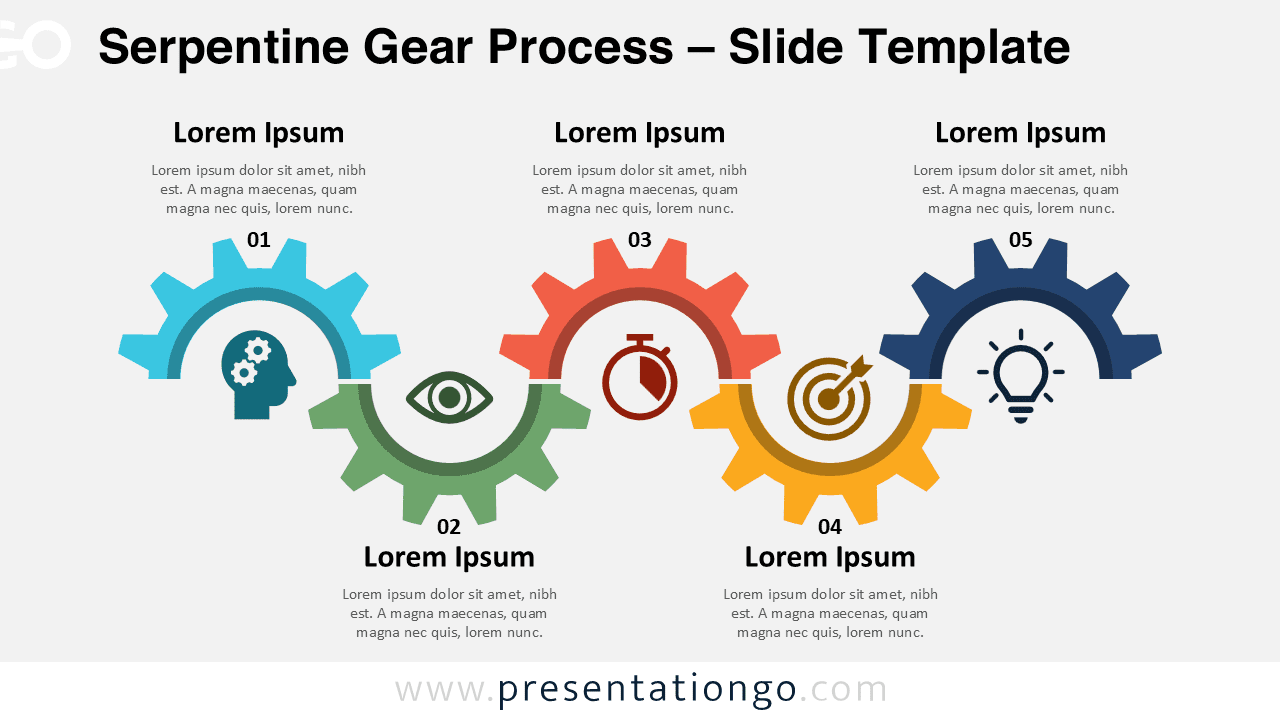
The diagram illustrates a sequence of five interconnected gears forming a serpentine, left-to-right flow. Each gear is uniquely numbered and contains a centered icon to visually symbolize each process stage. The slightly undulating layout enhances the directional flow and readability, leading the viewer’s eye naturally from one stage to the next. Surrounding each gear are editable text placeholders—above for headings and below for descriptive captions—making the template adaptable for various professional and educational uses.
Serpentine process diagrams are ideal for presentations that require a sequential yet interconnected visual narrative. This specific layout emphasizes coordination and progression, making it well-suited for showcasing strategies, workflows, product development phases, or step-by-step transformations. For instance, project managers might illustrate development stages, while educators could present stages of a scientific method or historical timeline.
The template includes two distinct slide designs pre-populated with numbers, icons, and text fields. Users can fully customize all elements—shapes, colors, icons, and text. It’s available in both standard (4:3) and widescreen (16:9) formats, with compatibility for PowerPoint and Google Slides. Light and dark background themes are also included for visual flexibility.
Download this 5-part gear diagram to visualize interconnected steps or workflows with motion and clarity.
Widescreen (16:9) size preview:


This template offers:
- 2 unique slides
- Options for both light and dark themes
- Pre-populated with numbers, icons, and text placeholders
- Fully customizable shapes for complete control
- Available in both Standard (4:3) and Widescreen (16:9) ratios
- Offered in both PowerPoint PPTX and Google Slides formats