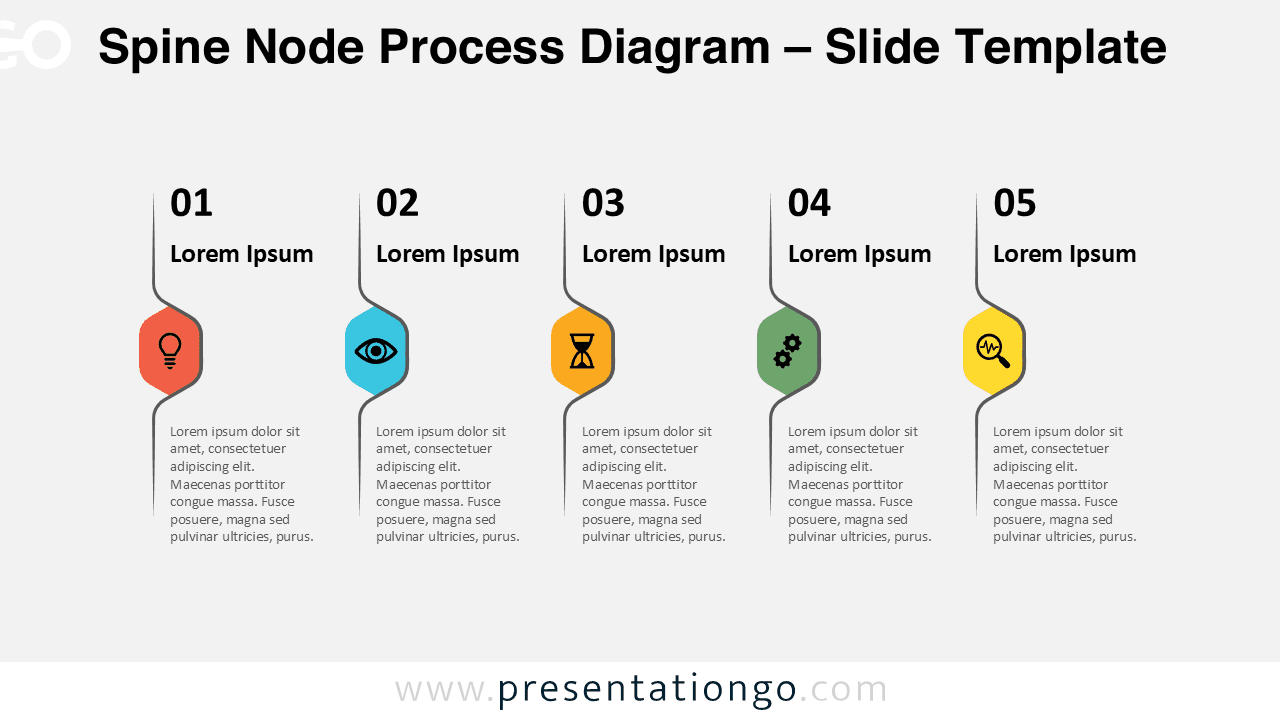
The Spine Node Process Diagram is a modern visual tool designed to present linear workflows with clarity and structure. Built around a distinctive vertical spine, this diagram highlights each step using bold node shapes that naturally guide the viewer through the process.
Compatible with PowerPoint and Google Slides, this diagram is ideal for professionals who need to explain processes, strategies, or workflows in a clear and visually engaging way. The combination of a vertical spine and icon-based nodes creates strong hierarchy and excellent readability.
Diagram Preview
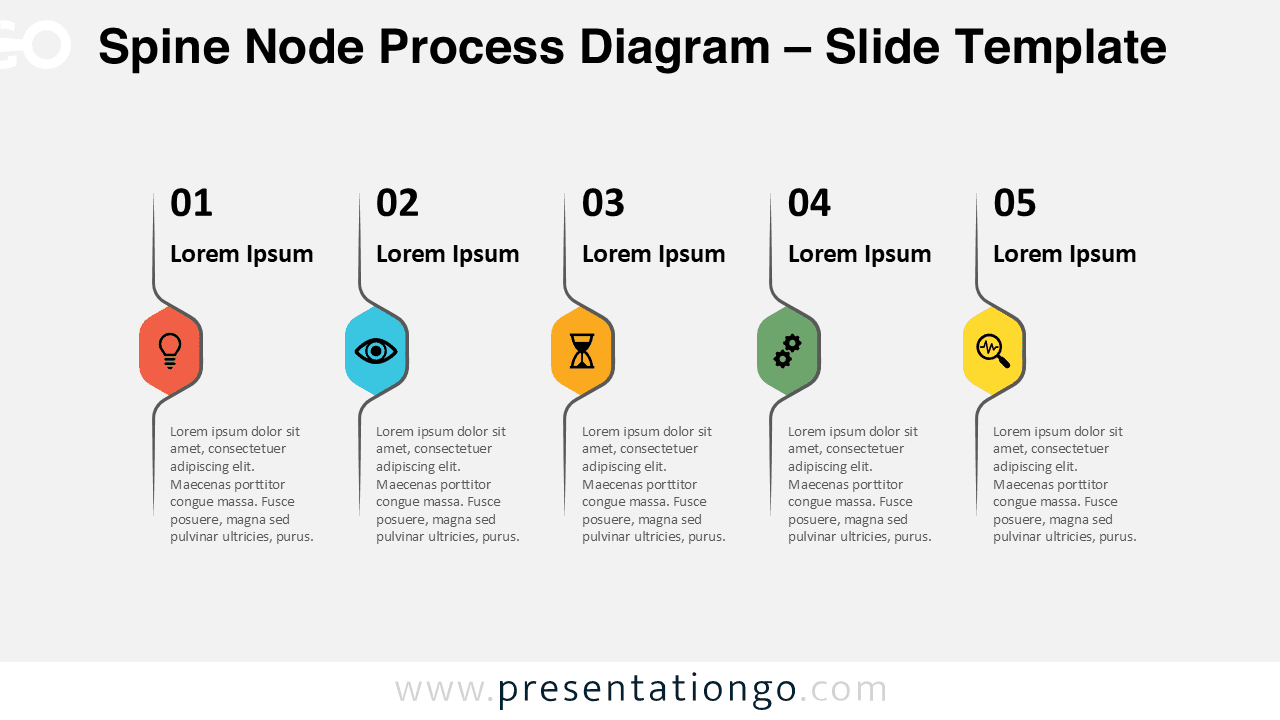
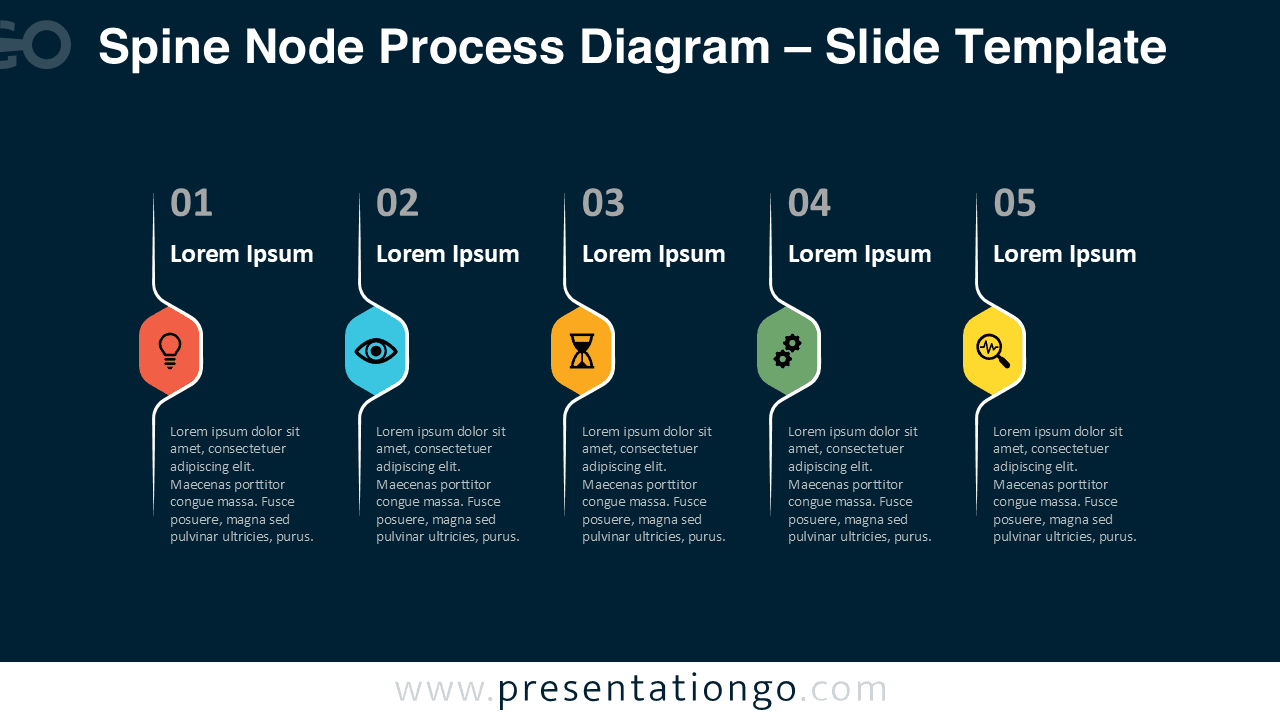


Diagram Features and Customization Options
- Five-step process layout with a continuous spine structure
- Distinctive spine node shapes that emphasize each step
- Editable icon placeholders to visually reinforce key ideas
- Fully customizable colors, text, and shapes
- Available in light and dark background versions
- Optimized for PowerPoint and Google Slides presentations
Design and Structure
The diagram is built around a vertical spine that acts as a visual backbone for the process. Each step branches from this spine using a curved connector that leads into a rounded node shape. These nodes serve as focal points and are ideal for placing icons or key symbols.
The horizontal alignment ensures a natural reading flow from left to right, making the diagram easy to understand even in complex presentations. The clean typography and balanced spacing keep the design professional and presentation-ready.
Practical Applications
- Business and strategic process explanations
- Project workflows and operational steps
- Marketing and sales funnels
- Training and educational materials
- Consulting and executive presentations
Summary
The Spine Node Process Diagram offers a distinctive way to visualize linear workflows using a strong vertical structure and clear visual hierarchy. With editable icons, flexible colors, and a clean design, it adapts easily to many professional presentation needs.
If you are looking for a process diagram that combines structure, clarity, and modern design, the Spine Node Process Diagram is a reliable choice for PowerPoint and Google Slides.