
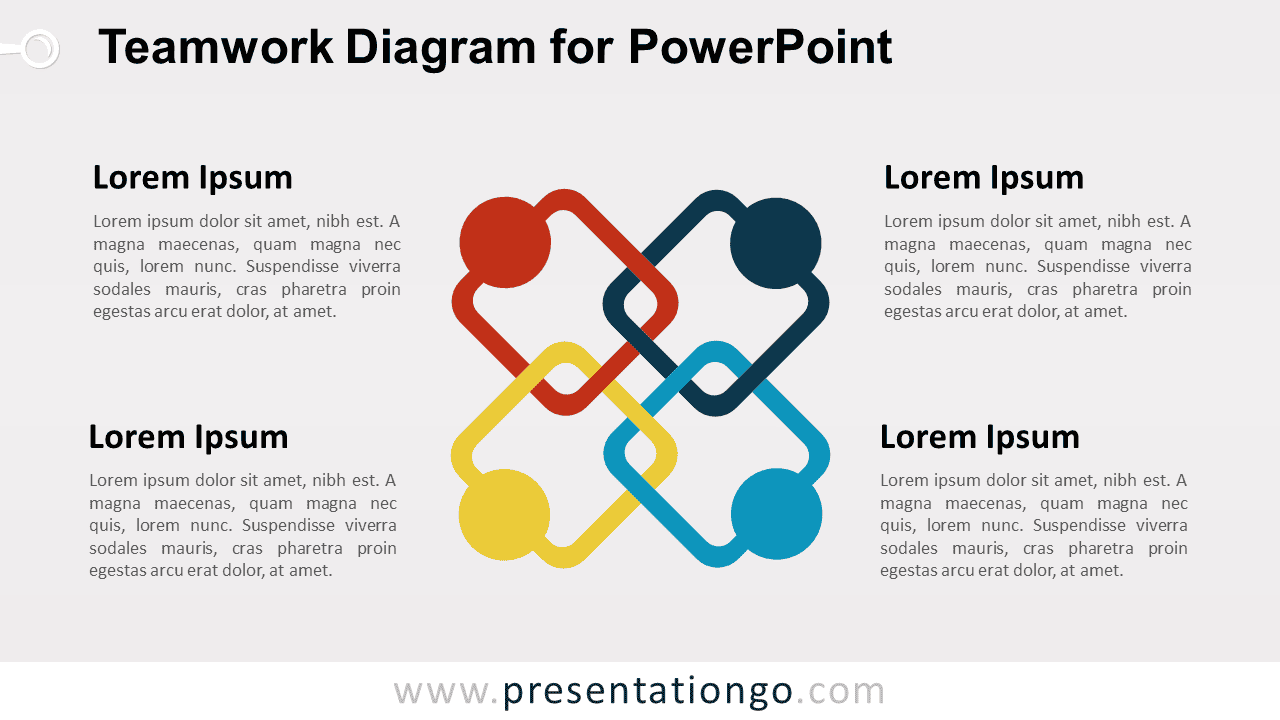
The Teamwork Diagram for PowerPoint uses four interlocking figures to represent collaboration, shared responsibility, and connected roles. Four surrounding text areas provide space to explain each contribution, team principle, partnership element, or organizational value.
Diagram Preview


Features and Customization Options
- Includes 16:9 and 4:3 versions for Microsoft PowerPoint
- Includes 2 editable slides with matching layouts
- 4-part teamwork diagram, fully editable
- Editable text, shapes, colors, and sizes
- 100% editable vector shapes — no quality loss when resized
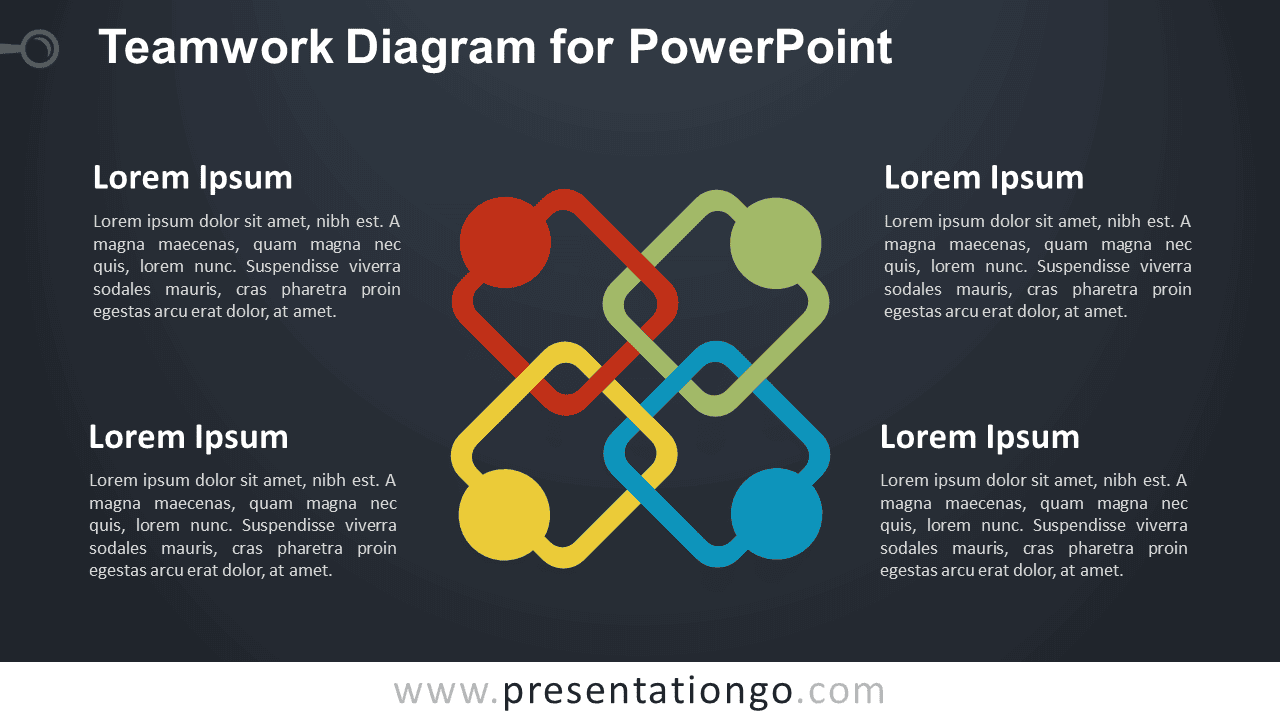
- Includes both light and dark background versions
Design and Structure
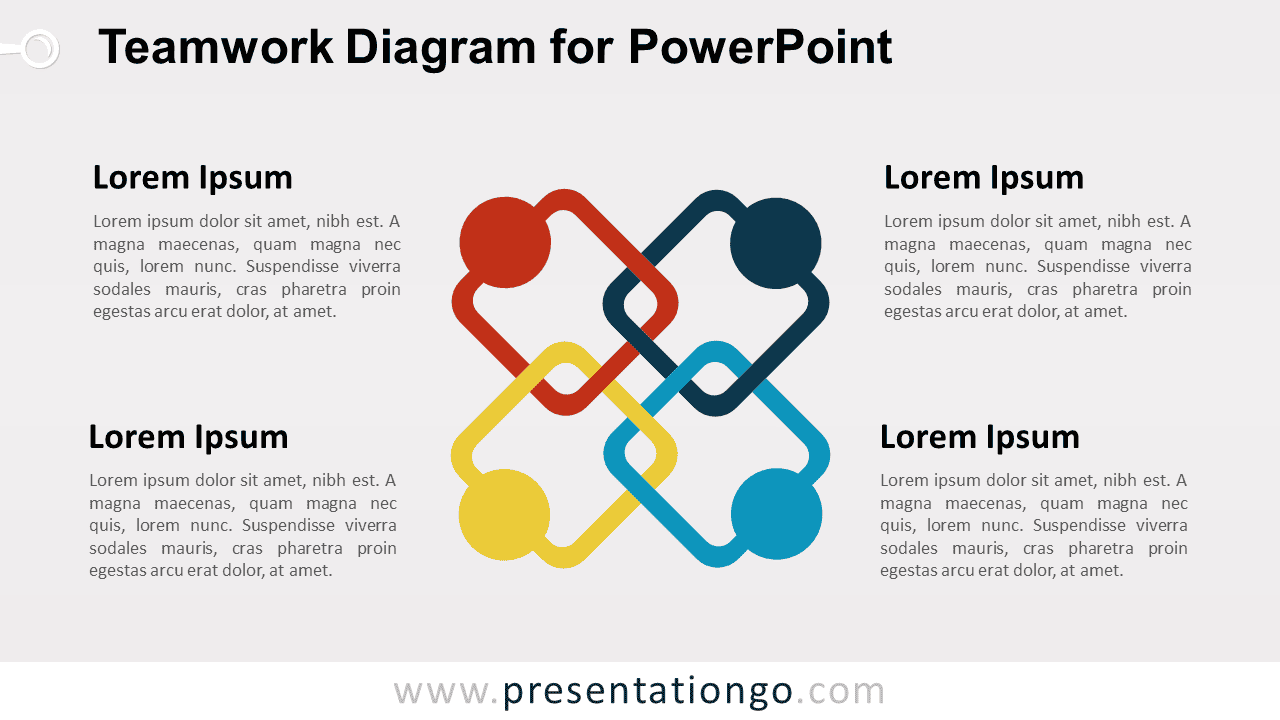
The Teamwork Diagram places four interlocking person-like shapes at the center of the slide. Their connected arrangement creates a visual metaphor for cooperation, mutual support, and shared responsibility. Each figure can represent a team member, department, role, principle, or contribution within a broader group.
Four supporting text areas surround the central graphic, giving each section room for a heading and concise explanation. You can edit the labels, descriptions, shapes, and sizes directly in PowerPoint. The package also includes both 16:9 and 4:3 presentation sizes for different slide setups.
Practical Applications
- Present four team roles or responsibilities
- Explain collaboration principles
- Show cross-functional team contributions
- Structure a partnership model
- Present shared organizational values
- Explain four elements of team success
Summary
The Teamwork Diagram provides an editable PowerPoint layout for presenting four connected roles, principles, or contributions. Its interlocking people metaphor works well for collaboration, partnerships, team structure, shared responsibilities, and organizational values.



