
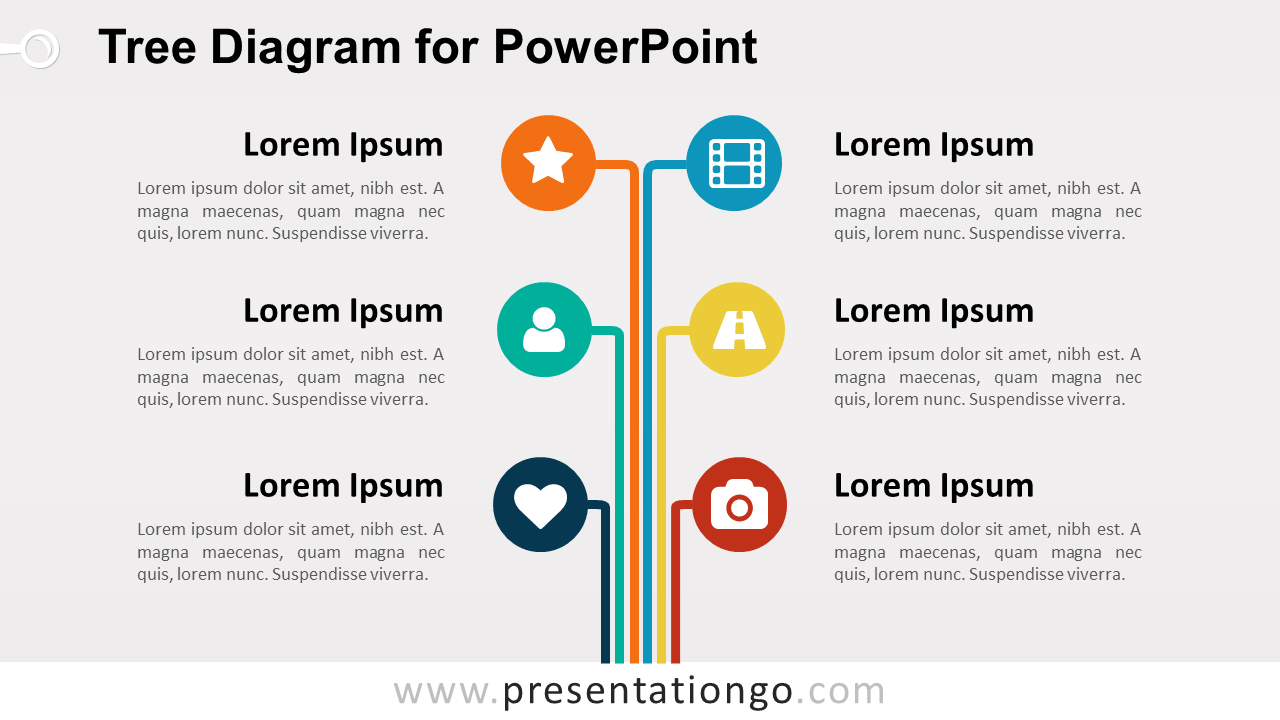
The Tree Diagram for PowerPoint organizes six related topics through a central trunk and branching structure. Each branch ends in a circular icon placeholder and connects to a dedicated text area. Use the layout for categories, departments, responsibilities, functional areas, content groups, or other six-part structures.
Diagram Preview


Features and Customization Options
- Includes 16:9 and 4:3 versions for Microsoft PowerPoint
- Includes 2 editable slides with matching layouts
- 6-branch tree structure, fully editable
- Editable text, shapes, colors, and icon placeholders
- 100% editable vector shapes — no quality loss when resized
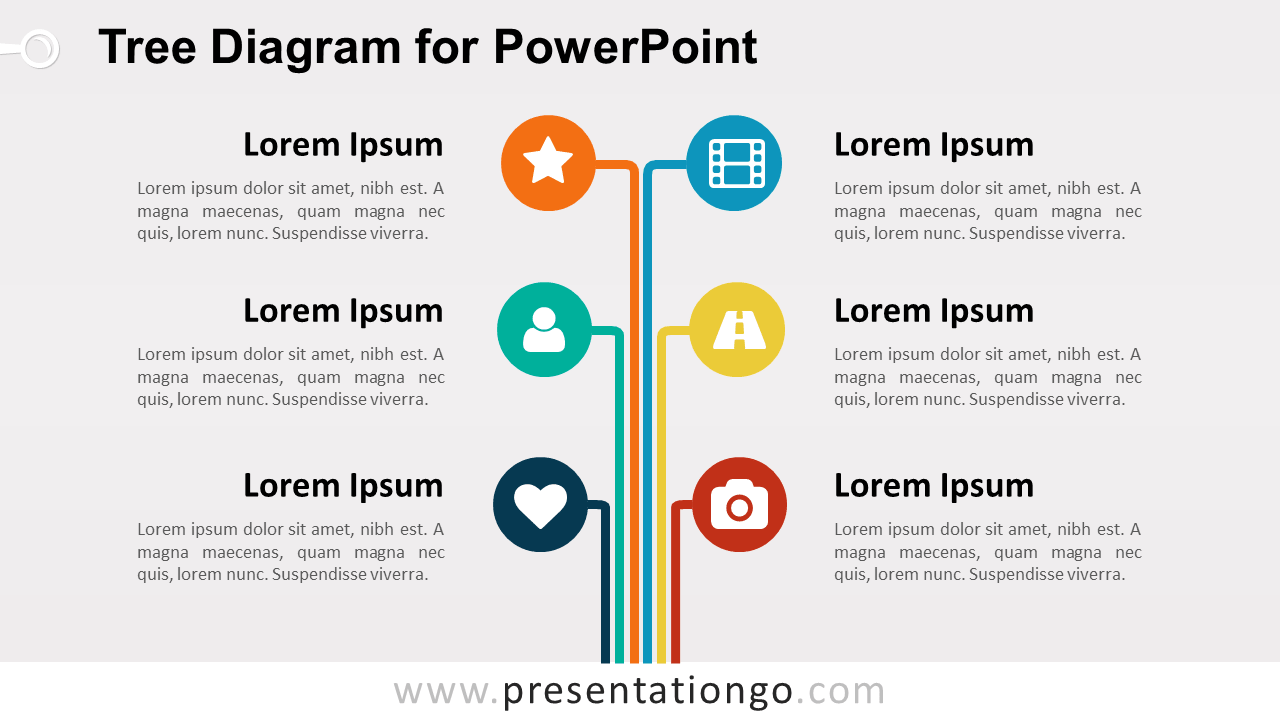
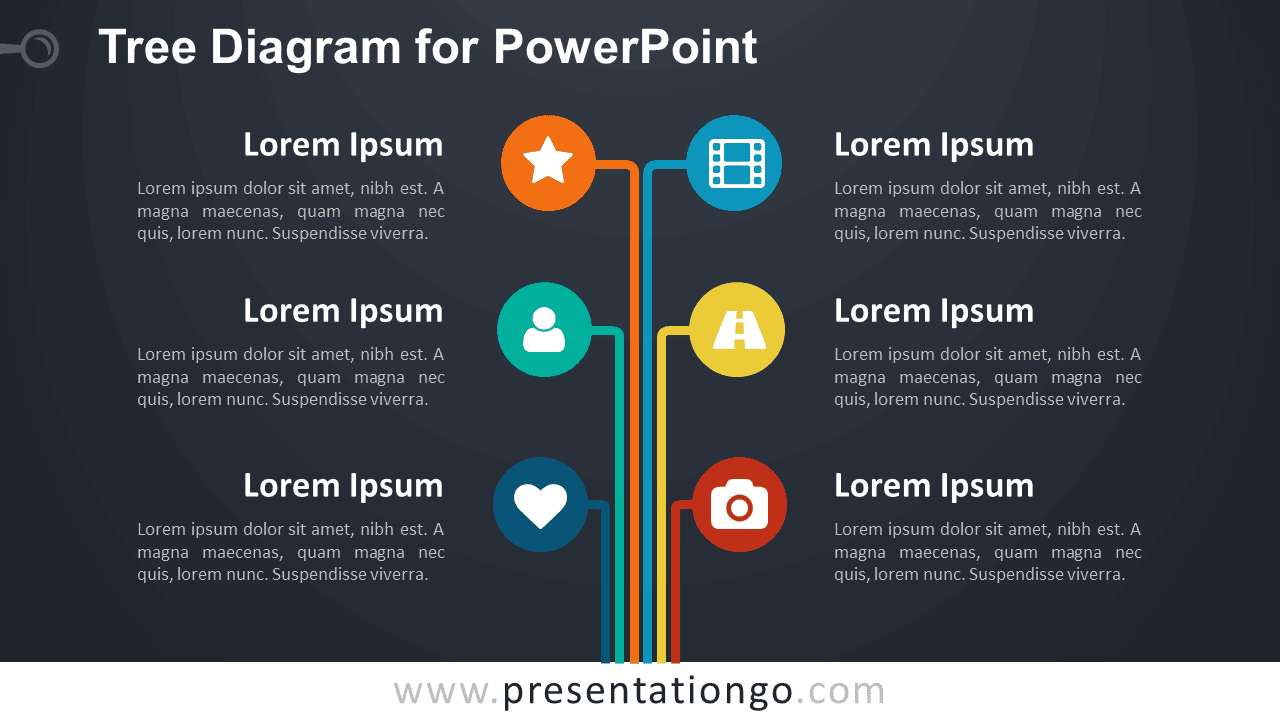
- Includes both light and dark background versions
Design and Structure
The Tree Diagram uses six vertical branches that rise from a shared central base. Three branches extend to the left and three to the right, creating a balanced layout with equal space for each topic. Circular nodes mark the end of every branch, while the accompanying text blocks provide room for headings and concise explanations.
The branching structure helps show how separate ideas relate to one broader subject without forcing them into a linear sequence. You can edit the branch shapes, headings, descriptions, circular nodes, and icon placeholders directly in PowerPoint. Replace the existing icons with your own graphics, resize individual elements, or reposition sections to match your content. The package includes both 16:9 and 4:3 presentation sizes.
Practical Applications
- Organize six departments or business functions
- Present branches of a main topic
- Explain six roles or responsibilities
- Structure product or service categories
- Map content groups or learning topics
- Present six elements of a framework
Summary
The Tree Diagram provides an editable PowerPoint layout for organizing six related topics around one central structure. Its branches, circular nodes, supporting text areas, and editable icon placeholders suit business, education, planning, classification, and organizational presentations.



