
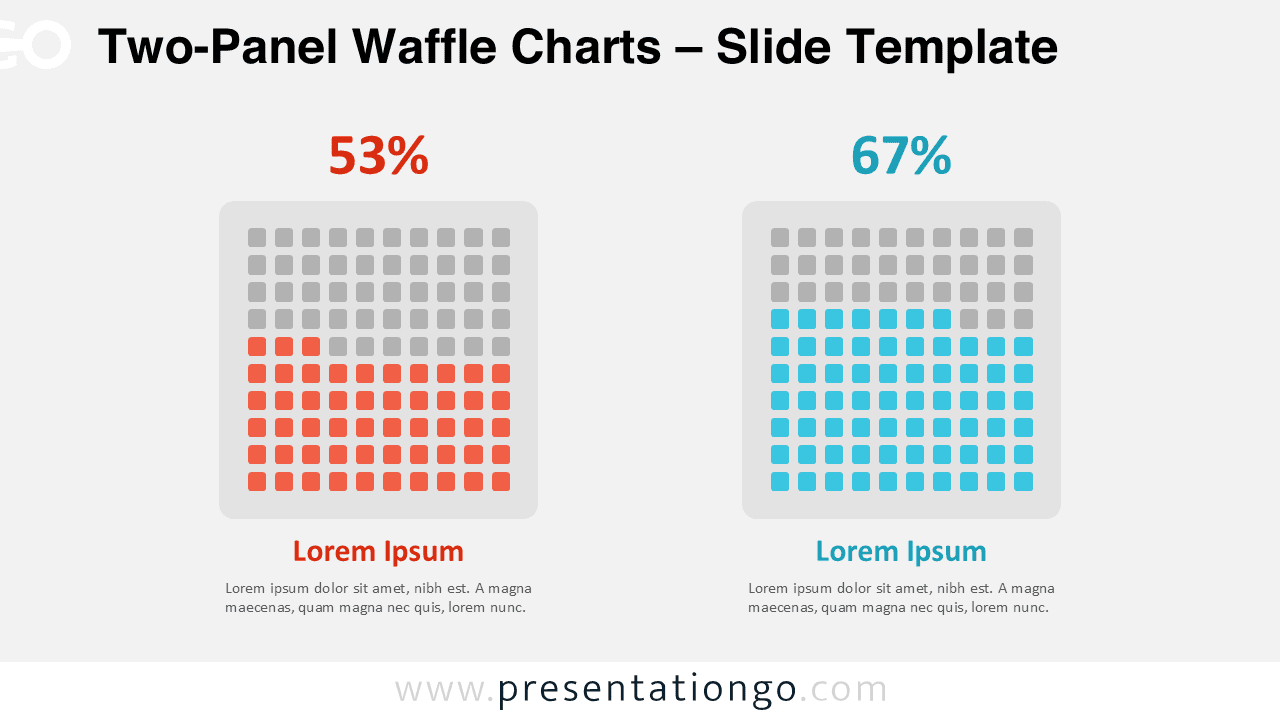
The Two-Panel Waffle Charts display a binary comparison using two side-by-side 10×10 grid diagrams designed for PowerPoint and Google Slides.
Highlight Contrasts Using Dual Percentage Grids
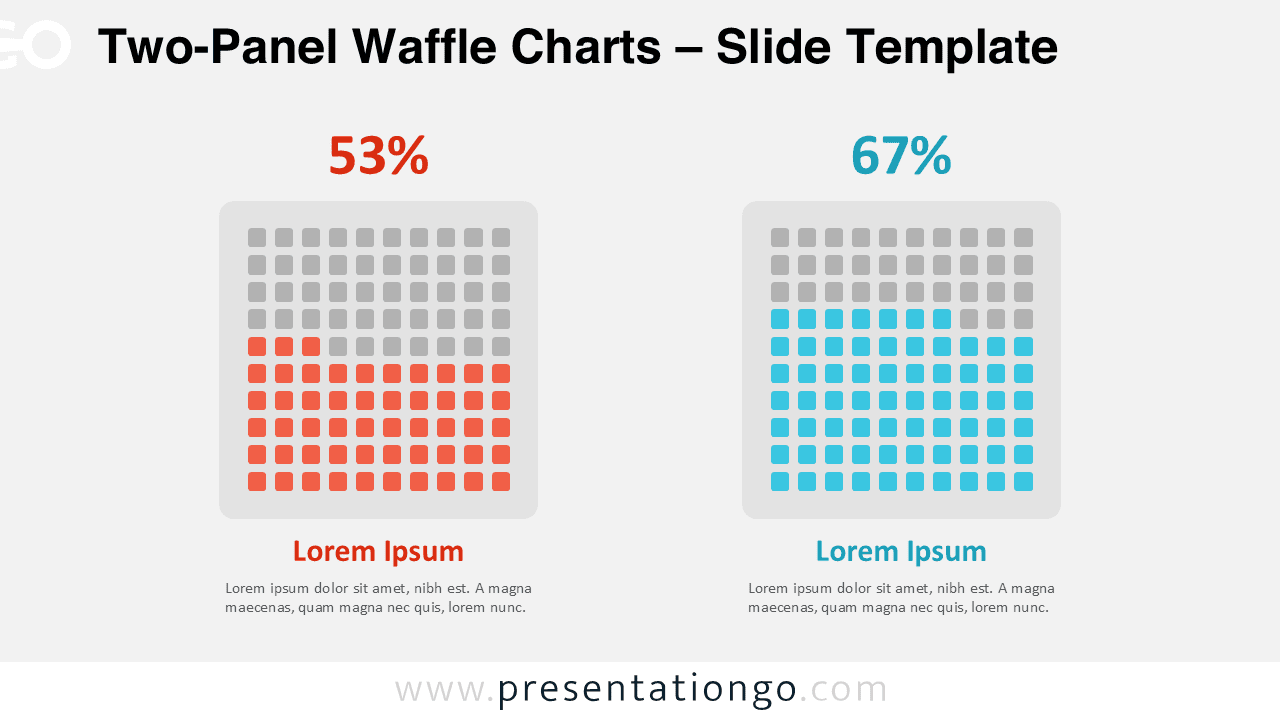
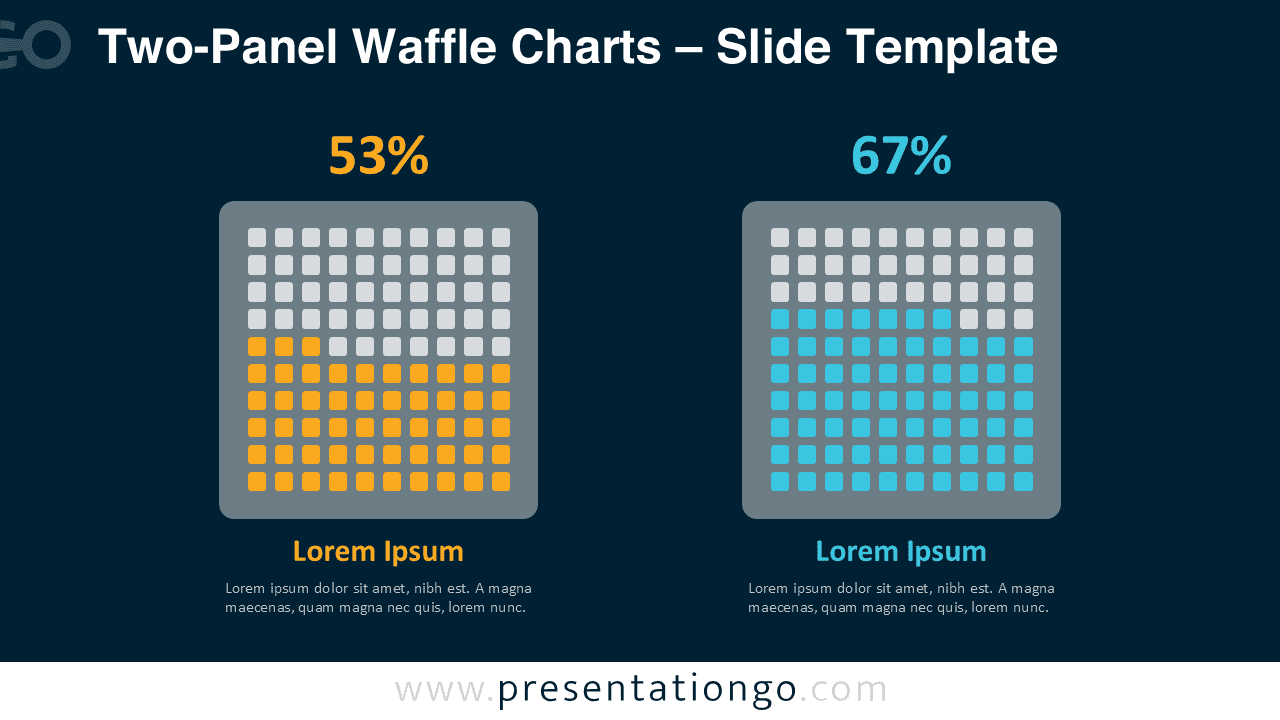
This template shows a clear two-column layout with symmetrical waffle charts, each built with a 10×10 grid of small squares. A bold color fills a portion of each grid to indicate a specific percentage, which appears above the chart. The remaining squares retain a neutral gray tone. Each waffle chart includes a headline and paragraph below, both color-matched to the percentage for visual consistency. The design aligns every element at the center and maintains even spacing to create a neat, professional appearance. It supports both light and dark background themes, allowing users to tailor the slide to various presentation settings.
Waffle charts use a grid of squares to visualize parts of a whole as percentages. They work especially well when presenters need to convey information clearly and quickly. This layout allows users to directly compare two related categories or time periods. For example, presenters can show survey responses from male and female participants, measure satisfaction levels before and after a product update, or compare team performances. With each chart representing 100 units, viewers can easily interpret the proportional differences.
This comprehensive template includes two editable slides that include ready-to-use placeholders for text and numeric data. Users can customize shapes and colors to match their brand or visual style. The slides come in both 4:3 and 16:9 formats and work with PowerPoint (PPTX) and Google Slides. The design supports both light and dark themes, giving users flexibility for different presentation contexts.
Download these 2-part waffle chart slides to compare values and highlight contrasts in your presentations.
Widescreen (16:9) size preview:


This template offers:
- 2 unique slides
- Options for both light and dark themes
- Pre-populated with numbers and text placeholders
- Fully customizable shapes for complete control
- Available in both Standard (4:3) and Widescreen (16:9) ratios
- Offered in both PowerPoint PPTX and Google Slides formats



